
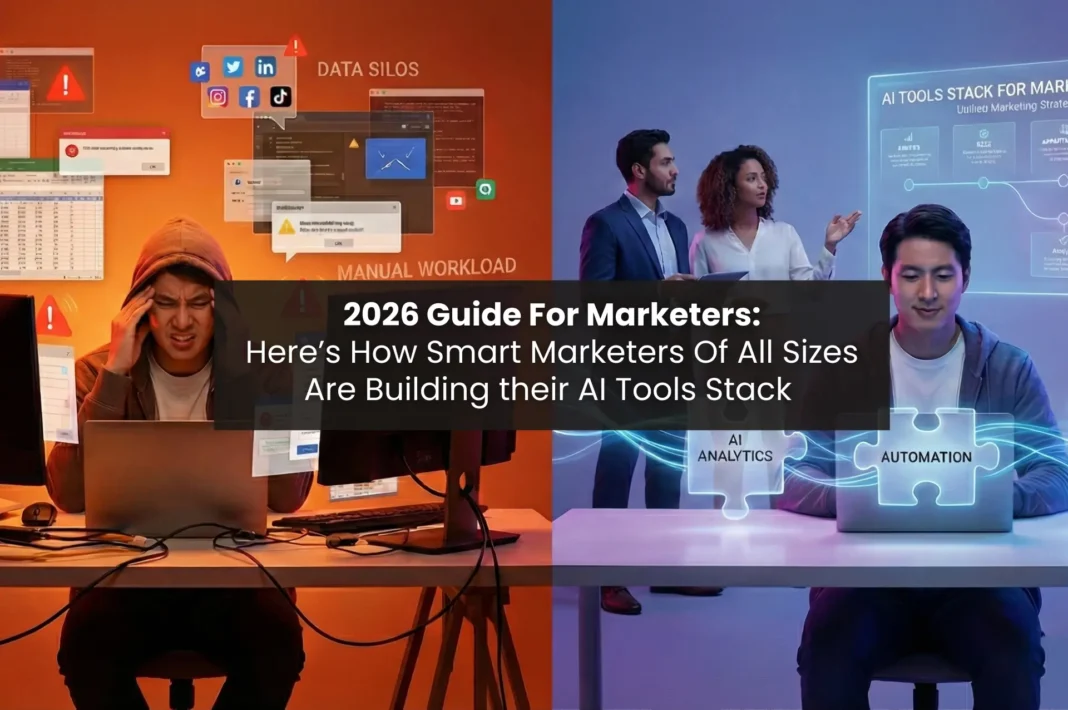
I will get straight to the point and it might sting a little too, but – if you are a marketer, then there is a high chance that your AI marketing stack might actually be taking you backwards, rather than taking you forward.
Let me explain: most marketers see a new tool, get excited and add it to their ‘tools’ pile. After a week of trying to figure out how the tool actually works, and trying to integrate it in their current workflow, only to realise it’s not working for you at all – you are already behind on some campaign. By this time reporting has become a mess and the tools that were supposed to save you time, have already taken up 5 extra hours.
And it’s not just ‘time’ that you lose by not having the right stack, it’s also momentum. A solo marketer does not necessarily need to run HubSpot Enterprise because some features won’t be useful to them. Similarly, a 20 person brand trying to make their work easier by using free tools is missing out on some serious growth.
The right stack is the one you or your team will actually use instead of making it look good in your pitch decks. Let’s help you build an AI tools stack that will help your present chaos, and not your tomorrow’s dream.
But before this, do you really know what an AI marketing stack is?
What Is an AI Marketing Stack, Really?
An AI marketing stack is a system or a compilation of tools where every single tool handles one job extremely efficiently. When all these tools are combined together, they create a stack.
For marketers specifically, a tools stack will help them in their AI-powered CRM + automation needs, SEO needs, Collaborative project systems needs, Social media automation needs, and Workflow integrations & communication layer needs.
Think of it like a jigsaw puzzle. Every single tool is like a single puzzle piece. This single piece is extremely good at doing one thing really well. Now, with the help of AI, these puzzle pieces connect together efficiently and accelerate the process of joining with each other and giving you a solved puzzle within minutes.
In tools stack terms, each tool does its thing, and when brought together, they run campaigns on autopilot while your team focuses on the strategy part, which actually requires a lot of brain power.
Now, which tools belong in each slot? That completely depends on your size.

Solo Marketers: The Lean Stack That Actually Works
For the Solo Marketers, you need a micro-stack that does 80% of the work while you sleep. If you are a solo marketer, do not overspend on creating a tech stack. The goal for having your own micro stack is getting leverage. Every single tool that you include in your stack, should at least replace 3-4 hours of your manual work, per week. If it’s not doing that, most probably that tool isn’t the right fit.
Confused? Here’s what actually works:
- CRM & Automation → HubSpot Free or Brevo
HubSpot’s free tier gives you a real CRM, basic email automation, and pipeline visibility without paying a cent. For solo marketers doing outreach, newsletters, or lead generation, it’s genuinely enough.
If you want cheaper email automation with more sends, Brevo (formerly Sendinblue) starts around $9/month and handles the basics neatly..
- SEO → Ahrefs Starter or Ubersuggest
Full Ahrefs at $129/month is overkill unless you’re producing content at scale. The Ahrefs Starter plan is worth looking into for keyword research and basic competitor gaps. If you’re just starting out, Ubersuggest runs around $29/month and covers most of what a solo marketer needs like keyword ideas, site audits, and content suggestions.
- Project Management → Notion or ClickUp Free
No team, no crazy project dependencies. A well-set-up Notion workspace with content calendars, campaign trackers, and SOPs genuinely replaces a lot.
ClickUp’s free plan works too and has AI task generation built in now.
- Social → Buffer Free
Three channels, ten scheduled posts per channel – that’s the free Buffer tier. For a solo marketer, it covers the basics. Upgrade to Essentials at $6/channel only when you’re posting consistently and need the analytics.
Total monthly spend: $0–$50. That’s the whole stack, and that’s a much efficient and money saver stack than getting the pro versions of all the tools.
Small Teams (2–12 People): Stack for Consistency Over Chaos
For the small teams, your ROI should actually look like: campaigns finished under deadlines, reporting doesn’t waste the whole Friday and there’s no message on slack at 11pm about “who owns this work?!” When one person is scheduling, another is just posting and someone else is taking out analytics from some platform spreadsheet, you lose half the game there.
Confused? Here’s what your tech stack should look like:
- CRM & Automation → HubSpot Starter ($14–$18/user/month)
At this size, you need email journeys that adapt automatically, not ones someone has to rebuild every campaign. With HubSpot’s starter tier, your leads get scored, emails adjust based on behavior, and your team stops doing manual follow-up work that should have been automated months ago. HubSpot’s starter tier unlocks this automation feature.
- SEO → SEMrush Pro ($140/month, shared across team)
Split across even three people, SEMrush Pro is about $46/person. At this level, the competitor content gap analysis alone pays for itself — it tells you exactly which topics competitors are ranking for that you’re not even targeting yet. That’s not a feature. That’s a content roadmap.
- Project Management → ClickUp Unlimited ($7–$10/user/month)
Campaigns with multiple contributors need task dependencies, timelines, and workload visibility. ClickUp’s AI task generation from briefs is genuinely useful here – someone uploads a content brief and tasks get assigned without a planning meeting.
- Social → Hootsuite or Buffer Team Plan
At a small team scale, you need multi-account management and the ability to see who approved what before it went live. Buffer’s team collaboration features or Hootsuite’s entry-level team plan cover this. The automated performance summaries mean social reports stop being someone’s Friday afternoon project.
- Integrations → Zapier Free + Slack Free
Connect your CRM to your project management tool. Pipe lead notifications into Slack. Move approved content into Buffer automatically. The Zapier free plan handles around 100 tasks/month which is enough to start. When you outgrow it, the $20/month paid tier handles serious volume.
Growing Brands (15–50 People): Stack for Scale Without Chaos
As a growing brand, if you have a broken stack, it’s causing you actual revenue leakage. Your growing brand’s AI tools stack for marketing has only one job: make the cross functional campaigns actually work. If the campaigns are not working, your leads will fall through the gaps, some campaigns will launch with outdated messaging and reporting will take many days – all because nothing is properly connected.
Confused? Here’s how your tech stack should actually be like:
- CRM → HubSpot Professional ($815/month)
Yes, it looks like a jump. But at 15 – 50 people, with sales and marketing trying to operate from the same data, this type of shared visibility and emails & content copy that changes based on where someone is standing in the funnel – this is what closes the gap between ‘marketing generated the lead’ and ‘sales has no context.’ And afterwards, the campaign reporting summaries actually go to leadership instead of raw dashboards. That makes a real difference too.
- SEO → SEMrush Guru ($250/month) + Ahrefs Standard ($249/month)
At scale, you probably want both. Why? Because SEMrush will help you in creating your content strategy and PPC keyword data whereas Ahrefs will help for backlink analysis and technical SEO monitoring.
SERP volatility monitoring really matters here because with AI search changing layouts quite rapidly, rankings shift faster than they used to earlier.
- Project Management → Asana Advanced or Wrike Business
Asana is the go to tool for marketing heavy teams. It gives you campaign risk alerts and automated status updates for stakeholders. This has drastically cut down on the ‘can you send me an update’ messages that waste the manager’s and their subordinate’s time.
Wrike Business will fit better if you’re in a more corporate organsiation or cross departmental environment.
- Social → Hootsuite Team
At a growing brand’s size, you need to constantly keep a check on what the users/viewers are saying about your brand before it becomes a huge problem, not after. Hootsuite actually provides multi platform analytics from a single dashboard. The Social listening with sentiment tracking will help you to keep a track of your brand’s social media persona, adjusting strategy based on the analytics.
- Integrations → Zapier Professional + Slack Pro
Every closed deal should begin the onboarding tasks without a human manually triggering anything. If it’s being done manually, then you are wasting time and also skills of the person doing it. Content should move from Asana approval to Buffer queue automatically. At this stage, Zapier’s higher-tier automation isn’t optional, it’s mandatory.
Large Organizations (50+ People): Stack for Control, Not Just Speed
As a large organisation, you cannot blame the tools for failing you. If all the teams in your organisation are running on different tools (and calling it a stack), they are bound to fail. The goal for you should be having one source of information across every channel, campaign, and team. All these should have enough AI automation that campaign operations doesn’t become a bottleneck.
- CRM → HubSpot Enterprise ($3,200+/month per hub)
The jump to HubSpot enterprise unlocks custom objects, advanced permissions, and the kind of cross-hub data sharing that makes large organisation’s campaigns actually coherent. Sales and marketing finally working from the same dashboard is measurably a faster pipeline for the work to get done.
- SEO → SEMrush Business + Ahrefs Advanced
The intent analysis layer is significantly valuable at enterprise scale. Understanding whether a piece of content should drive awareness, comparison, or conversion before it gets built – saves weeks of rework.
- Project Management → Asana Enterprise or Wrike Enterprise
You need workload balancing insights and dynamic timelines that update themselves when deadlines shift. At 50+ people, a project manager manually rebuilding campaign timelines every time a dependency slips is an organizational problem, and you better not blame it on ‘productivity.’
- Social + Communication → Hootsuite Enterprise + Slack Business+
Enterprise Hootsuite handles the compliance, approval workflows, and multi-account governance that large brands legally need. Slack at this tier adds an advanced automation layer and the workflow integrations that turn it from a chat tool, into an operational layer.
The One Rule That Makes Any Stack Work
DO NOT ADD A NEW TOOL IN YOUR STACK UNLESS AND UNTIL THE TOOLS YOU ACTUALLY WORK WITH CURRENTLY ARE BEING USED EFFICIENTLY. .
That’s it, that’s the only rule. In 2026, when there are multiple tools for one single task, you cannot waste your time chasing every new AI tool that launches. Instead, optimize your workflows with the existing tools.
A lean stack/micro stack with deep usage beats a heavy tech stack every single time. The brands that are silently winning the AI tools stack game are the ones that picked stable platforms, automated the repetitive stuff, and connected their systems before they added anything new.
If you are feeling inspired for optimizing or building your own AI tools stack for marketing, follow this-
- Pick a stable platform
- Figure out the repetitive tasks and automate them,
- Connect the systems together before adding new ones.
Start there. Everything else follows.
This process alone will place you ahead of most marketers who are still chasing new AI tools that they will probably forget about after a month.
