
Start Coding Smarter With Free AI Tools
Learning to code as a beginner is perhaps one of the most difficult tasks, from catching mistakes when they happen to learning how to use the coding language properly (syntax). AI coding apps can help all beginners learn how to code because they allow them to get help immediately with coding. AI coding apps also provide a level of help with the debugging process and allow you to practice coding through the use of an online training platform. The AI coding apps allow all new programmers to feel comfortable working with code and provide them with a virtual mentor to work with while learning to code.
Why Use AI Coding Tools
Beginners benefit from AI-powered coding tools due to their:
- Ability to instantly provide code suggestions and complete code
- Ability to help with debugging and clearly explain errors
- Ability to accelerate the beginner’s learning while increasing their confidence
- Providing beginners with an interactive experience that is easy to use
This allows novices to spend more time learning coding logic and developing projects rather than getting frustrated when they encounter an error in their code.
How to Choose the Right AI Coding Tool
Before selecting any coding software, novice coders should notice:
- What is supported? (Programming language, etc.)
- Whether or not a free version or trial period is offered.
- How easy is the user interface to use?
- Whether or not tutorials, documentation, or community help are available.
- Choosing the best tool for learning how to code will positively impact the speed and comfort of learning how to do this activity.
Top 7 Free AI Coding Tools for Beginners
1. GitHub Copilot
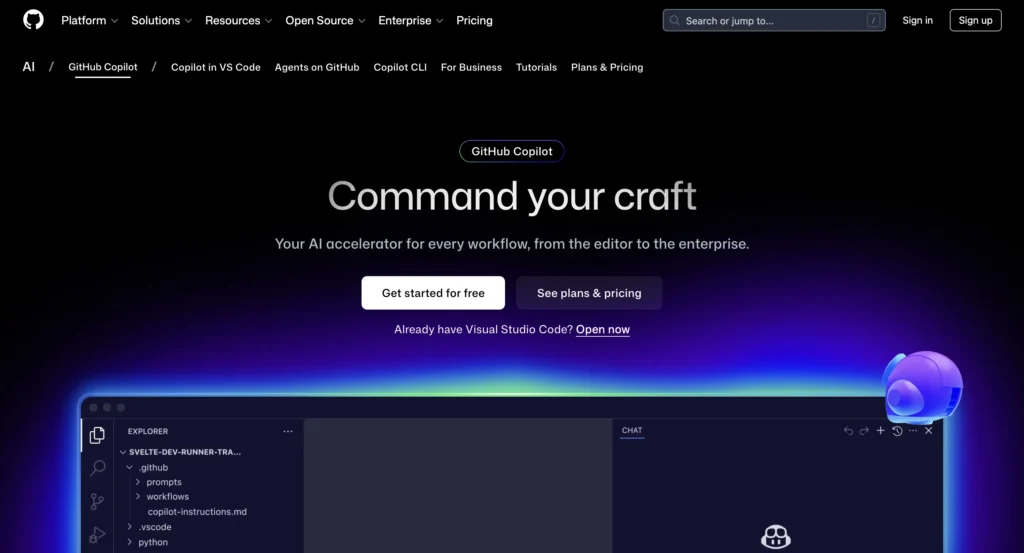
GitHub Copilot is an AI-driven tool to help users write code by completing lines and blocks of code automatically according to the context of the user’s current work. The GitHub Copilot team has created GitHub Copilot to be integrated into popular integrated development environments (IDEs), such as VS Code.
Features:
- AI-driven code completion
- Supports a variety of programming languages.
- Integration with IDEs.
Pros:
- Accelerates the coding process tremendously.
- Very helpful for a beginner who is learning how to code.
- Integrated with IDEs.
Cons:
- Suggestions could be confusing for someone who has no previous experience with programming.
- A person must have a basic understanding of programming to use GitHub Copilot effectively.
Pricing:
- A free trial is offered.
- Paid subscriptions are available after the free trial (students may qualify for the free subscription program).
2. Replit Ghostwriter
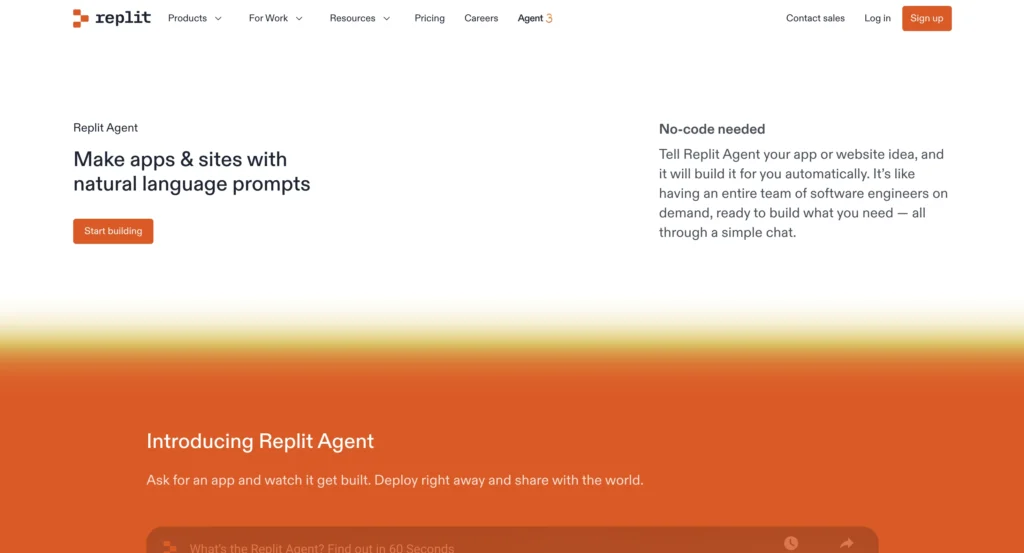
Replit has integrated its Ghostwriter product into its online IDE with the goal of providing support primarily for novice users. Developers and programmers who are new to application development will find Ghostwriter to be beneficial because it enables them to create, test, and deploy applications from the same platform.
Features:
- Provide code suggestions for your current project(s)
- Debug code and provide explanations of how your program works
- An online coding platform
Pros:
- Designed specifically for novices
- Use of a web-based application means that you won’t have to download/install anything
- Good tool for practicing programming techniques and skills
Cons: Limitations on features for the free version of Ghostwriter; can only be used with an internet connection
Pricing: There is a complimentary option available; there are also fee-based subscriptions available to gain access to more sophisticated AI tools.
3. Tabnine
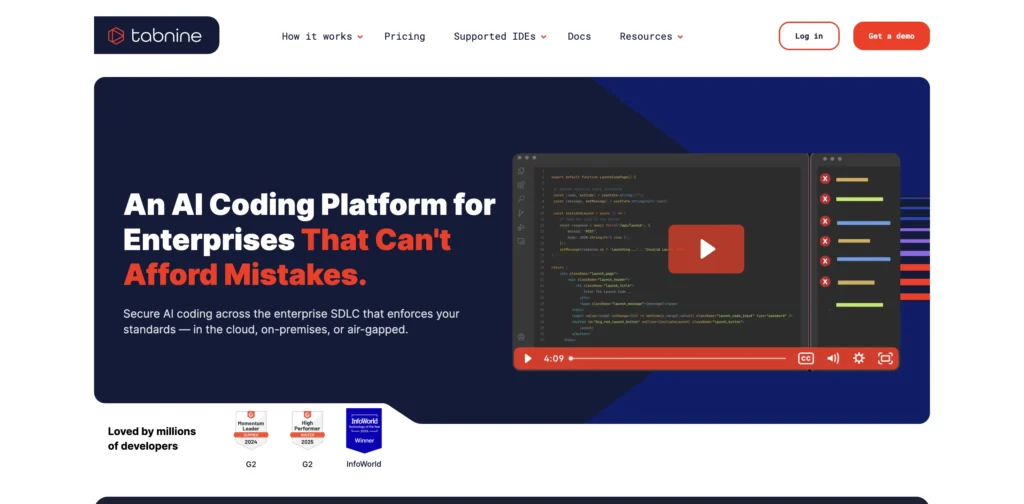
Tabnine assists new developers in producing higher-quality code with more precision through AI-facilitated completion of various IDEs and programming languages, thus improving speed and precision while producing the finished product.
Features:
- A.I. Code Forecasts
- Wide Variety of Supported Programming Languages
- Very Limited Capability for Offline Use
Pros:
- Simple to Use, Which is Fast
- Provides Increased Precision When Coding
- Your Privacy is Under Your Control
Cons:
- The free version provided by Tabnine is limited to AI capabilities.
- Other, more advanced tools will assist you with learning concepts more effectively.
Pricing:
- A Free Plan
- There Are Paid Plans Available If You Would Like More Advanced A.I. Suggestions.
4. Codeium
Codeium is a complimentary artificial intelligence coding companion providing on-the-spot suggestions, filling in the gaps as they arise during the coding process, as well as translating natural language to code within numerous languages and IDEs at no charge. Its simplicity is ideal for beginner coders who want to learn how to code and understand how to read code without incurring any expenses.
Features:
- Provides real-time suggestions from AI when coding
- Provides autocompletion for 70+ programming languages
- Works with many popular Integrated Development Environments/Editors
Pros:
- Completely free to utilize
- Fast response times when providing code suggestions
- Supports a wide range of programming languages
Cons:
- Cannot provide the same level of sophistication as competitively priced software
- Explanation of code from AI may not be as detailed as with other software applications
Pricing: Free for individual usage.
5. Amazon CodeWhisperer
Amazon CodeWhisperer is a free artificial intelligence (AI) tool for coding that helps novice programmers with real-time assistance when writing code. It helps ensure that the programmer follows secure coding practices and is compatible with many of the most popular programming languages and Integrated Development Environments (IDEs).
Features:
- Real-time assistance for coding via AI
- Compatibility with a variety of different programming languages
- Integrated security check for coding
Pros:
- Individuals: Free to use
- Encourages clean code as well as coding securely
- Possibility of being incorporated into popular coding software
Cons:
- Certain features are designed to work specifically in AWS environments
- May be less intuitive for new programmers
Pricing: Free for individual developers.
6. OpenAI Codex Playground
OpenAI Codex Playground lets you try out AI-generated code in your preferred programming language. Basically, you will learn how AI generates code from writing simple instructions and then looking at its responses.
Features:
- Code generation in multiple languages
- Ability to use natural language prompts to generate code.
- Ability to experiment interactively with the AI.
Pros:
- Excellent method to learn from an example.
- Very flexible and simple to use.
- Excellent way to encourage experimenting with your coding skills.
Cons:
- To get optimal results with Codex, you need to use clear prompts.
- There is no direct integration into other coding interfaces (e.g., IDE).
Pricing:
- Limited free use.
- Paid based on number of credits.
To understand how powerful AI coding models are becoming, see how GPT-5.2 Codex generated three million lines of code in just seven days.
7. CodeT5
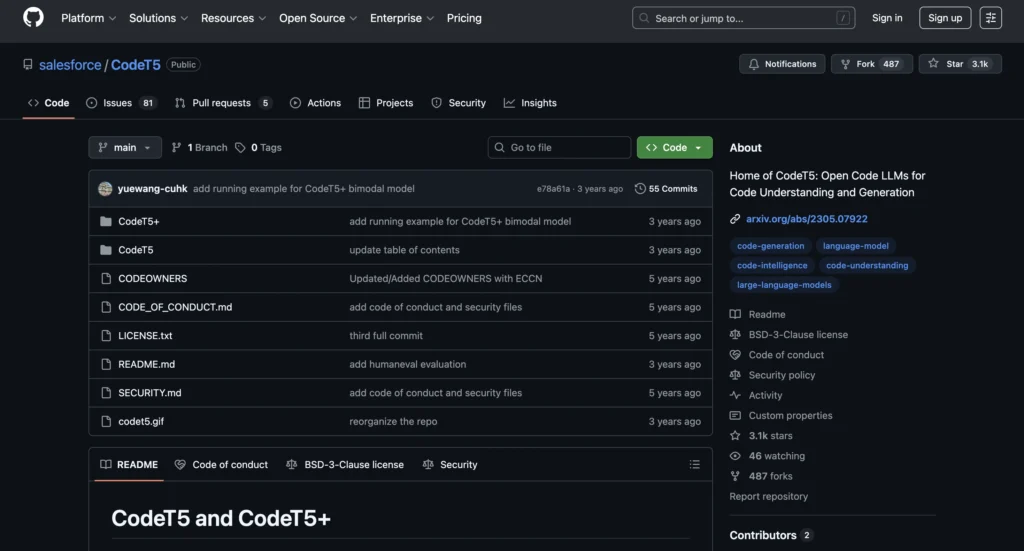
CodeT5 is a programming assistant based on open-source AI technology that helps generate code and allows users to learn about various coding languages. The CodeT5 programming assistant was developed specifically for people who want to experiment with various technical configurations.
Features:
- Open Source AI Models
- Allows multiple coding tasks
- Has a Community Contribution section
Pros:
- It is free and available to everyone.
- You can learn how to code with CodeT5 and AI.
- There are many opportunities for experimentation.
Cons:
- CodeT5 requires user installation.
- CodeT5 is not suitable for beginners.
Pricing: CodeT5 is free for open-source users.
Tips for Beginners
To begin, utilize practical coding activities in conjunction with AI coding tools to gain that practical experience while you learn about coding:
- When learning, use AI coding tools not just to produce answers but also to help you identify and fix errors, reinforcing what you learn.
- Next, take on smaller projects where you can apply your acquired programming skills in a manageable and real-world manner.
- Also, find out which AI coding tools work best for you and use as many as you can to give yourself the most opportunity to learn.
- Lastly, by consistently implementing the techniques outlined above over a period of time, you will slowly develop a more thorough understanding of coding and subsequently begin to build actual, real-world coding skills.
Unlock Your Coding Potential With AI Assistance
AI Programming Tools (APIs) have affected and improved the way new programmers perform their coding tasks. For example, many new programmers find these free resources quicker when performing one subject versus several examples of the same topic, which increases their self-assurance. Also, using these AI resources, along with continuous access to them daily, significantly increases the speed of their learning curve in programming. So, if you have just started, start taking advantage of these tools starting today, and you will become a confident novice coder! Also, check out our guide to Vibe Coding for more tips and techniques.
FAQs
Free AI coding tools are software platforms that help beginners write, debug, and learn programming using artificial intelligence without any cost. They provide suggestions, explanations, and interactive coding support.
It depends on your needs. GitHub Copilot and Replit Ghostwriter are great for general coding, and Tabnine works across multiple languages.
Yes, beginners can practice coding with AI tools, but it’s recommended to combine them with exercises, tutorials, and small projects to build deeper programming skills.
Most reputable tools, such as GitHub Copilot, Replit Ghostwriter, and Tabnine, are generally safe. However, you should always use official websites and avoid sharing sensitive personal or company data in prompts.
Many tools, such as Tabnine, OpenAI Codex Playground, and CodeT5, support multiple languages.
