
2026 is all about AI. Whether you are a designer or a social media manager or a digital marketing agency, AI tools have slowly crept its way through all types of workflows. Not to replace creativity, but to take the boring and repetitive stuff off of your plate, so that your brain can focus on what it does the best.
“AI in creativity and design” is not breaking news anymore. Every week there are 10 new tools dropping, to enhance output quality across design, content, startups and marketing teams. But the real question that the designers and creatives are asking are “Does this tool actually help me? Does it slow down things in a new way? Does the output look and feel AI generated?”
That is why this list of AI tools for creativity and design is focused on the tools that the designers are already using – sometimes everyday, sometimes reluctantly, across various teams – without losing their spark.
How these AI tools for creativity and design can change the game
If you still haven’t figured out the secret to staying relevant with AI tools for creativity in 2026, then you are at the right place. It is simple. You just have to consider these tools to be your ‘super powered interns.’
It is not about clicking on “generate 50 images” and calling it a day. It is actually about workflows; the ones that smash through the repetitive tasks, like resizing 15 banners for socials, or covering up a bizarre background, while saving your brain power for the actual concept.
These tools:
- reduce blank – canvas anxiety
- automate repetitive design steps
- speed up iterations (fast drafts > perfect drafts)
- help you explore visual directions you wouldn’t manually try
Let’s look at the top 7 AI tools for creativity in 2026 that actually help you enhance your creativity, without making you lose your creative flair in the process.
1. Midjourney v7
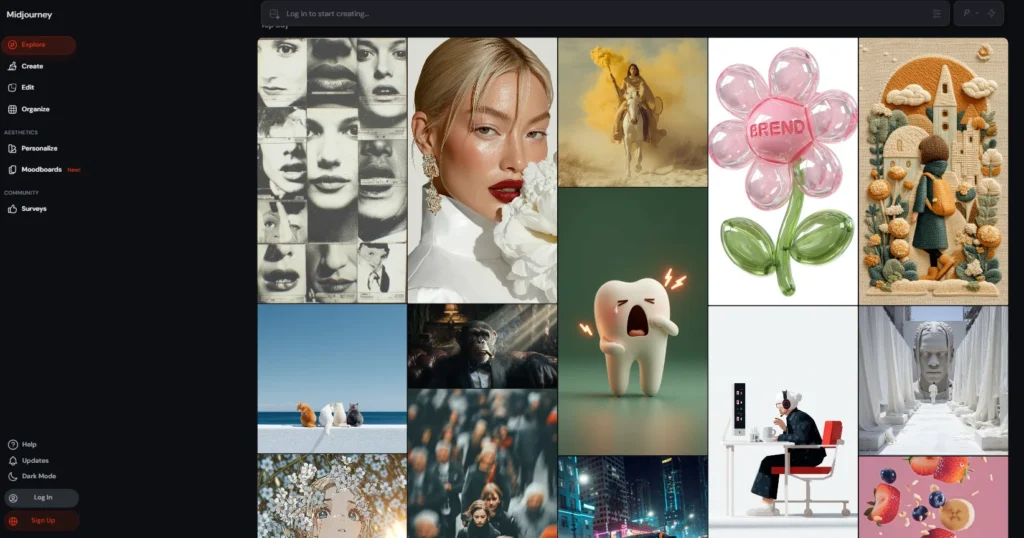
Midjourney v7 is one of those artistic image generation tools that consistently keeps ranking among the Top AI tools for creativity and design. This is the place where moodboards, surreal brand imagery and conceptual visuals come to life. The v7 update has brought on a much better prompt understanding and more control over the generation of desired outputs.
Pros
- Stunning image quality
- Strong grasp of artistic styles
- Handles text and vectors with better competence
- One of the best AI tools for raw inspiration
Cons
- It’s not beginner-friendly
- Prompting is a bit complex
- Limited direct editing control
Pricing: Starts around $10/month for the basic tier. For people doing heavy volumes, the pro plan tier is the best which starts at $60/month.
2. Canva
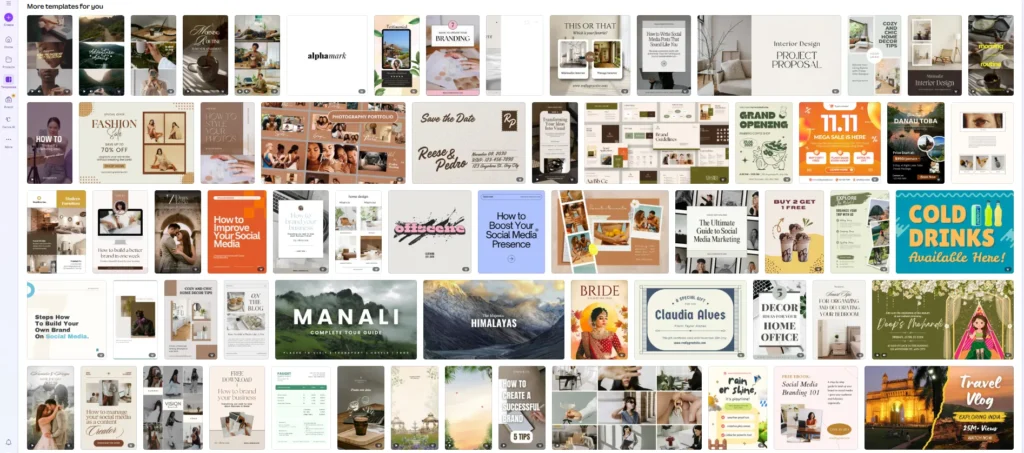
Gone are the days when Canva was referred to as ‘Just Canva’. It has now built in AI assistants which bring high level designing capabilities, which is accessible to the non designers and designers alike. Some of the standing out features include magic resizing, background generation, brand kits etc. It ranks amongst the top AI creativity tools for social media management, and rightly so.
Pros
- Extremely fast for – social, presentations, basic branding
- Learning curve is quite low. Can be used by the non designers as well.
- Team collaboration is smoother than ever
Cons
- Designs might feel very templated on overuse
- Not a lot of deep customization options available
- Not ideal for complex UI or print work
Pricing: There is a free tier available. But to access all the features, $15/month for the pro tier has to be bought.
3. Adobe Firefly
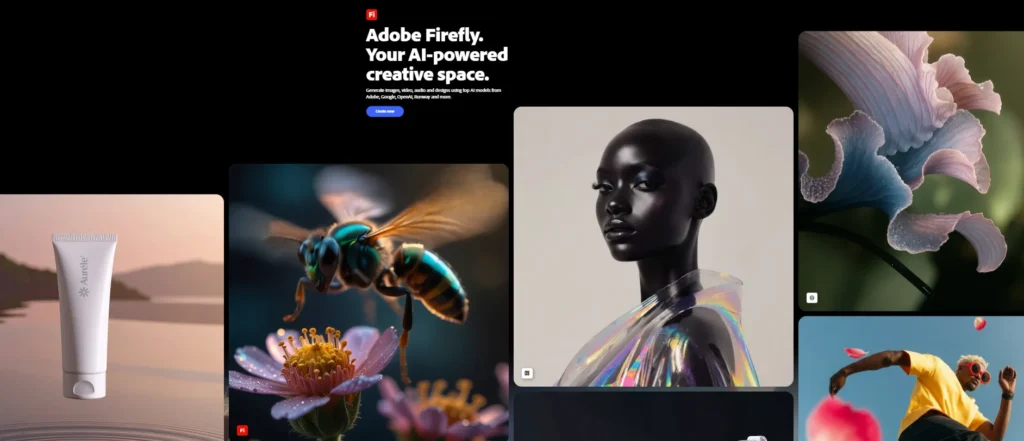
The integration of Firefly into Photoshop, Illustrator and other creative cloud tools, is what makes Firefly one of the best AI creativity tools, in 2026. From generative fills and text to image conversions to vector expansion, Firefly has it all inside its software.
Pros
- It gives commercially safe outputs
- The seamless Adobe ecosystem integration
- Gives high control to the professionals
Cons
- Requires an Adobe subscription
- Might feel redundant for casual creators
- Manual refinements gives good AI results
Pricing: The standalone subscription is about $10/month and as a part of the Creative cloud, the subscription stands at $55+/ month.
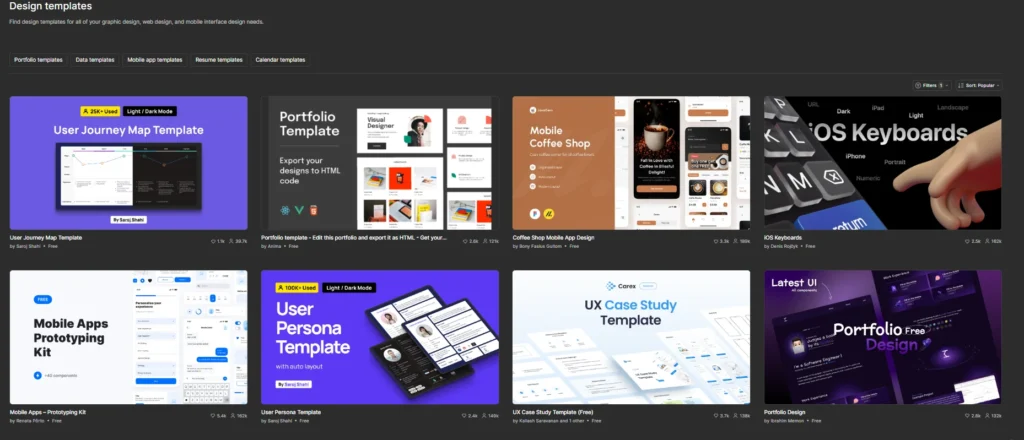
4. Figma (AI Copilot features)
With the integration of AI copilots, that help with layout framing, component generations and faster prototyping, Figma takes the place for one of the best AI tools for design and creativity. In simple terms, it keeps the designer stress free about the pixels, and helps them focus on the UX.
Pros
- It speeds up the UI/UX workflows
- It keeps human decision making central
- It’s excellent for teams
- Instant Prototyping is a game changer
Cons
- Some features still feel beta-ish
- It’s not useful outside product design
- It needs stronger design fundamentals
Pricing: The professional tier for this one is $15/editor (with AI features bundled)
5. Leonardo AI
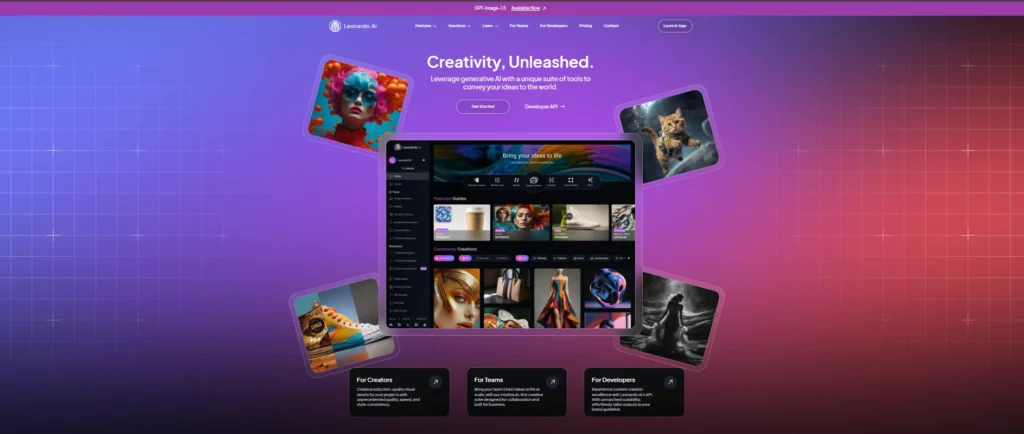
Leonardo AI is for the game designers and illustrators, as they require asset consistency, production ready visuals and style control. It is known to be one of the best AI tools for creativity and design, when you want to train your own models.
Pros
- It allows strong control over visual styles
- Good for character and asset creation
- Cleaner outputs than many generators
- It has built in video generation via Veo 3
Cons
- Interface can feel technical with lots of buttons everywhere
- Might be unsatisfactory for casual users
- Learning curve is huge
Pricing: Gives you 150 tokens/day and paid plan starts around $15/month.
6. Runway (Gen 4)
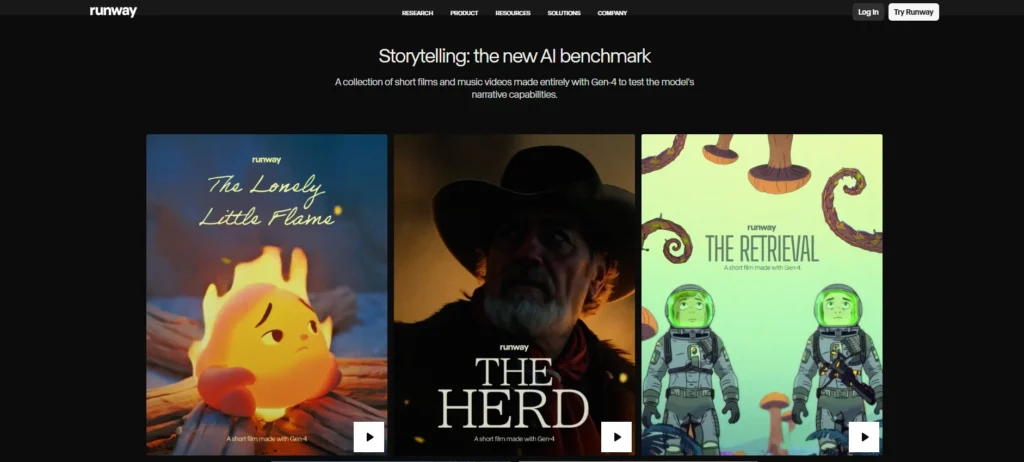
One of the top AI tools for creativity and designing in terms of motion graphics currently is Runway Gen-4. This is where the video creation gets practical. This is like a one stop shop for text to video generation, motion tracking, BG removal and AI powered editing. For the ones working in advertising industry, this tools is a must because it helps you produce storyboards and social media assets quickly.
Pros
- Understands physics and camera movement intuitively
- Amazing for high end cinematic outputs
- No advanced editing skills required
- Constant updating with new features
Cons
- Outputs require human polishing
- A bit expensive for solo creators
- No cinematic outputs without effort
Pricing: Standard tier starts at $15/month but for the Unlimited tier, it is priced at $95/month.
7. Looka
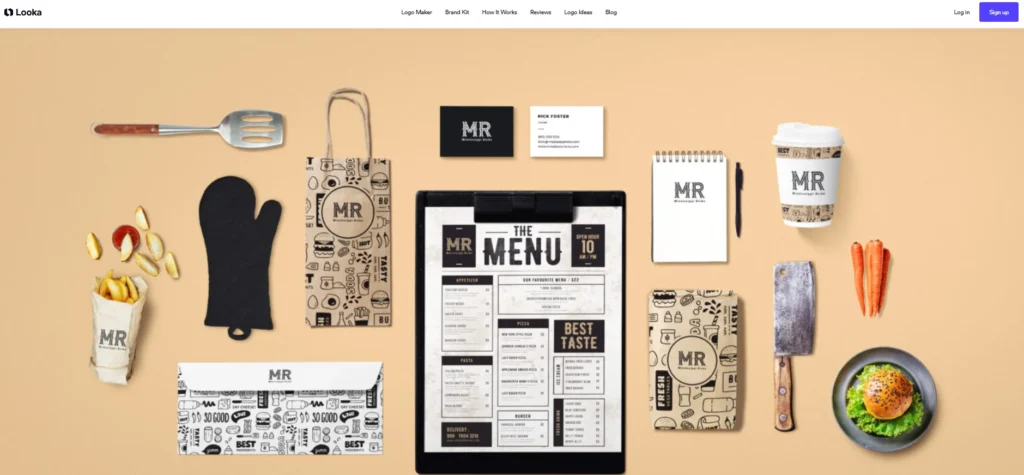
Often called the branding sprinter, Looka focuses on brand identities that need to be rapid with generation of logos, color palettes and brand kits, using AI. For the designers, it acts like a powerful ideation springboard and helps visualize the market positioning quickly.
Pros
- Designers use it to brainstorm direction
- Amazing for rapid branding needs
- Good for small businesses
- No design experience needed
Cons
- Logos might feel very generic as there’s limited originality
- Lacks human nuance
- Limited customisation
- Not recommended for established brands
Pricing: For a one off logo, the pricing stands at $20 and for a full brand kit, pricing stands at $96/year.
Choosing the best AI tools for creativity (without losing yourself)
So how do you actually adopt these tools in your workflow?
A few simple rules that might actually work for you long-term and make the adoption process easier-
- Don’t adopt all the tools at once (Choice paralysis is a real thing)
- Use AI where you feel relief, not dependency
- Keep one tool per core task – one for images (Midjourney or Firefly) and one for your main workflow (Figma or Canva) etc.
- Always finish with human judgment
Relying 100% on AI will kill your creativity and your work will start looking like every other person. As mentioned before, use these tools for the boring and repetitive tasks but keep the designing and creativity part for your brain.
The best AI tools for creativity are the ones that make you feel more curious, not lazier.
Comparison table: AI tools for creativity in 2026
| Tool | Primary Use | Best For | How It Speeds Up Work | Creativity Role | Key Pros | Key Cons | Pricing Model |
| Midjourney v7 | Image generation | Concept art, visuals | Rapid ideation | High inspiration | Stunning quality | Prompt-heavy | Subscription |
| Canva | Design templates | Social & marketing | Instant layouts | Low–medium | Easy, fast | Can feel generic | Freemium |
| Adobe Firefly | Pro design AI | Professionals | Smart edits | Medium | Commercial safe | Requires Adobe | Subscription |
| Figma AI | UI/UX design | Product teams | Faster prototyping | Medium | Team-friendly | Limited scope | Freemium |
| Leonardo.ai | Asset creation | Illustrators, games | Style consistency | High | Control-heavy | Technical | Freemium |
| Runway | Video AI | Content creators | Faster editing | Medium | Powerful video tools | Needs polishing | Freemium |
| Looka | Branding | Startups | Instant brand kits | Low | Quick setup | Generic results | Pay-per-use |
AI tools don’t define creative people – creative people decide how much AI gets access to their process. They are meant to enhance creativity, not replace it.
And if you hand over taste and thinking to AI completely, it’s gonna reflect in your output, always.
Use them as assistants or interns because you will always be the boss.
