
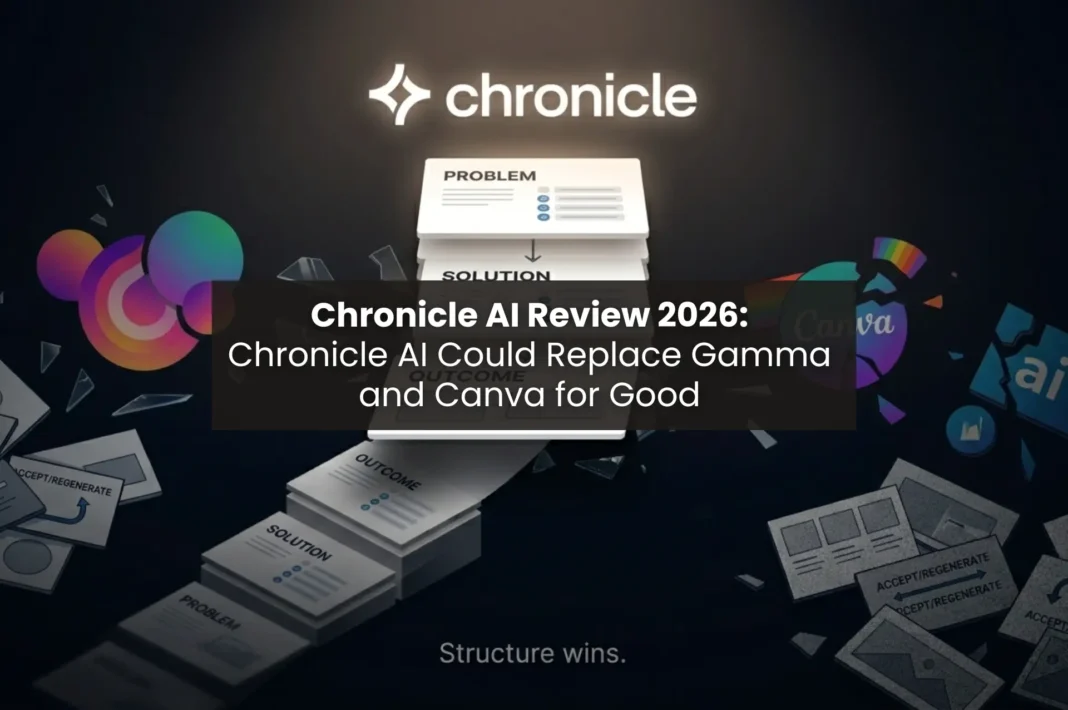
Chronicle AI is rapidly gaining popularity amongst founders, within organisations, and lots of small teams – and rightfully so.
If you regularly create decks using AI in 2026, you know that there’s a new AI tool in town for making presentations that saves your week’s worth of time and also makes you look like a professional in the most important rooms.
As a corporate team leader, or a startup founder, or a solopreneur – dive into why and how Chronicle is taking over the AI presentation maker ecosystem quite quickly.
Why most presentation tools fail
There’s no doubt that you have used Microsoft PPT or Google slides at some point in your life. And while these tools are the OG’s, there’s thousands of AI tools in 2026 that can help you design a deck within hours, instead of weeks. But even with most AI presentation makers, they provide generic templates or ultimately start charging you for every single slide.
You’ve probably heard about Gamma, Canva, or even Beautiful.ai, and must’ve wondered “which one is actually good?” But the answer to that is not so simple. Every presentation maker platform has their own pros and cons. But the one thing that remains constant is that none of those provide satisfaction on a free tier.
Whether you’re a founder in India pitching Series A, a SaaS marketer in the US building sales vertical, or a remote product team in Europe shipping internal updates – a good deck matters, because a good one saves multiple hours while improving the quality of what you’re presenting.
Chronicle AI understood all these gaps. Once you visit Chronicle, you will realize that it takes a fundamentally different approach than the rest of the AI tools. Instead of a one click generator that spits out flashy but disconnected slides, it’s a workspace where the AI handles structure and storytelling while you keep full control over what actually goes in.
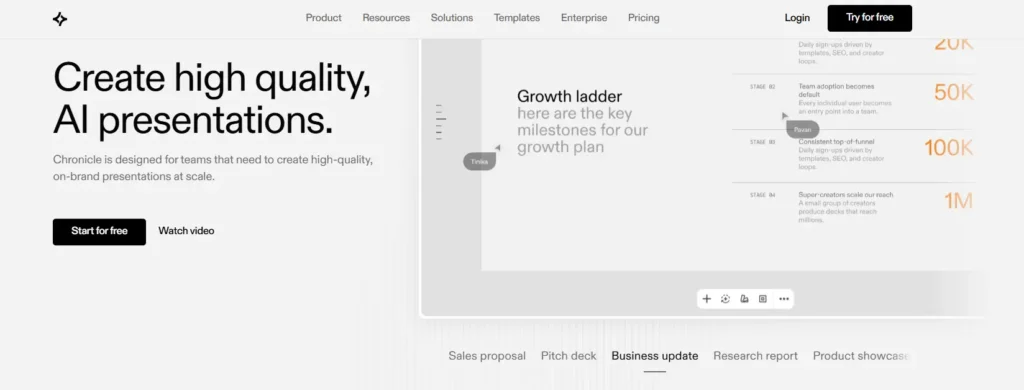
What Chronicle AI actually is
Chronicle AI is a presentation first workspace where AI helps structure your story, while you keep full control over copy, visuals, and flow.
Storytelling-first, not animation-first
If you have used other presentation maker AI tools, you must’ve noticed that you can add animations and transitions as a second thought. But for Chronicle, that’s not the case.
Chronicle’s foundation relies on the narrative structure that it provides in your decks. So, the final output is professional, story driven and represents you as a serious professional that you are.
Workspace-style, not magic button only
If you’re looking for a one shot AI generator, this is not it.
Yes, AI generates the structure, but here, you can edit, reorder, add, remove and also refine the slides as well as slide elements. So unlike others, you’re not forced to accept the output as it is.
This customization allows to keep the structure simultaneously giving you the freedom to customize according to your needs.
Strong for founders, PMs, marketers, and educators who want narrative-driven decks fast.
Might sound harsh, but Chronicle AI is not for everyone. It’s specifically for people who care that the slides actually persuade, instead of just looking ‘aesthetic.’
How Chronicle AI works – the five step workflow
Step 1: Bring your content into Chronicle
Chronicle lets you start from wherever your content already lives, hence you don’t start from a blank canvas – you start from whatever you already have.
- Paste text directly or drop in a URL or Upload a PDF of existing notes or Upload a previous deck you want to rebuild – Chronicle ingests it all.
- This is one of those small things that actually matters because most AI presentation makers force you into their funnel.
Step 2: Choose your presentation type and tone
The tool asks you what kind of deck you’re building.
- Investor pitch deck targeting Series A in 10-12 slides? There’s a preset.
- Sales deck that needs to move fast but stay conservative in tone? Another preset.
- Internal roadmap update for your team? Another.
The tool uses these templates to understand context before generating anything, which is why the output doesn’t feel generic.
Step 3: Let the AI build the narrative structure
It doesn’t just throw slides at you and tell you to “edit these.”
- It structures your content into a sequence first, so you see the outline before the slides exist.
- Problem → solution → traction → ask OR hook → insight → recommendation → next steps – whatever framework fits your content.
- You can adjust the flow at the outline level before visual design even starts.
That’s a meaningful difference from competitors that dump 15 slides on you and force iteration through regeneration.
Step 4: Edit with AI widgets (not just one-click magic)
The editing phase is where you actually build the deck.
- You tighten copy, add images, and refine the messaging.
- The AI has tools here too. You can ask it to simplify language, add bullet points, expand a section, or rephrase something without regenerating the entire slide.
Honestly speaking, this is what ‘AI driven workspace’ actually means instead of just being some marketing language.
Step 5: Design and export
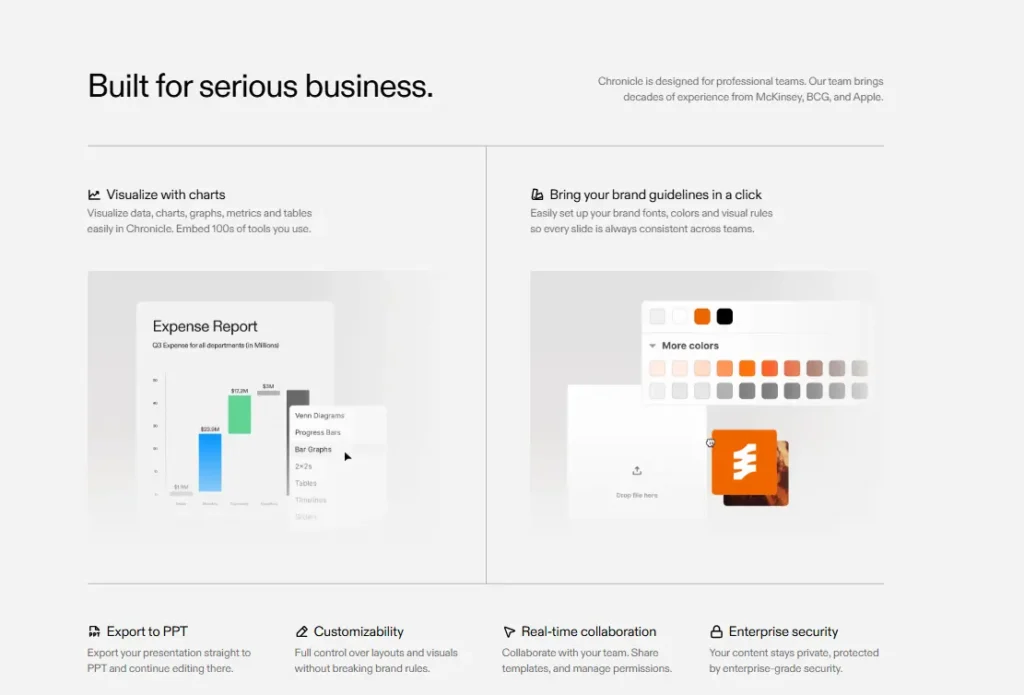
- Choose your theme, apply your brand colors and fonts if you have them set up.
- Export as PDF, shareable link (which tracks views and engagement), or PowerPoint.
The PowerPoint export matters if you’re working in teams that require it (not all AI presentation makers do this well).
Try this workflow with the free tier here!
Section 4: Pricing and Plans
Free tier:
- Unlimited documents but limited AI tokens.
- This is for people experimenting with the tool, building one deck a quarter, students, or bootstrapped founders.
- You’re not paying anything to see if you like working in the software.
- Most people get 2-3 decent decks out of the free tier before upgrading.
Guidance for budget-conscious builders: Start with free then Upgrade only when you’re shipping decks weekly. No reason to pay if it’s not a regular part of your workflow. Start building for free on Chronicle today by clicking here.
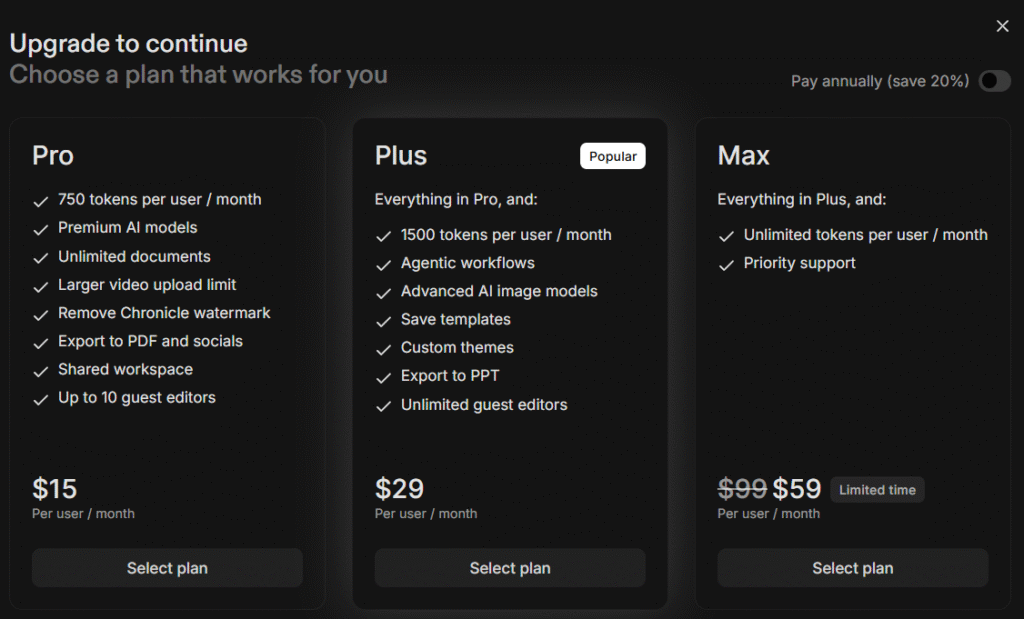
Pro plan ($15/month):
- More AI tokens.
- Guest editor access.
- Workspace organization.
- Watermark removal (important for when you’re sharing decks externally with clients or investors).
Plus Plan($29/month) and Max Plan($59/month):
- More seats, more tokens, priority support.
- Better optimization of your decks with the help of agentic workflows
- Teams that are shipping decks regularly (5+ per month) find this worth it.
- Teams building presentations once a month probably don’t.
For Indian founders and budget-conscious marketers specifically: The free tier is genuinely functional. Start there then move to Pro.
Chronicle AI vs. Gamma, Canva, and PowerPoint Copilot
| Aspect | Chronicle AI | Gamma AI | Canva AI | PowerPoint Copilot |
| Primary Focus | Story-first, workspace-style | 1-click, flashy AI decks | Design-first, graphics-heavy | Office-suite integrated |
| Narrative Depth | Strong structure + manual refinement | High “magic” but generic output | Design-assisted, not story-focused | Light-assisted, mostly formatting |
| Best For | Founders, PMs, storytellers | Quick animated decks | Social/branding visuals | M365 teams, traditional users |
| Free Tier Strength | Unlimited docs, limited AI tokens | Often limited free slides | Generous library, limited AI | Only via Microsoft 365 |
| Editing Control | Full workspace control | Limited (accept/regenerate) | Template-based | Copilot-assisted only |
| Learning Curve | Moderate (workspace style) | Very low (one-click) | Low (template-based) | Low (familiar PowerPoint) |
| Export Options | PDF, link, PowerPoint | PDF, link, limited PPT | PDF, image, limited | Native PowerPoint |
→ If you’re a founder who wants a real deck and not just a pretty demo – Chronicle often beats Gamma once you factor in editing time and the number of regenerations you actually need.
→ If you’re deep in Canva or the Microsoft 365 ecosystem but need a better narrative structure – Chronicle is a complementary tool, not a replacement. You can keep using Canva for the design library and use Chronicle for the structure.
→ Gamma still wins on raw speed if you just need something in five minutes and Beautiful.ai still wins on design consistency if you need to ship 20 branded decks. But, Chronicle is the only one that treats your presentation as a story that needs structure, in minimal time and effort.
Compare for yourself here.
Where Chronicle AI actually shines and who it’s ideal for
Pitch decks for founders
- Founders need a coherent story that usually spans across 10-15 slides.
- Chronicle’s templates are baked with the problem- traction- ask sequence.
- Here, you’re not building the narrative architecture yourself, but filling in your specific situation.
All this means that a founder in Bangalore can turn a 2 page pitch into a 10 slide deck – under 20 minutes. And when you save time, you have more room to do the other tasks (like making more money).
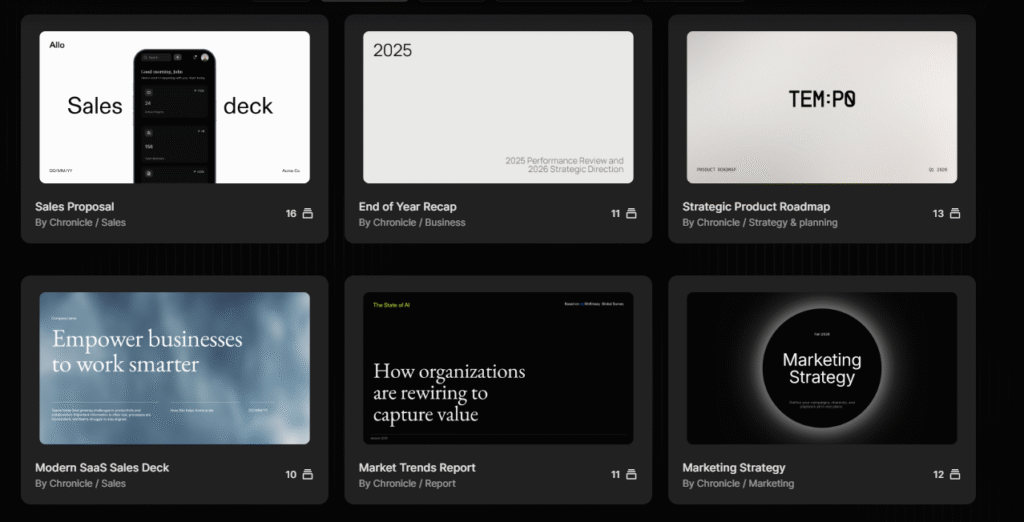
Sales and proposal decks
- Sales teams build constantly.
- Most use PowerPoint templates that feel corporate and generic.
- Chronicle lets you move faster while keeping something that doesn’t look like it was built in 2008.
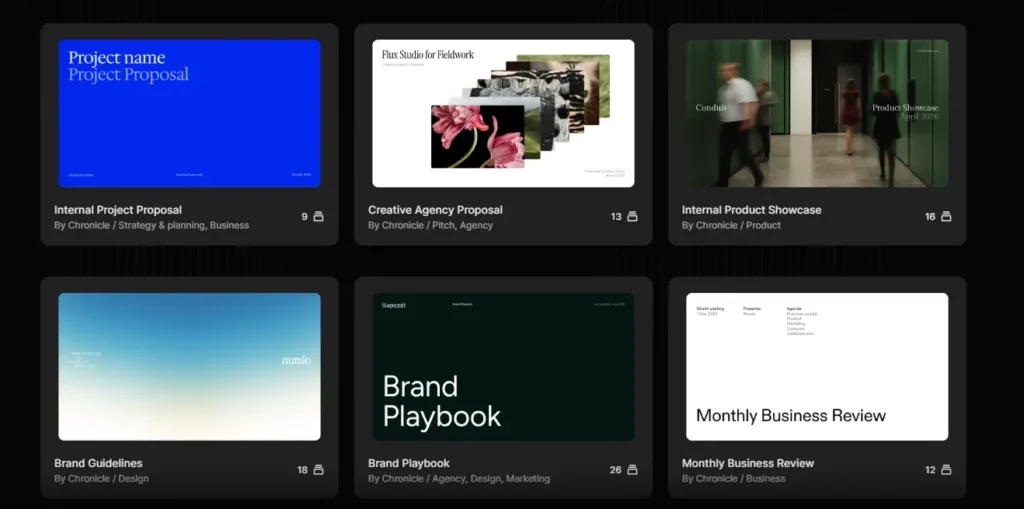
You can save decks as templates so your team isn’t starting from scratch on every opportunity. One sales team cut their deck turnaround from 2 days to 3-4 hours.
Product roadmaps and internal updates
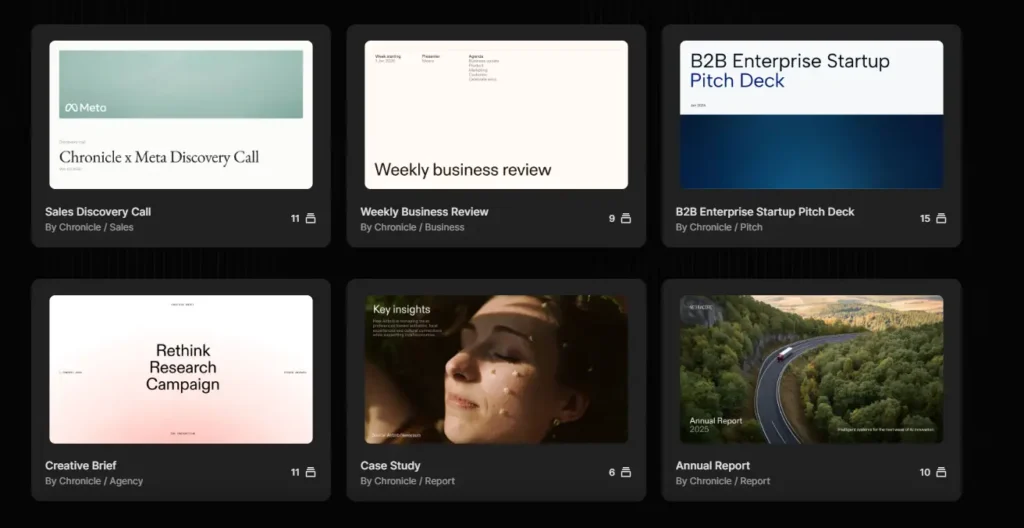
- How you structure information about roadmap priorities, engineering updates, or quarterly results affects how people actually process the information.
- Chronicle’s templates are structured to force logical sequencing rather than just dumping multiple slides together.
Your board won’t zone out halfway through because they actually understand your agendas and ideas in a much efficient way.
Teaching and student presentations
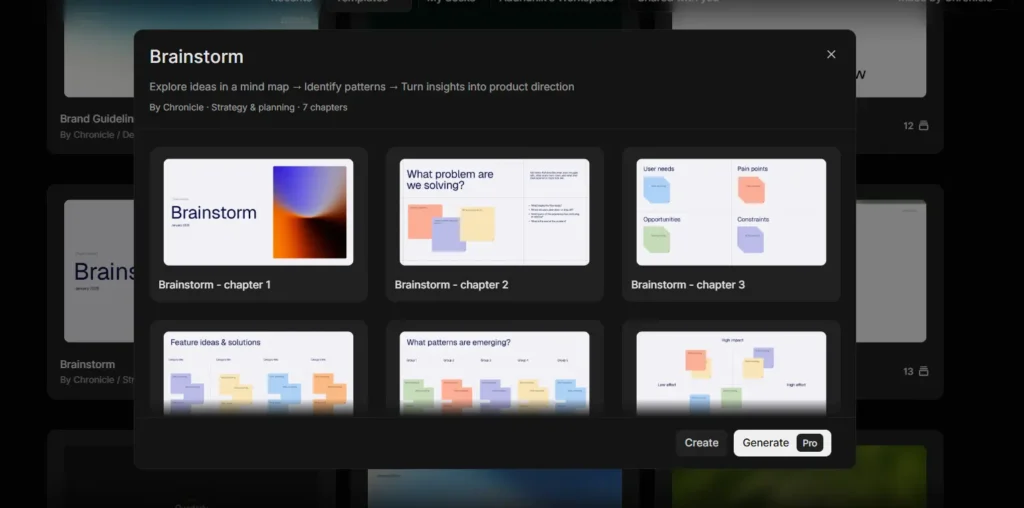
- Converting PDF lecture notes or articles into a slide deck is faster in Chronicle than manually building it in PowerPoint.
- The structure is cleaner because the AI is working from content that’s already organized, not guessing at what should go where.
If you calculate, as an educator you can literally save 2-3 hours per week using Chronicle.
Marketing campaign decks
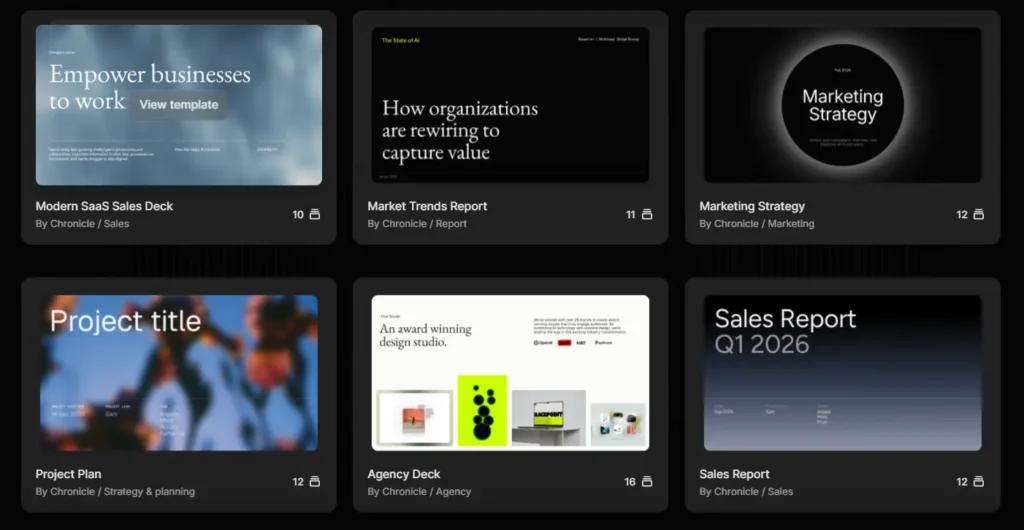
- Campaign strategy presentations, creative pitches, and performance reports – all part of the round the clock work that runs in the marketing teams and agencies.
- Chronicle keeps messaging consistent across multiple decks while saving the hours usually spent on formatting.
Teams can iterate on strategy faster when design isn’t the bottleneck. Test with your next real project.
Is Chronicle AI right for you?
- If you want the fastest possible first draft…
→ Gamma still wins. You’ll get slides in 5 minutes. Expect to spend time iterating and regenerating multiple times to get something usable.
- If you’re building a pitch deck or anything where narrative structure matters…
→ Chronicle is the better choice. Fewer regenerations needed. The structure is already there. You’re spending time refining, not rebuilding.
- If you want pure magic-button, 1-click AI decks with no editing…
→ Consider Gamma or Canva more. Chronicle requires engagement. You’re not accepting a locked output. You’re working in a workspace.
- If you want a workspace-style tool where you keep control over story and structure…
→ Chronicle is likely the best fit. The editing model is fundamentally different from competitors.
- If you’re deep in the Canva ecosystem and care about design assets…
→ Stay in Canva primarily. It’s not a replacement, but Chronicle could complement it for storytelling-heavy work.
- If your organization requires PowerPoint and needs complete compatibility…
→ Test PowerPoint Copilot first. Chronicle works until you hit a feature that only PowerPoint handles natively.
- If you’re shipping presentations weekly and need team consistency…
→ Chronicle’s team plans and global themes are built for this. Worth the upgrade. You can maintain brand consistency across multiple presenters without manual reformatting.
- If you’re a solopreneur building one or two decks a month…
→ The free tier is genuinely functional. No need to pay unless the tool becomes part of your regular workflow.
- If you need custom design or heavy brand guideline enforcement…
→ Use Chronicle for narrative structure and initial draft. Pass to a designer for visual refinement. That’s a valid and common workflow.
- If you’ve hated every presentation tool you’ve ever used…
→ Chronicle’s workspace approach might actually click for you. The editing model is different enough from PowerPoint/Slides/Canva to be worth testing. Spend an hour with the free tier and see how it feels.
Find out which scenario matches you.
Why narrative structure matters more than speed
For the founders specifically:The difference between a deck that presents information and a deck that builds an argument is substantial. When investors are seeing 50 pitches a week, a well-structured narrative becomes a competitive advantage.Chronicle’s approach to structuring presentations means your output is more likely to persuade investors.
For teams and marketers:’Narrative structure’ translates to presentations that actually drive action. When your stakeholders don’t have to work to understand the point you’re making, they’re more likely to support whatever you’re asking for.
Most tools optimize for speed and Chronicle optimizes for working well. The consequence is that you spend less time arguing with software and more time thinking about your message.
Experience the difference for yourself.
Getting started with Chronicle
For an AI presentation maker in 2026, Chronicle occupies rare ground: genuinely good at what it does while remaining accessible to non-designers.
Chronicle has raised significant funding and serious backing (Accel, Square Peg, angels from major tech companies). Which means they’re investing in product development rather than scraping by, and it shows when you start using the tool.Their roadmap includes advanced analytics and better image editing, which suggests the team knows what’s missing.
The free tier is genuinely functional. Spend an hour building something real like actual pitch notes (not a dummy deck). See how the narrative structure feels and whether the editing workflow matches how your brain works.
Tools are personal. What works for a founder might not work for a marketer, and vice versa. If it clicks, upgrade when you’re shipping decks regularly. If it doesn’t, Gamma or another tool is probably a better fit.
You’re definitely not locked in by choosing wrong so you can export the deck and move it if needed. Stop wondering, start building with Chronicle Today.
