

You should skip this article if you think that lead generation is just one problem to solve. If you have worked in lead generation teams, you know it’s just 5 types of different problems pretending to be one problem: “We are not getting leads.”
In 2026, having (and efficiently using) a lead generation tools stack is as important as using LLM’s. Marketing teams, real estate agents, performance marketing teams – literally everyone has their own AI tools stack that cuts their redundant work time by 80%-90% allowing them to focus on the more important tasks like ideation, strategizing and also building a relationship with the client.
If your workflow is not efficient, the tools can’t help you, and that’s the only truth you need to understand. Your team is STILL spending about 40 hours per week on manually researching the leads – if that’s still the case in 2026, you are losing out on major margins.
So, if you are tired of coming across AI tools that the marketing agencies are only pushing forward so that you buy them – then my friend, you are at the right place. Let’s see which AI lead generation tools (and also the most suitable workflow) work the best in 2026.
Why most lead generation tools fail
Decision fatigue is not just in dating apps, but also in choosing ‘which lead generation tool is the best’ and going through multiple ‘how to generate leads’ content. So I have done a breakdown of why most lead generation tools fail in 2026.
Week 1: This is the most magical week when you onboard a new AI tool. You sign up, import contacts, watch some demo videos and feel like you are THE pro. By the end of the week, you are day dreaming about how you’re going to have 100 meetings on your calendar.
Week 2: The second week is where reality slaps you in the face. You start seeing lapses in the AI tool onboarding process internally. The tool found the contacts but some of the information is either missing or wrong. The data provided is months old and since your domain isn’t warmed up, everything is directed towards the ‘spam folder.’ So you go back to manually researching companies on LinkedIn.
By Week 3? You’re overwhelmed and questioning ‘where did last week fly away?’ So you abandon that AI tool and go back to the manual research and to doing work that you already know, silently dissing the AI tool and questioning ‘the hype’ behind it.
Do you know why this happens to most people? It’s because of the approach towards these lead generation tools as one single entity. If your different lead gen tools are not talking to each other, your data will get lost and workflows will break.
The truth that nobody will tell you is that the businesses that are generating leads consistently with the help of AI lead generation tools are not using 10 tools – they are using fewer tools, with a proper workflow, and treating them like a system.
The only real lead generation tools stack
Five layers, three tools
Forget everything you know about ‘generating leads with AI tools’, because here’s how lead generation actually works when it works:
Layer 1: Sourcing
Finding the right people/leads.
Layer 2: Enrichment
Getting their real contact information and company data.
Layer 3: Intent
Figuring out who’s actually interested.
Layer 4: Outreach
Sending personalized emails (without hitting spam).
Layer 5: CRM
Tracking everything and making it a repeatable system.
If you observe, most of the campaigns that tank is because they are either missing layer 2 or layer 5, which makes all the difference in winning or losing a campaign.
The three tools that cover 90% of the work
1. Apollo
Your Sourcing and Outreach Engine
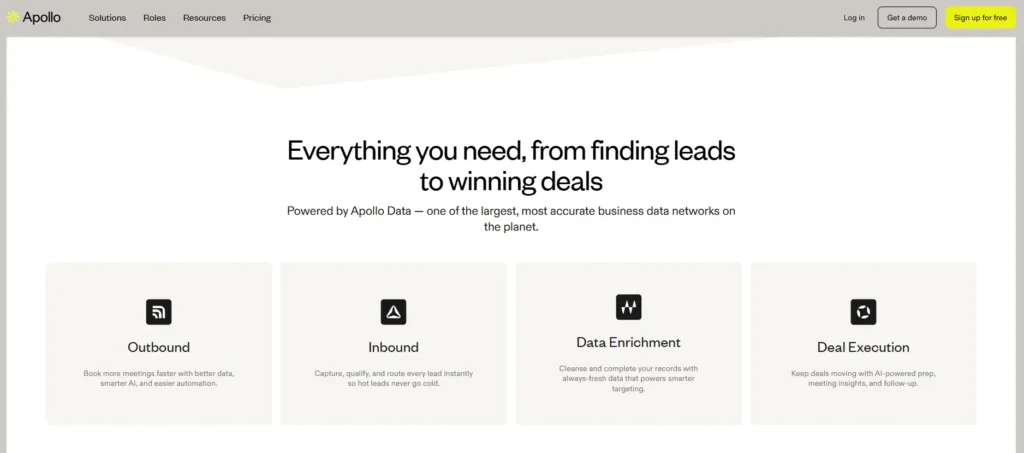
Apollo isn’t perfect, but it’s the closest thing to a complete sourcing platform that doesn’t completely break the bank.
You get a database of 200+ million B2B contacts. These are filtered by industry, company revenue, job title, technology they’re using. Build a list of 1,000 prospects in 15 minutes. Then Apollo runs email sequences directly from the platform and the best part is that there is no need of external email software initially.
Pricing in 2026:
- Free: $0/month (50 contacts, basically useless for real work)
- Basic: $49/month (testing only)
- Professional: $165/month (this is the starting point for real use)
- Organization: $449/month (multiple users, API access)
If you’re just starting out, you’ll outgrow the $49 plan in two weeks, so it’s better that you go straight to Professional.
What you’re actually getting: Native email sequences, built-in warm-up, AI subject line generation, LinkedIn bulk export, HubSpot and Salesforce integrations that work without Zapier and lead scoring (not amazing, but it’s there).
Who should use this: B2B SaaS companies doing outbound prospecting, sales teams targeting 50-500 new contacts per month, or anyone already using HubSpot (the integration is native so there’s no setup headaches).
Who should skip it: If you’re selling to consumers, Apollo’s database skews toward enterprise. If you need account intelligence (company growth signals, actual intent data etc.), you’ll need something else.
Alternate: If your budget is genuinely $25/month, use Hunter instead. They’re just as good at email finding and are at half the price. You can also checkout Outbound.io or Zoominfo if Apollo doesn’t work for you.
2. SmartLead
The Deliverability Specialist
Nobody gets excited about email warm up because it’s boring. But that ‘boring’ is the difference between 2% reply rates and 5% reply rates.
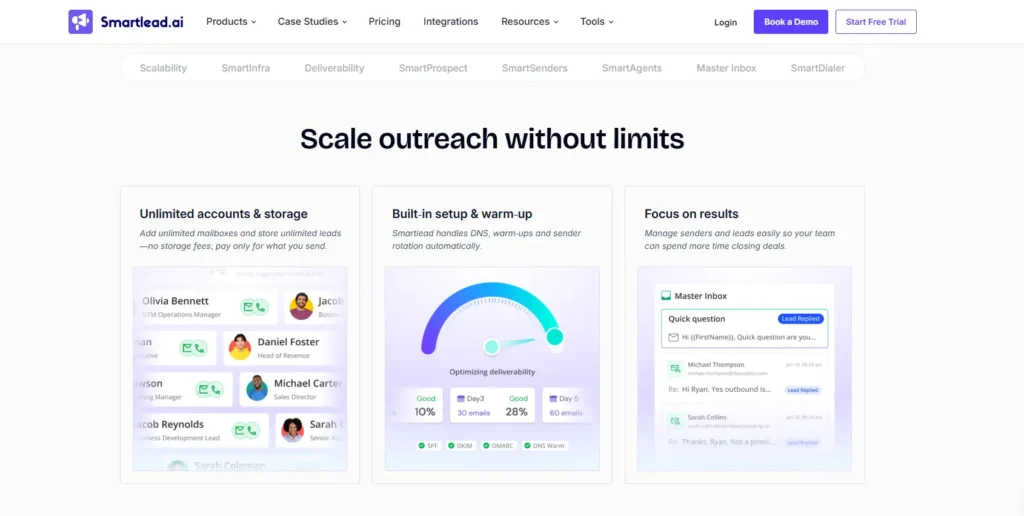
Smartlead solves this by warming up your domain first. For 5-7 days, it makes your account look legitimate by opening newsletters, clicking links, and responding to existing emails. Then when you send your campaign, Gmail trusts you. You have to work with the algorithm, not against it.
Pricing:
- Starter: $25/month
- Professional: $75/month
- Business: $185/month
The Business plan is where the math works. Unlimited email accounts, native Zapier integration, A/B subject line testing.
What you get: Warm-up for new email accounts, A/B testing on subject lines and email bodies, AI personalization (inserting prospect company name, job title, etc.), email validation (so you’re not sending to broken addresses) and Built-in follow-up sequences.
Hidden costs: Each warm-up takes 5-7 days. Set up three accounts? That’s potentially three weeks before you’re sending at volume. The platform itself is cheap, but the setup time isn’t free.
Who needs this: Anyone sending more than 100 cold emails per week or anyone whose emails are landing in spam (reply rate under 1%). Also, anyone who’s had a domain tank before and knows the pain of rebuilding – this is perfect for you.
Who can skip it: If you’re using Apollo’s native sequences, their warm-up is usually good enough. If your email volume is low (<50/week), then warm-up matters less.
Alternatives: If you already have a solid prospect list, then Lemlist ($39/month) is good because it’s better at AI personalisation. You can also try Instantly ($30/month) if budget is tight, or Outreach ($300+/month), if you need full engagement platform plus warm-up
3. HubSpot Sales Hub
The CRM That Actually Works for This
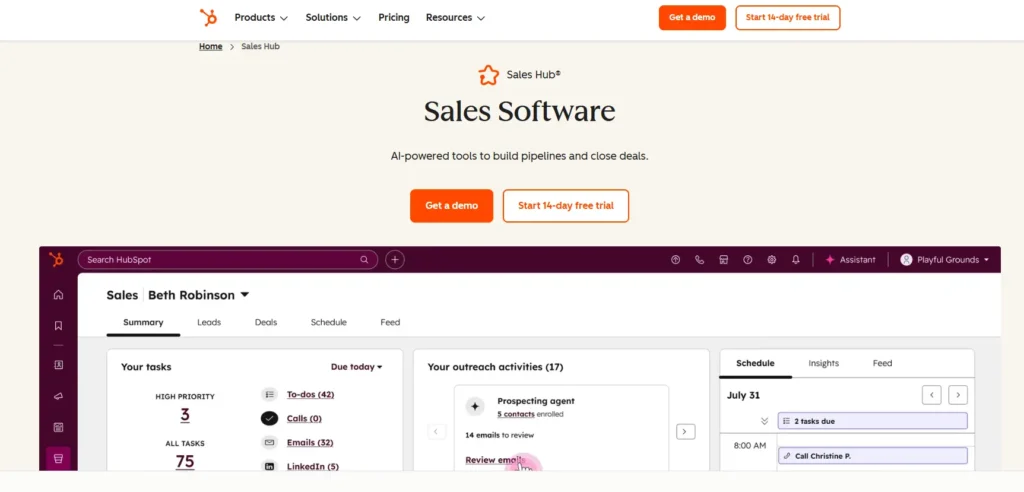
Most of the CRM’s are designed for tracking and not for generating leads. This is where HubSpot comes in the picture. It’s one of the most hyped tools, and there’s a reason for that because Hubspot is designed for inbound, but it works amazingly well for outbound too.
You import your Apollo prospects into HubSpot, Smartlead then sends emails. Replies start coming income in. HubSpot catches them automatically (via API), creates a deal, assigns it to your sales rep, and sends them a Slack notification. Your SDR doesn’t have to manually check email.
Pricing:
- Free: $0/month (limited, but works for testing)
- Starter: $50/month
- Professional: $400/month
- Enterprise: $1,200+/month
Professional tier is where automation kicks in. That’s when you get AI lead scoring, automated workflows, and the integrations that actually make things work.
What’s actually worth your money: Pipeline visualization (so you can see where deals are stuck). Email tracking and open rate reporting. AI lead scoring (predicts which leads will actually close). Meeting scheduler (helps SDRs lock in calls without back-and-forth). Document tracking and e-signatures.
Who should use HubSpot: Teams using both inbound and outbound. Businesses with 3-50 sales reps. Companies that want one integrated platform instead of managing five apps.
Who should skip it: Solo founder handling everything alone (the free plan is OK for you). Enterprise dealing with complex deal structures (use Salesforce instead). Agencies that just need basic contact management (use Pipedrive).
The real value: It’s not the features. It’s the integrations. Apollo connects natively. Smartlead connects via Zapier seamlessly. Your entire workflow becomes one system instead of five disconnected apps.
How these three actually work together
Day 1: You build a prospect list in Apollo (300 contacts, targeted to your ICP). It costs about $0.25-0.50 per contact (included in your monthly fee).
Day 2-7: Smartlead starts warming up two of your email accounts.
Day 8: Smartlead starts sending your first email sequence to 50 contacts as a test. Now, you’re monitoring open rates and reply rates.
Day 9-14: Now, email replies start coming in. HubSpot API catches them automatically, then creates leads in your CRM, and then it notifies your sales team.
Day 15: You check the numbers. If reply rate is above 2%, you scale to 300 contacts. If it’s below 1%, you adjust the email copy and test again.
Day 22: By now, you’re sending 1,000 emails per week and some are replying. HubSpot is automatically qualifying them based on engagement. Your SDR team is following up.
Day 30: You measure total cost per lead. Let’s say you spent $165 (Apollo) + $75 (Smartlead) + $400 (HubSpot) = $640 total. You generated 50 SQLs. Cost per SQL is $12.80. Your average deal is $25,000.
Day 31: You realise this is working.
Common mistakes that tank the results
Mistake 1: Sourcing Without Enrichment
Enrichment is the act of improving the quality, value, or intensity of something. You find 500 prospects in Apollo but you never verify the data. Half the emails are wrong and mails go into broken addresses.Gmail sees this as spam behavior and your domain tanks.Absolutely don’t do this. First, verify the emails in Hunter or use Clearbit before sending.
Mistake 2: Not Warming Up Your Email
This is a very common pattern that I have observed in the past year. Someone creates a brand new Gmail account on Monday and sends 100 cold emails on Tuesday. By Wednesday, they’re in spam jail and start blaming the approach – “It doesn’t work!!”. Listen, the approach works. But your execution is wrong. Fix that.
Mistake 3: Scaling Before Validating
Say for example you test 100 emails and get 3 replies (3% rate). You’re excited and send 1,000 emails. In reality it turns out that that 3% was a fluke. And now, you’re paying for 1,000 emails to 95% of the wrong people. Always scale 10x at a time, not 50x(and stop listening to ‘gurus’ who say otherwise).
Mistake 4: Using Tools in Silos
You send emails through Smartlead, but they’re not connected to your CRM. Replies come in. Your sales team doesn’t see them for days. The prospect loses interest. You never know your conversion rate because you can’t track it end-to-end.
Mistake 5: Wrong ICP = Wasted Budget
Apollo lets you filter by dozens of criteria, but if you’re targeting too broad, you’ll reach a lot of people who don’t care. You have to spend time upfront defining exactly who your ideal customer is and then filter hard.
So, what is the best AI tool for lead generation?
I have said this before and I’ll say it again:
The only best workflow is the one that integrates itself into your existing workflow, without breaking the system. If you treat each tool like a separate tool, you will lose out on a lot of time, mental energy and possible hot leads. Instead, treat these tools like ‘layers’ in your existing system.
To generate actual qualified leads in 2026, you don’t need to buy any other tool until these three tools are making your workflow smooth like butter.
Start with these three. Master the workflow. Then, and only then, think about adding layer 2 enrichment or intent data.
