
Most AI chatbots prompt the user for their email address prior to being able to begin typing in a question. They require setting up an account, verifying your email address and completing a profile. Once you have done all of that; there’s a good chance you’ve forgotten what you were originally going to ask!
However, some AI Chatbots allow you to immediately go to a tab or a chat, type in a question and receive an answer instantly. These are the best free AI tools like ChatGPT without login that actually work right now.
What should you actually expect from a no-login AI chatbot?
Before diving into the list, it helps to know what you’re getting. When people search for free AI tools like ChatGPT without login, they’re not just looking to avoid a signup form. They want three things:
- Speed: these tools load super quick and provide an answer immediately. There is no onboarding, there is no tutorial, and there is no welcome screen, you go to the page and you can begin.
- Privacy: since you do not have an account with most free tools, less of your data is associated with your identity. Most tools that do not require login do not save conversation history or build a user profile based on usage patterns.
- Value without commitment: there may be times that you just need a fast answer, rewrite a single paragraph, or get a quick explanation of a concept. By using these tools, you can do just that, without having to sign up for something that later, you will have to cancel.
With that said, there are also things that you are giving up, and it’s helpful to know this upfront.
- You do not have conversation history across multiple sessions
- You do not have personalised services or memory
- Many of these tools will limit you on the number of messages you can send before requiring a login
- The performance of the model may not be as strong as the paid/logged in version
Quick look: 5 free AI chatbots with no account needed
| Tool | Login Required | Best For | Model |
|---|---|---|---|
| Microsoft Copilot | No | General use, research | GPT-4o |
| Perplexity AI | No | Research with citations | Custom search model |
| Duck.ai | No | Private, anonymous chat | GPT-4o mini, Claude, Llama |
| Meta AI | No (via social apps) | Quick queries inside apps | Llama |
| Le Chat by Mistral | No | Writing, coding, fast general chat | Mistral models |
Can you use ChatGPT without logging in?
Yes, but with many limitations. OpenAI has made limited access available via chat.openai.com without creating an account. You can ask ChatGPT questions and receive answers from the GPT-4o mini model, as long as you are not signed into the site.
The no-login version of ChatGPT:
- Uses GPT-4o mini (the mini version), not the full GPT-4o or the full GPT-5.5 models.
- Will impose stricter limits on messages exchanged, compared to a free logged-in user.
- Your conversations will not be saved.
- You cannot upload any files, create images, or use voice mode.
- You will be required to log in after exchanging only a few messages.
If you’re only looking for one quick answer and you don’t mind using a lower model, then ChatGPT (no login) may be okay for you. If you need to do anything else and/or more complicated, try one of the other tools listed below (Microsoft Copilot in particular) that provide a much better no-login experience and allow full use of the GPT-4o model.
The 5 best free AI chatbots without login, broken down
1. Microsoft Copilot: the most capable no-login AI right now
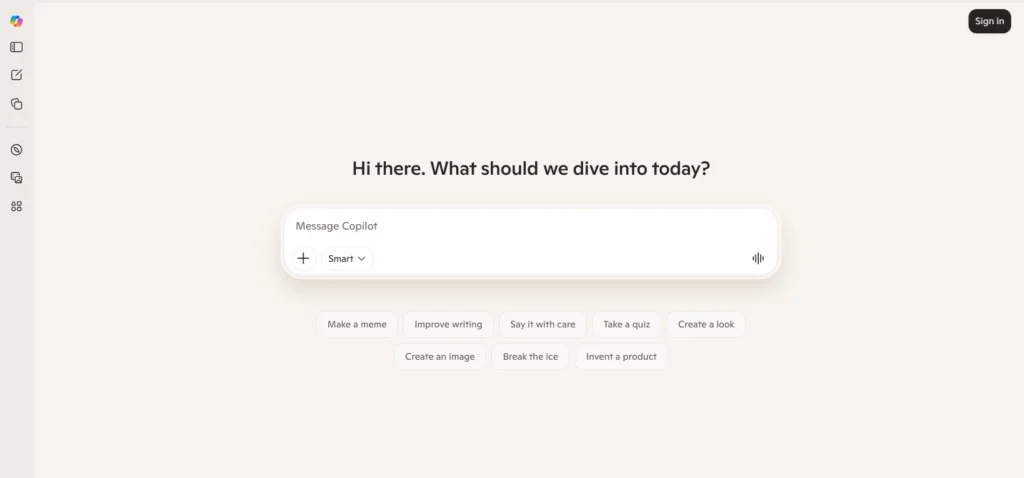
What it is: Microsoft’s AI Assistant that uses GPT-4o available at copilot.microsoft.com. To get started, no account is needed.
No-Login experience:
- Full conversational chat with real-time access to the Web (ChatGPT).
- Can handle text (written language), images, and document summaries.
- Three types of responses: Creative, Balanced, and Precise.
- Remembers context throughout the entire session.
- Works directly inside Microsoft Edge, without requiring any installations or setup.
Best for: For general research, drafting emails, and summarising articles. Answers complex questions with source citations.
The catch: If you use this for longer periods of time, you will be prompted to sign in. Signing in will enable you to have additional features including the ability to create Copilot Notebooks, tighter integration with Microsoft 365 applications and more.
2. Perplexity AI: ChatGPT-style answers with sources attached
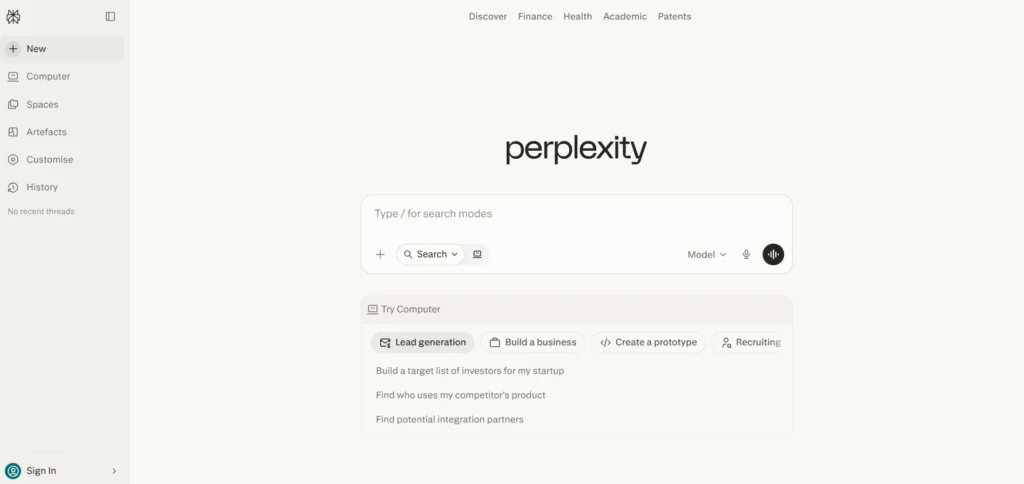
What it is: A conversational AI that provides answers to users’ questions by gathering live information from the Internet and displaying the data they find with citations. It is one of the best research AI models out there.
No-login experience:
- You can ask any question you like and receive an immediate response with citations.
- You will get prompts to continue once you have received your answer.
- The chat window is simple, without distractions.
- There are no emails, no accounts, and no prompts for tracking when you first arrive.
- If you wish, you can use the deep research feature to do additional research.
Best for: Perplexity is the best to help with fact-checking, conducting research, verifying statistics, or any type of inquiry you may have where it is important to know the source of your answer. You can also explore how Perplexity improves workplace productivity in this detailed guide: Perplexity at Work: A Practical Guide to AI-Powered Productivity
The catch: The more advanced features of perplexity (like file uploads or extended research) will require a Pro account to use. However, the basic search-based chat feature is completely free to use and open to anyone to access.
3. Duck.ai: The privacy-first option in this list
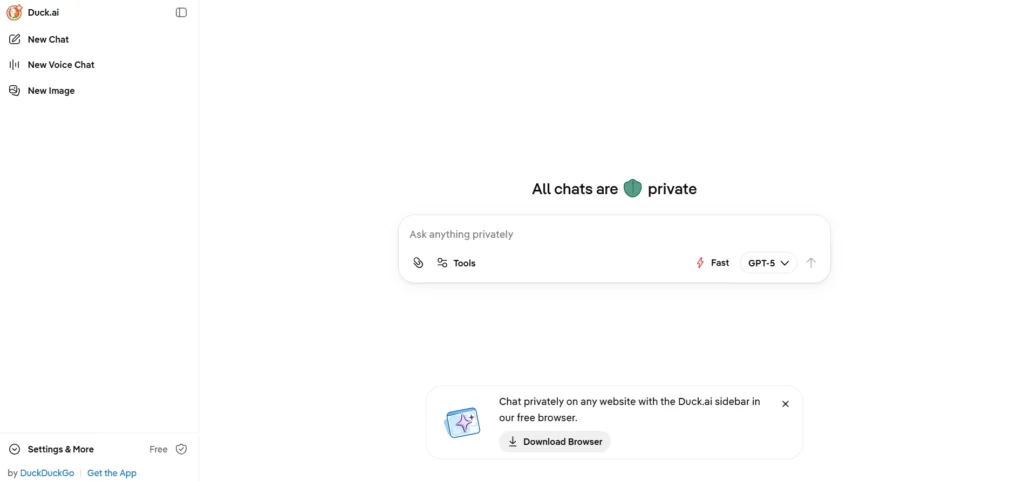
What is it: The DuckDuckGo AI Chat Tool routes questions through several models without tying questions back to your identity or using your information to build user profiles.
No login experience:
- You can select among GPT-4o Mini, Claude Instant, the Llama family of models, and the Mistral family of models
- The chats that you participate in are anonymized, and are not used to train any AIs.
- There is no browser tracking or ad targeting associated with your experience.
- You have a clean single-screen to communicate on, with minimal distractions.
- You have the option to disable local chat storage and clear your chat history.
Best for: Anyone that values data privacy, anyone using a shared or public device to communicate to or receive information, anyone sending very quick queries that do not want a record of their activity.
The catch: Compared to other platforms that are specifically built for chatbots, the models are not as current, and the flagship models will not be available.
4. Meta AI: Already inside the apps you use
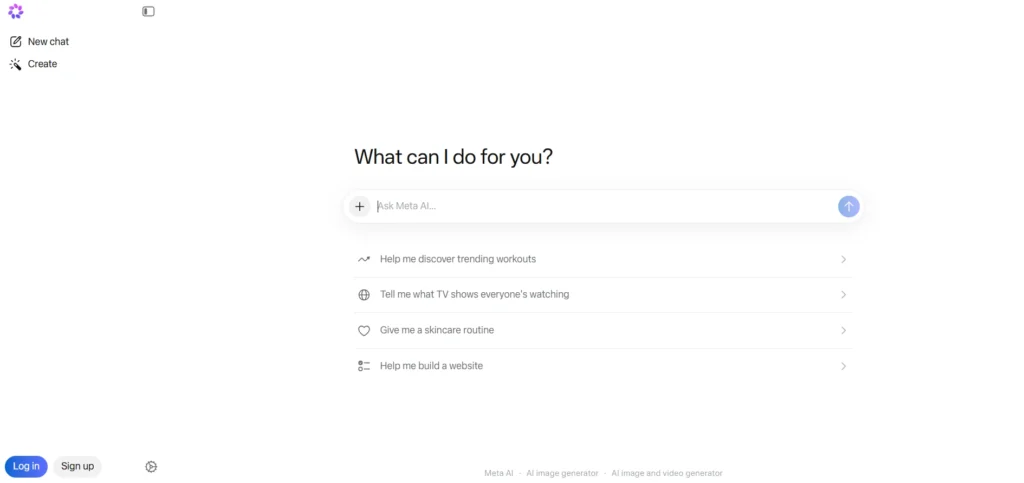
What is it: Meta’s AI Assistant (using Llama) is available to you whenever you access WhatsApp, Facebook, Instagram, or Messenger.
No-login experience:
- No separate app or website needed
- Your Assistant will answer your quick questions, generate captions for photos, rewrite text, and describe images quickly from within the same applications you already have open.
- You will receive your answers quickly, in a casual, friendly way,
- You will not need to create any additional accounts since you already use one of Meta’s platforms.
Best for: Meta AI’s assistant is best when performing tasks that you do on a daily basis, seeking help with posting content to your social media accounts, or when you are looking for something while on-the-go and don’t want to switch apps.
The catch: Meta AI’s assistant will not be able to do deep research or have longer conversations. It’s best when asked for short, focused requests.
5. Le Chat by Mistral: The underrated ChatGPT alternative most people haven’t tried
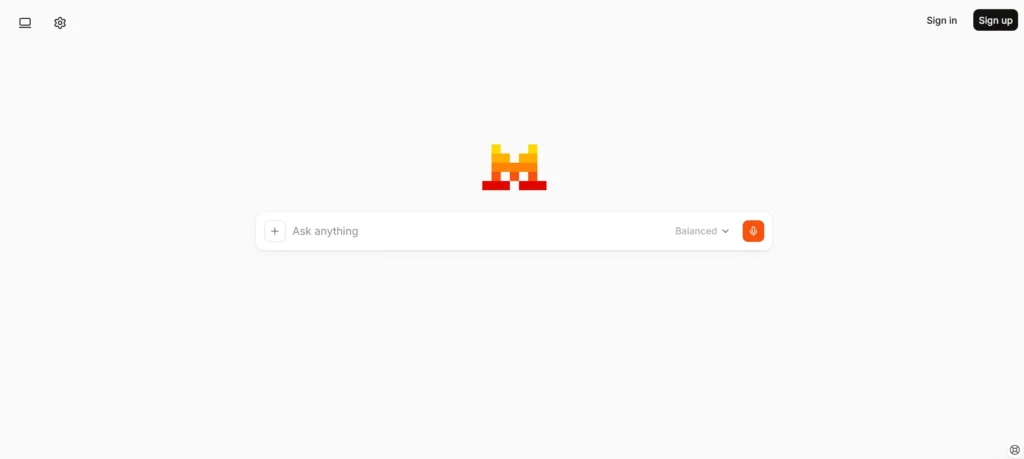
What it is: Le Chat is a conversational AI chatbot developed by Mistral AI and can be accessed at chat.mistral.ai. It is powered by Mistral’s proprietary language models and offers a free, no-login option for basic usage. Mistral, a French-based artificial intelligence company, develops state-of-the-art models that compete with GPT-4o in benchmark tests but at a significantly lower price point than most competitors5
No-login experience:
- Full conversational chat without requiring a user account to start using the service.
- Creative writing, summarising, coding assistance, and general question answering.
- Mistral’s AI models provide fast response times and are often faster than larger competing models based on their architecture.
- Web search capability is enabled to provide real-time answers through the free plan.
- The interface is clean and simple with no ads or upsell attempt during the chat.
Best for: People looking for an alternative to ChatGPT that is capable and distraction-free and who do not want to share their data with a large US technology company. People who live in Europe and have concerns regarding the storage of their data.
The catch: The no-login option has limitations regarding the length of a session. To extend use or gain access to Mistral’s higher-performance models (e.g., Mistral Large) you will need to have an account with Mistral.
Which no-login AI should you actually use? (Decision guide)
| If you want… | Use this |
|---|---|
| The closest thing to full ChatGPT, free | Microsoft Copilot |
| Answers with sources you can verify | Perplexity AI |
| Maximum privacy, no tracking | Duck.ai |
| Already on WhatsApp, Instagram, and Facebook | Meta AI |
| Quick tasks, European data laws | Le Chat by Mistral |
If you only remember one: Microsoft Copilot is the best default no-login AI for most people. It runs GPT-4o, has web access, handles images and documents, and requires no account at all. Start there.
Why are people looking for ChatGPT alternatives that require no signup?
ChatGPT has been the go-to tool for everything conversational AI and the mainstream adoption occurred at the same rate as the introduction of the tool. The use of ChatGPT today does come with some friction as OpenAI requires you to have an account just after a few conversations with the basic tier. The second you log into your account, you are using the GPT-4o mini version of the model instead of the full model and it limits your use time, with constant pushes towards a $20 per month subscription for more use.
For those users that simply need a quick answer without having to commit to an account or a billing relationship, that can be a significant overhead. Additionally, the data component is also an issue. Once you are logged into the ChatGPT system through your OpenAI account, your conversations will be stored and used to refine the OpenAI models. The only way to prevent your conversations from being used by OpenAI is if you go into your account settings and opt out of that feature.
If you are a user that handles any sensitive queries, does research work, or simply does not want to give data to a commercial company, that is a valid concern for you. That “gap” is what the tools on this list help fill, providing ChatGPT-like capabilities or similar without the signup wall, upsell pressure, or trade of data for free use.
Login-free vs logged-in: When does the difference actually matter?
The difference becomes necessary when you need:
- History of conversations: Sessions without logging in are not saved. Once you close the tab, the entire conversation is also lost.
- Upload of documents: Most of the tools will only allow users to upload / handle files if they are logged in.
- Sessions that are longer than usual: If you are doing a long research task or working on an issue with many parts, you will hit the session limit and have to create an account.
- Integration: In order for you to link up your AI to your calendar, email or work tools, you will always have to create an account.
When you need an answer fast, you are using a shared device, or you want to try a tool before you buy – use a no-login tool first.
You should use your logged-in account login when you are working on something that takes more than one session, you are dealing with a sensitive document, or you are connecting to other tools.
Things to keep in mind with no-login AI chatbots
It’s important to know how these features work before using them, as they can be helpful tools.
- There’s no conversation history saved. Once the browser window is closed, the conversation is lost. These features have no record of prior activity.
- Smaller default models are used. More often than not, free-tier versions of a chat application are using older or smaller model variants. So while you are receiving reasonable information, it may not be the top quality you could get from a better paid version of the same app.
- Your information is not saved by default; it’s still visible to the network itself. And it doesn’t matter if you create a profile or not, you still have an IP connection and your browser data.
- Every chat server has an upper limit on how many messages you can send before you are required to create an account or log in. This restriction is usually not listed in advance.
- There isn’t enough versatility to complete difficult jobs using chat. No-log chat is perfect for simple one-off jobs but does not provide a complete solution for using chatbots within an enterprise setting.
What happens to your data when you use AI without logging in?
In general, how platforms manage your information will vary — just because you don’t log in to a platform doesn’t guarantee that your data will be kept private.
The following describes common characteristics associated with most “no-log-on-required” AI tools:
- Your IP address is visible to the platform.
- Session data may be saved to servers for temporary periods of time, even without having an account or being logged in.
- Although most platforms say they do not use anonymous session data to train models, these policies and practices are subject to change.
The following shows varying levels of privacy between these tools:
- Duck.ai offers the best privacy protections as they explicitly state that chats are anonymised, will not be connected to any identity and will not be used for training purposes. If privacy is your main concern, then Duck.ai is the correct option regardless of the level of capability.
- Copilot has a broader data usage policy than its parent company (Microsoft) – it is fine for general use but make sure to read the privacy policy if you are going to be working with sensitive information.
- Perplexity and Le Chat are primarily privacy-respecting commercial products; however, because they are selling a commercial product, they may use anonymous session data according to the privacy policies of the respective platforms.
The rule of thumb: You should not tell a no-login ai session anything you wouldn’t want to hear out loud in a cafe. No passwords, no personal identifiers, no Client or employment-related information. Distraction and ease of use are advantages of no-login access; however, you need to know what you give up in exchange for those benefits.
Key Takeaways
Several popular free AI tools, such as ChatGPT, do not require user authentication in order to use the service, and chatbots like Microsoft Copilot are great for performing many tasks without requiring a user account. You can also find helpful research tools such as Perplexity (which provides verified sources) and Duck.ai (which prioritises user privacy).
Because they allow users to quickly find answers, quickly rewrite text, and quickly research information without needing an account, no-login AI chatbots are designed to take care of most of the everyday tasks that most individuals perform. However, if your needs go beyond quick one-off tasks, like work that spans multiple sessions or involves complex workflows, check out our full guide to AI tools that work without login for a broader look at what you can do without an account.
FAQs
Microsoft Copilot, Perplexity AI, Duck.ai and Meta AI are all strong options. Each works without an account for basic use. Copilot is the closest in terms of capability to a full ChatGPT experience with no signup.
Loginless AI refers to any AI chatbot you can use without creating an account. It’s safe for general use. Avoid sharing sensitive personal information in any no-login session since you have less control over how session data is handled.
Some do and some don’t. Duck.ai has no clearly stated caps on basic use. Copilot may prompt a login after extended sessions. It varies by platform and can change without notice.
Yes. Most of these tools work in a mobile browser without any download. Meta AI is the exception in the sense that it’s built into existing apps rather than a standalone browser tool.
