
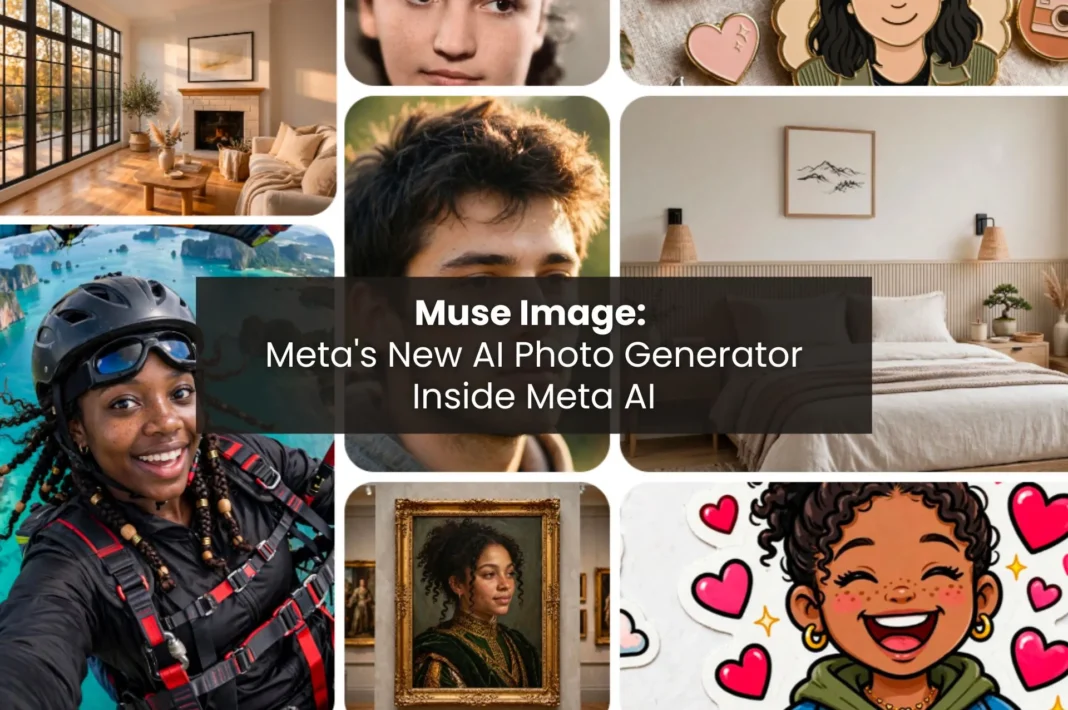
Meta recently unveiled its AI’s new creative mind. The company launched Muse Image, the first image simulator from Meta Superintelligence Labs, which is accessible from Meta AI.
Quick summary: what happened and why it matters
Muse Image was introduced on July 7, 2026, as the first image simulator from Meta Superintelligence Labs, but this technology works within Meta AI instead of being a separate tool. The system transforms normal, everyday language into an image. Just tell Muse Image what you want, and the machine creates a picture.
This is important for everybody including creators, marketers, and everyday users alike. Muse Image is already a major component of both Instagram and WhatsApp effects, and Meta plans to include it in the Facebook and Messenger. This means the company is entering the market with a very strong image simulator for billions of users.
What is Meta Muse Image?
Muse Image is Meta’s cutting-edge AI technology for generating and editing images. This new tool is built within Meta’s AI system so you’ll use it through chat instead of downloading any other application or visiting website.
This technology has evolved from Muse Spark, another AI model developed by Meta Superintelligence Labs that improved Meta AI’s efficiency. Muse Image incorporates the visual element to make it possible for Meta AI to analyze the requests and create relevant pictures.
The importance of this tool lies in the fact that regular users do not usually open image generation tools. Muse Image offers ready-made solutions for them within the apps they use daily.
How does Muse Image work?
Muse Image is more than just a tool to convert prompts into pictures. It involves reasoning, too.
With Muse Spark, the model lays out the requested image, verifies real-time contexts, and combines several images if needed to accomplish the task. Whether you need to insert your pet into a famous piece of artwork or merge one photo with another, it will do it for you.
Another great thing about the model is its skill to render text properly in the images it produces. Infographics or other texts will not look distorted or illegible because of this feature.
Why did Meta build Muse Image?
There are many compelling reasons why Meta believes there is value in developing its own image generation technology as opposed to using existing platforms.
- It enables creators to stay on Meta platforms. By integrating the image generation tool inside Meta applications, users will no longer need to switch to other apps to create their images.
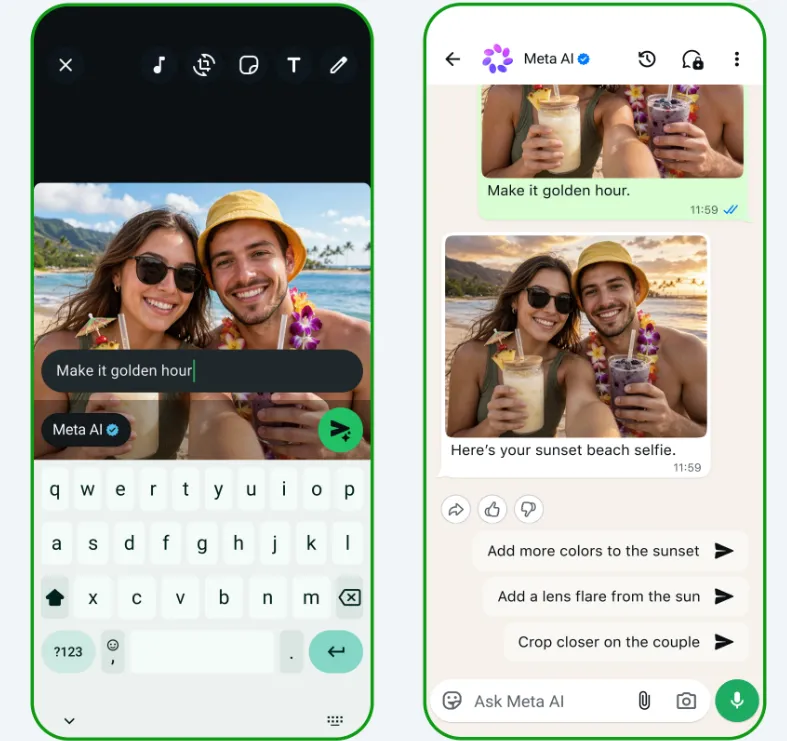
- Creates direct rivalry with OpenAI, Google and Midjourney. When the tool is owned by Meta, it will be able to introduce new features and tools whenever it wishes.
- Helps in building a habit of using Meta AI. Owning the image generation model provides users with another tool that would motivate them to use Metas applications.
- Reduces reliance on other companies for AI services. Having its own model allows Meta to control the service cost and to adapt it to the needs of its customers. This strategy aligns with Meta’s broader push to build more of its AI stack in-house, as seen in its recent work on brain-computer interfaces with Brain2Qwerty v2, which also highlights the company’s long-term investment in proprietary AI research.
Major features of Muse Image
| Feature | Why it matters |
|---|---|
| Photo blending and reasoning | Combines multiple images into a single, coherent scene without requiring manual editing. |
| Clean text rendering | Produces readable text in images, making it useful for infographics, posters, signs, and guides. |
| Preset prompts | Helps beginners generate high-quality images quickly using ready-made prompt templates. |
| Markup editing | Lets users sketch, highlight, or annotate areas to make precise image edits. |
| Social account tagging | Uses public photos from tagged Instagram accounts as visual references for more personalized results. |
| Product-based room redesign | Reimagines rooms with real furniture and décor sourced from the web or Marketplace, making designs easier to recreate. |
Muse Image vs other image models: which one makes more sense?
| Model | Strength |
|---|---|
| Muse Image | Deep integration across Meta’s ecosystem, including Meta AI, Instagram, Facebook, and WhatsApp |
| GPT Image | Excellent prompt following, image editing, and text rendering |
| Imagen | Highly photorealistic image generation with strong visual fidelity |
| Midjourney | Exceptional artistic, stylized, and cinematic image creation |
| Flux | Open-weight model that offers flexibility and customization for developers |
What are the best real-world use cases for Muse Image?
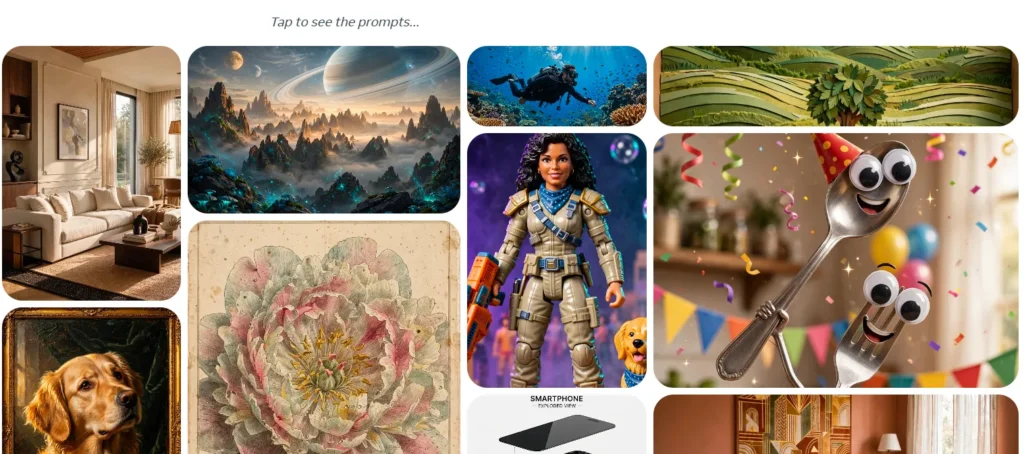
People have different interpretations of the same model.
Marketers:
- Advertisement creative and product modeling
- Posts in a specific style and orientation
- Quick tests of concepts before making a full picture
Designers:
- Ideas for different rooms, furniture, and decorations
- Exploration of the particular style
- Fast preliminary drafts for review
Teams exploring professional AI image workflows can also look at Meta’s partnership with Midjourney, which expands creative options for designers and content creators.
Developers:
- Creating with the help of Meta AI’s creative tool
- Automating the visual content creation for applications
Everyday users:
- Restoration of old family pictures
- Customizing stickers, avatars, and thumbnails
- Creating story and post effects on Instagram.
What makes Muse Image different from other AI image tools?
Technology alone is sufficient to make this conclusion. The scale of Meta is important.
Meta uses Muse Images to come up with new AI effects and to deliver them to Instagram Stories in various ways. The system generates images directly from WhatsApp chats in a few locations in the world. Meta has plans to roll out its technology to other surfaces, including Facebook Messenger and WhatsApp in the near future.
The distribution of Meta’s model constitutes competition for smaller companies. Since it is not only a matter of technology, as a model can be successful if it is the easiest to get access to, but not the latest one in terms of progress.
What are the current limitations of Muse Image?
The strength of Muse Image is significant, but it is still not in its full form yet.
- It has not yet been launched on either Facebook or Messenger, although Meta claims that they will definitely be making it happen soon.
- There will also be no access for the advertisers through Advantage+ creative system as of this moment.
- Moreover, Meta has not yet provided specific details and benchmarks about the images created by Muse Image and how good those would be compared to other similar platforms in the market.
- The generation of the images through WhatsApp is still limited to few countries.
- Apart from that, Meta has not revealed many other technical details like the resolution limit or generation speed of the images from Muse Image.
It is better to discuss the shortcomings of Muse Image that separates it from its real availability.
How will Muse Image affect the AI industry?
Muse Image has set a new standard for mainstream applications when it comes to offering features free of charge. The app allows users to create images with the help of Meta AI without any payment required, while special features would still be available through applicable subscription packages.
The pricing system adopted by Muse Image gives constraints to small-scale companies that rely on charging customers for their services. Besides, it creates a pressure for companies like Google, Midjourney, and OpenAI to keep making progress in the field.
Key Takeaways
The Muse Image developed by Meta implements a new image generation technology into Meta AI, WhatsApp, Instagram, and is going to implement it into Facebook and Messenger soon. This service interprets user commands, combines pictures, creates text content, and allows users to edit pictures using simple English phrases.
FAQs
Muse Image is Meta’s first image generation model from Meta Superintelligence Labs, available now inside Meta AI.
Yes, everyday use through Meta AI is free, with more advanced features included in Meta’s paid subscription plans.
Meta has not announced a public API yet. Access currently runs through Meta AI and connected apps.
Yes, you can markup or sketch directly on an image to request changes, and Meta AI keeps the conversation context as you refine it.
You can try it now in Meta AI, plus new Instagram Story effects and WhatsApp chat generation in select countries.
