
AutoGPT changed AI automation, but is it still the best choice?
AutoGPT introduced a new way to automate tasks by using AI agents that can plan, reason, and complete multi-step workflows with minimal human input. It quickly became a favorite among developers and AI enthusiasts looking to push automation beyond simple chatbots.
However, AI has evolved rapidly since then. Many newer tools now offer better reliability, easier setup, and more practical automation for everyday use. Before choosing an AutoGPT alternative, let’s see why so many users are making the switch.
Why are more users moving beyond AutoGPT in 2026?
AutoGPT introduced a new way to automate complex tasks, but it isn’t perfect. Many users struggle with its technical setup, looping tasks, inconsistent results, and high API costs for long workflows.
Moreover, new AI agents for automation focus on reliability instead of experimentation. They are easier to set up, integrate with more apps, and deliver more consistent results. Understanding these limitations makes it easier to choose an AI agent that truly fits your workflow.
The features that separate great AI agents from disappointing ones
The best AI agents not only provide answers to questions; they can also perform tasks automatically on a reliable basis, are capable of adapting to your work style, and save you time without having to be monitored constantly. Here are key features to consider when selecting an AutoGPT free alternative or premium AI agent:
- Reliability: All tasks must be completed promptly without ever failing or getting trapped in infinite loops.
- Long-term memory: Maintains the history of conversations and retains context through multiple steps.
- Integrations: Allow you to integrate with multiple applications such as Gmail, Slack, GitHub, Google Workspace, and other project management platforms.
- Multi-agent collaboration: Allows multiple AI agents to collaborate on complex tasks.
- Ease of setup: Provides an easy onboarding experience regardless of whether you are just starting or are an experienced developer.
- Flexible pricing: Offers free or low-cost plans to accommodate a range of automation needs.
- Security and privacy: Provides excellent data security as well as clarity regarding its privacy policies.
- Active development community and continuous updates: Receives regular enhancements and bug fixes from an active developer community.
While most users will want to pick the most powerful AI model they find, designing which workflows you want your AI model to complete for you and how your AI model will integrate into those workflows will affect your productivity far more than just the raw intelligence of the AI model alone. With this approach in mind, we will now compare the major AutoGPT alternatives to each other.
Compare the best AutoGPT alternatives before choosing one
Every AI agent has different strengths. Some are built for developers who want complete control, while others help businesses automate repetitive tasks with little or no coding. Comparing them first can save time and help you choose a tool that matches your workflow instead of chasing the most popular name.
| Tool | Free Plan | Paid Plan Starts | Best For | Difficulty |
|---|---|---|---|---|
| CrewAI | 50 workflow executions/month | $99/month | Multi-agent workflows | Intermediate |
| LangChain | Unlimited (open source, self-hosted) | No platform fee (pay only API/hosting costs) | AI application development | Advanced |
| AutoGen | Unlimited (open source, self-hosted) | No platform fee (pay only API/hosting costs) | Multi-agent conversations | Intermediate |
| Flowise AI | 2 flows, 100 predictions/month | $35/month | Visual AI workflows | Beginner |
| HuggingGPT | Unlimited (open source, self-hosted) | No platform fee (pay only API/hosting costs) | Experimental AI automation | Advanced |
| Zapier AI | 100 AI tasks/month | $29.99/month | Business automation | Beginner |
| Make | 1,000 operations/month | $9/month | Workflow automation | Intermediate |
| Lindy AI | Limited free credits | $49.99/month | AI executive assistant | Beginner |
| AgentGPT | Limited browser usage | Premium plans available | Browser-based AI agents | Beginner |
| Notion AI | No free AI plan | From $10/user/month | Writing and productivity | Beginner |
Best free AutoGPT alternatives that deliver real automation
1. CrewAI stands out for teams that need multiple AI agents working together
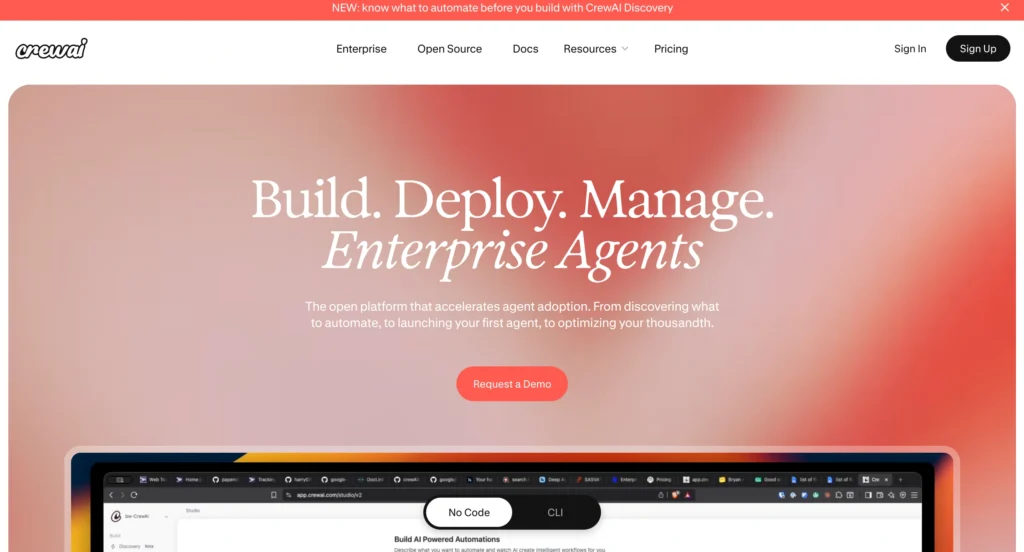
The CrewAI is one of the top alternatives to AutoGPT for building collaborative AI agents.
CrewAI is among the leading open-source alternatives to AutoGPT for developers who want to create cooperative workflows with AI. Rather than using one agent, CrewAI allows multiple agents to collaborate under different roles on a project to improve the organization of large and complex projects.
Key Features:
- Collaborative, multi-agent operation
- Task assignment based on roles
- An open-source framework
- Compatible with Python
- Workflows can be designed in any way you wish
Pros:
- Completely free
- Very customizable
- An active developer community
Cons:
- Requires knowledge of Python
- The initial installation process can be time-consuming
Pricing: Free. Enterprise plan (custom pricing) or professional plans from about $25/month.
Best for: Developers and Technical Teams.
2. LangChain gives developers complete control over AI workflows
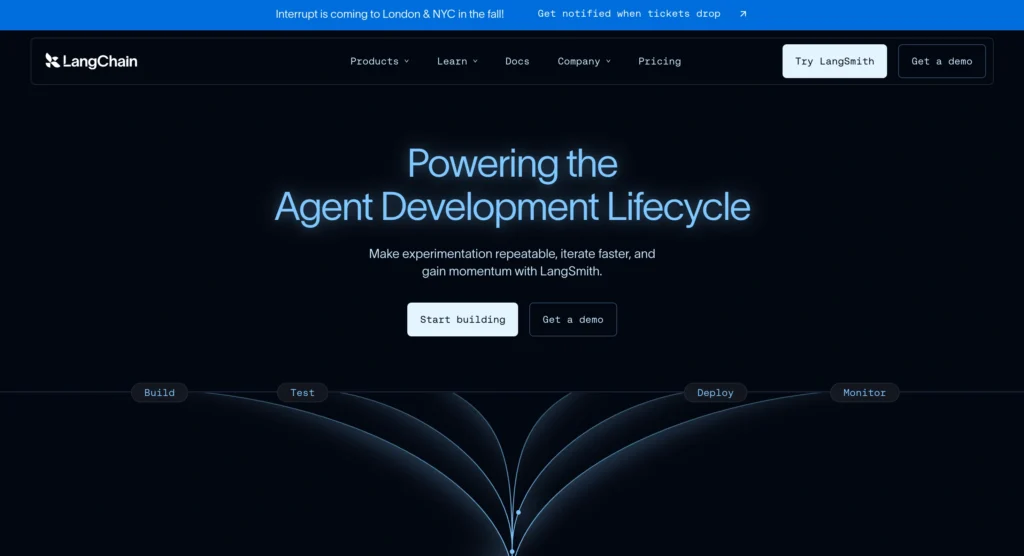
LangChain has become a widely used framework for creating AI applications and creating autonomous workflows. It offers a large variety of tools to link language models to APIs, databases, and other external systems, giving developers total control over the functionality of their AI agents.
Key Features:
- Many different LLMs are supported
- Memory Management
- While it can connect to APIs and databases
- Agent Orchestration
- Large open-source community
Pros:
- Highly adaptable
- Thorough documentation
- Strong support from the large LLM community
Cons:
- More complex than some frameworks
- More suitable for developers than for beginning programmers
Pricing: Free. No platform fee. You only pay for the LLM APIs and hosting you use.
Best for: Developers developing custom AI apps.
3. AutoGen makes multi-agent conversations easier to build
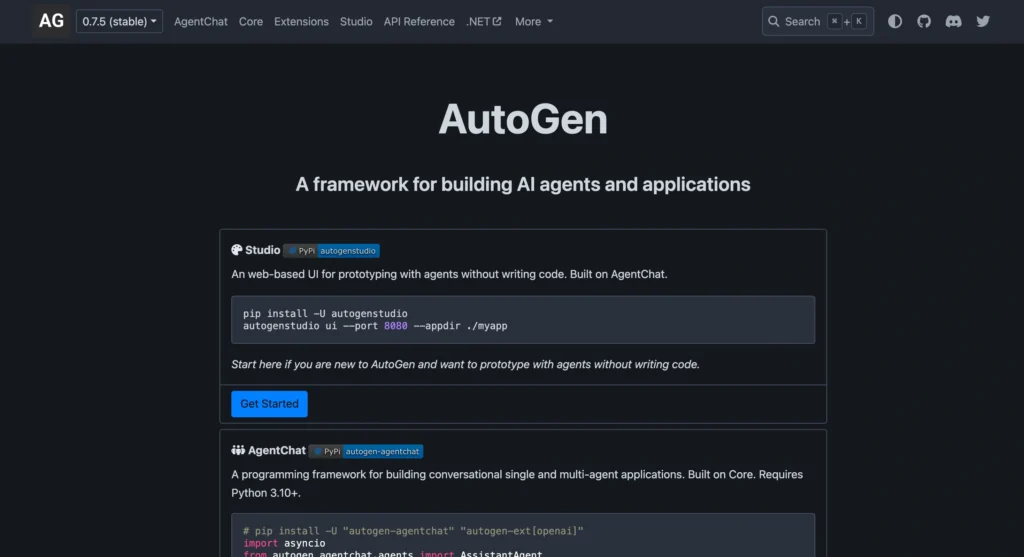
Microsoft’s AutoGen is an AI agent generation tool that produces agents that can work together by having structured conversations. You can have multiple agents that can communicate, assign tasks, and collaborate to address complex issues instead of managing all tasks with a single agent.
Key Features:
- Multi-agent conversation
- Orchestrator
- Agents with flexible responsibilities
- Open source
- LLM support
Pros:
- Great for research projects
- Simple to scale
- Active development
Cons:
- Requires a programming background
- Not suitable
- For occasional users
Pricing: Free. No platform fee. Pay only for API usage and infrastructure.
Best for: Developers and researchers in the field of AI.
4. Flowise AI removes the coding barrier for AI automation
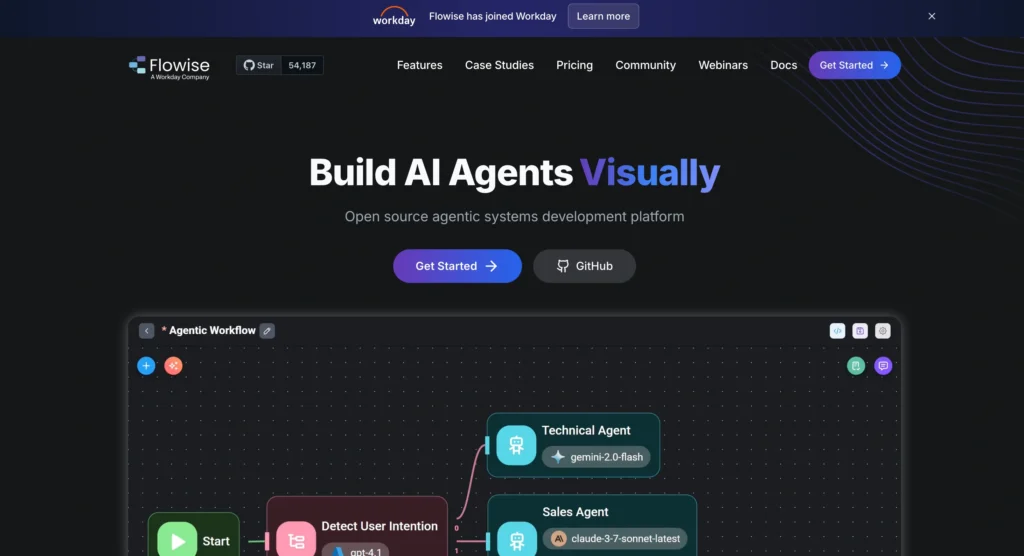
With Flowise AI, you can build AI flows without writing a single piece of code; all you need is a visual interface where you can connect different language models, APIs, and automation tools using drag-and-drop components. This makes Flowise AI a great tool for anyone new to (or with no experience in) working with programmable elements or user interfaces.
Key Features:
- Graphical workflow builder
- Drag-and-drop interface
- Integration with large-scale models (LLM’s)
- API connection support
- Customization of chatbots
Pros:
- Beginner-friendly
- Fast setup
- Many different AI model types supported
Cons:
- Very little support for anything other than basic customization features
- Some advanced features require a paid membership plan
Pricing: Free plan available; paid upgrades available. Cloud Starter starts at $35/month.
Best for: People who are new to using AI, educators, and those who do not wish to create custom applications with programming languages.
If you prefer AI tools that let you get started instantly, check out our guide to the best AI tools that work without login for platforms you can use without creating an account.
5. HuggingGPT experiments with AI collaboration in a unique way
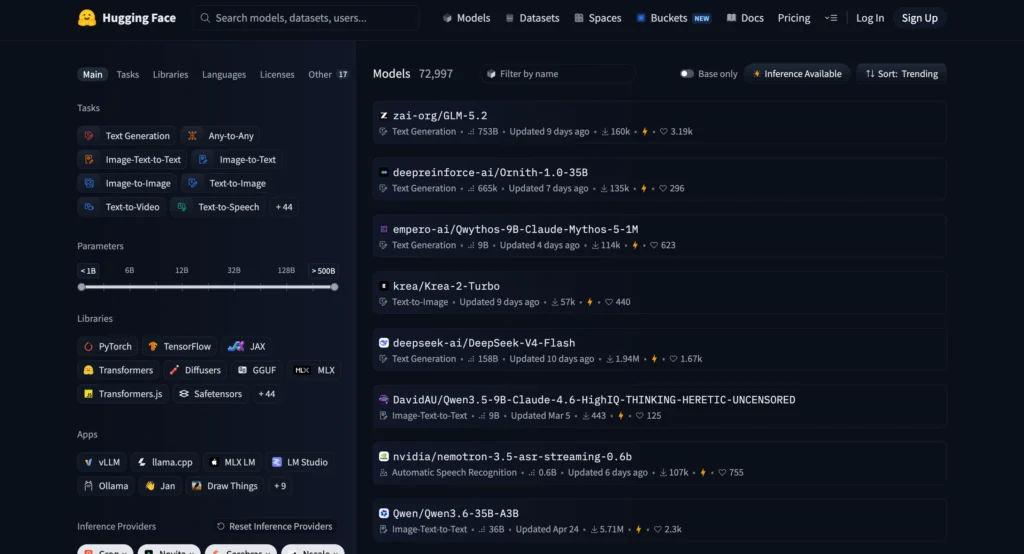
HuggingGPT takes many different AI models from the Hugging Face ecosystem and combines them so that a single model can accomplish multiple tasks. Rather than relying on one AI agent, HuggingGPT’s models are designed to work together by subcontracting all of the sub-tasks required to complete any job.
Key Features:
- Multi-modelism (collaborative)
- Integration with Hugging Face
- Open source
- Experimental task management
- Flexible architecture
Pros:
- Innovative approach to multi-modelism
- Free service
- Significant research opportunities
Cons:
- Experimental
- Requires some technical knowledge to use
Pricing: Free. Only deployment or API costs if self-hosted.
Best For: Researchers, Developers, and People Interested in Artificial Intelligence.
Most of the time, free tools are more flexible than paid platforms, but in most cases, paid platforms allow for a much faster experience and require less setup to get started. Next, we will review the top five paid alternatives to AutoGPT.
These paid AutoGPT alternatives save time and reduce complexity
Free frameworks offer flexibility, but they also require more setup and maintenance. Paid AI agents focus on ease of use, ready-made integrations, and reliable automation, making them a better choice for professionals and businesses that want results without spending hours on configuration.
6. Zapier AI turns everyday workflows into automated tasks
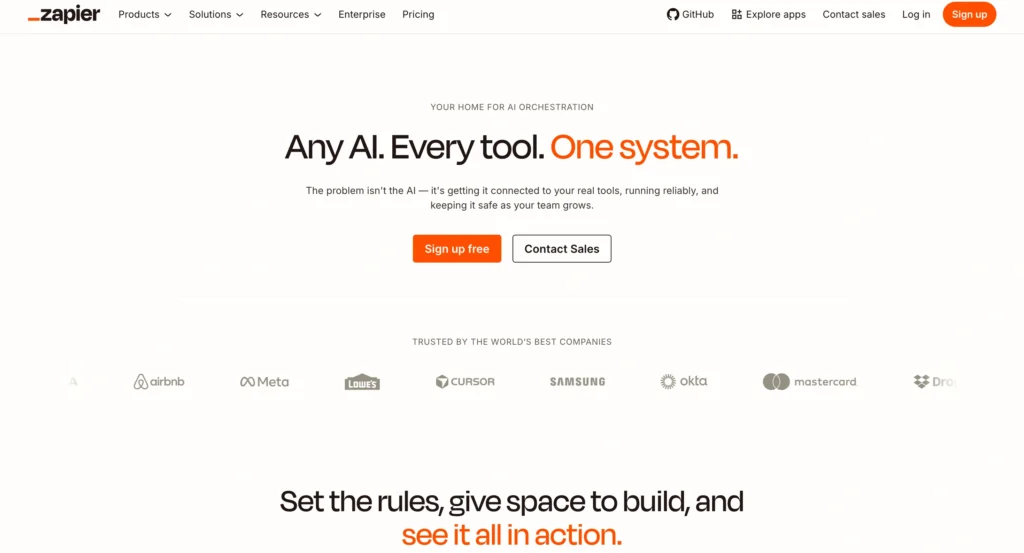
Zapier is an automation software program that gives you the ability to automate menial tasks with the use of approximately 7,000 different third-party applications. The AI technology behind Zapier helps eliminate redundancies when performing various tasks so that you have more time to spend on other projects (e.g., creating content).
Key Features:
- High level of automation
- Natural-language automation capabilities
- Pre-configured templates for many common uses
- Collaboration capabilities among multiple team members
Pros:
- Simplicity in the user interface
- A variety of integrations are available
- Time savings associated with the completion of repetitive tasks
Cons:
- Higher tiers of service are required for advanced automations
- As monthly usage grows, associated costs will increase
Pricing:
- Professional ($19.99/month)
- Team ($69/month)
- Company ($103/month)
Best for: All types of businesses, including professional marketers and business people.
7. Make gives power users more control over complex automation
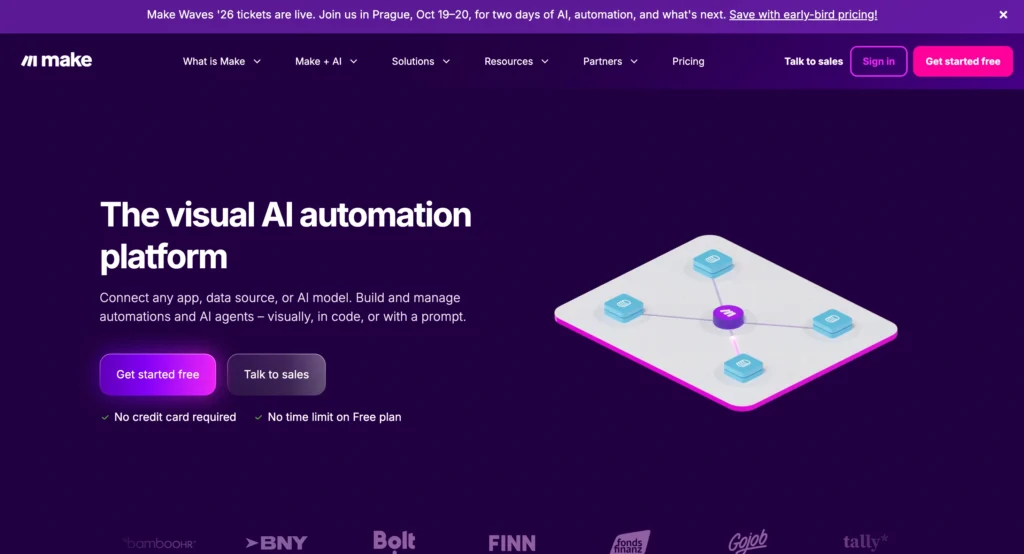
Make is an advanced automation platform (formerly Integromat) built for users who need complex workflows and automations across multiple apps. Their visual builder offers more customization options than most competitors but still allows for easy automation management.
Key Features:
- Visual workflow builder
- Advanced logic & conditions
- AI integrations
- 1000+ app connections
- Real-time automation
Pros:
- Highly customizable
- Powerfully automate processes
- Scales with business growth
Cons:
- Can take a while to learn
- Can feel an overwhelming interface
Pricing: Core: $9/month, with higher tiers for increased usage.
Best For: Businesses, agencies, and automation professionals.
8. Lindy AI works like a personal AI employee
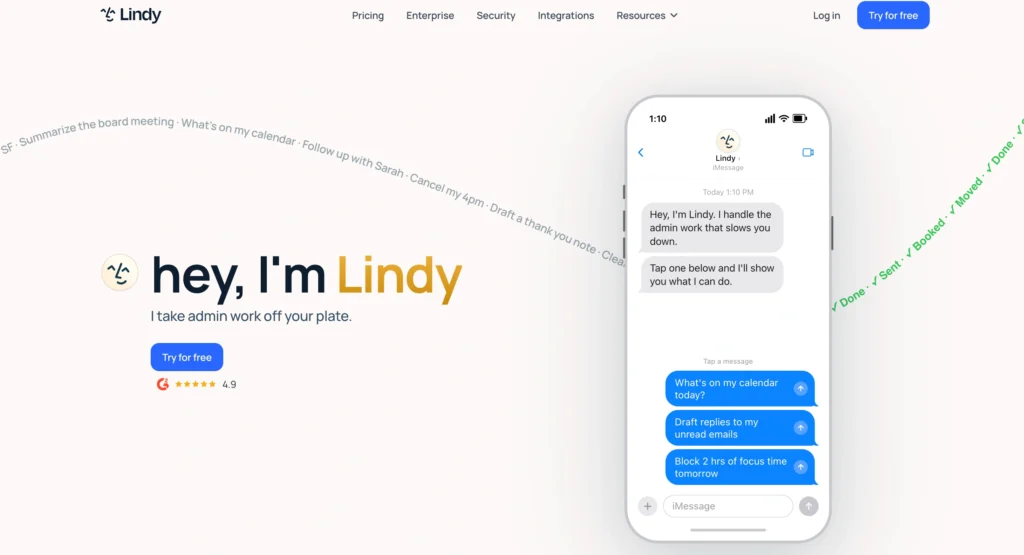
Lindy AI acts as an AI assistant that can handle emails, schedule meetings, follow up with contacts, and manage repetitive office tasks. It aims to reduce manual work instead of replacing existing business software.
Key Features:
- Email management
- Meeting scheduling
- Task automation
- CRM integrations
- Voice capabilities
Pros:
- Beginner-friendly
- Excellent productivity features
- Fast setup
Cons:
- Premium features require a subscription
- Limited customization compared to developer tools
Pricing: Starts at $19.99/month, with higher plans up to $49.99/month.
Best for: Entrepreneurs, executives, and small businesses.
9. AgentGPT makes autonomous AI accessible from your browser
AgentGPT lets you create and run AI agents directly from your browser without installing software. Simply describe a goal, and the platform attempts to plan and execute the necessary steps.
Key Features:
- Browser-based AI agents
- Simple interface
- Goal-driven automation
- Cloud-based execution
- Quick deployment
Pros:
- No installation required
- Easy for beginners
- Fast to start
Cons:
- Limited customization
- Less control than open-source frameworks
Pricing: Premium plans are available, but pricing varies based on usage and features.
Best for: Beginners and users who want a simple AutoGPT experience.
10. Notion AI combines writing and automation in one workspace
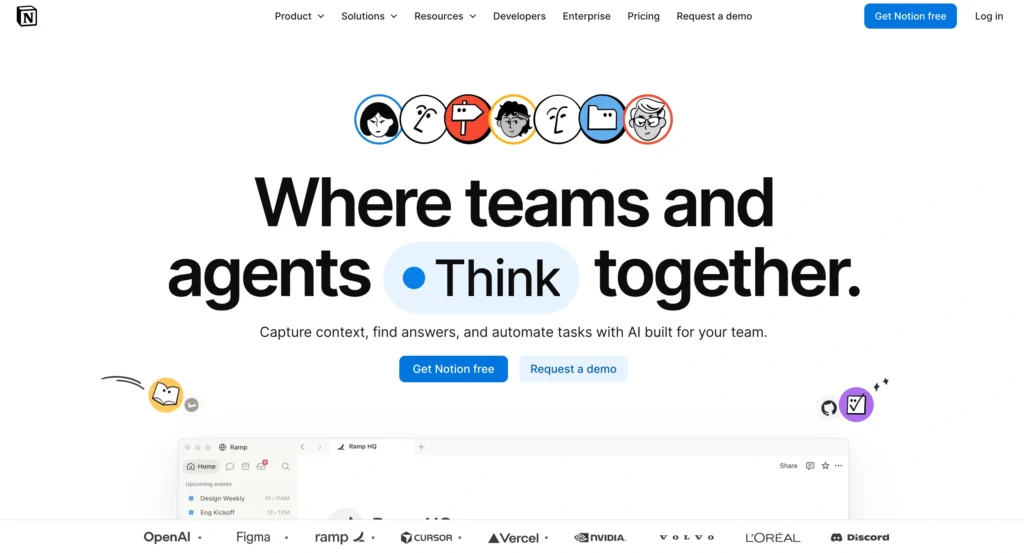
Notion AI adds intelligent writing, summarization, brainstorming, and workflow assistance directly into the Notion workspace. While it isn’t a traditional autonomous AI agent, it automates many everyday productivity tasks.
Key Features:
- AI writing assistant
- Document summarization
- Brainstorming tools
- Workspace automation
- Knowledge management
Pros:
- Seamless Notion integration
- Easy to use
- Improves team productivity
Cons:
- Best suited for Notion users
- Limited external automation
Pricing: AI features are available on paid Notion plans, starting at about $10/user/month.
Best for: Writers, content teams, and project managers.
For content creators, combining AI writing with AI-powered design tools can significantly speed up content production. Learn how to create stunning thumbnails and social media graphics using free AI tools to complete your workflow.
Free and paid AI agents solve different problems
Free AI agents are a great choice if you enjoy experimenting, building custom workflows, or learning how AI automation works behind the scenes. They usually offer greater flexibility, but they also require more technical knowledge and ongoing maintenance.
Firstly, paid platforms focus on convenience and reliability. They include ready-made integrations, customer support, and polished interfaces that help individuals and businesses automate tasks faster. While they come with a subscription cost, they can save hours of manual work and reduce the need for troubleshooting.
| Feature | Free AI Agents | Paid AI Agents |
|---|---|---|
| Cost | Free | Monthly or annual subscription |
| Setup | More technical | Beginner-friendly |
| Support | Community forums | Dedicated customer support |
| Integrations | Basic or manual | Extensive built-in integrations |
| Customization | High | Moderate |
| Best for | Developers, learners | Businesses, professionals |
If you’re a freelancer looking to build a complete AI-powered workflow, don’t miss our guide to the best free and paid AI tools for freelancers, where we cover essential tools for writing, design, productivity, and client management.
The next generation of AI agents is already replacing old automation models
AI agents are becoming more specialized and collaborative. Instead of relying on a single model to handle every task, modern platforms combine multiple agents that work together to plan, execute, and refine complex workflows. This approach improves accuracy and reduces the chances of automation breaking midway.
Another major trend is deeper integration with business tools. Voice agents, enterprise automation, MCP (Model Context Protocol) support, and industry-specific AI assistants are changing how organizations use AI every day. Rather than replacing people, these agents act as intelligent coworkers who handle repetitive work while humans focus on decision-making.
The best AutoGPT alternative depends on how you plan to use AI
The right alternative depends on what you want to automate. Some tools are designed for developers building custom AI applications, while others help businesses automate daily operations with little technical effort.
| If you are… | Choose… | Why? |
|---|---|---|
| Beginner | Flowise AI | Visual builder with minimal setup |
| Developer | LangChain | Maximum flexibility and customization |
| Researcher | AutoGen | Excellent for multi-agent collaboration |
| Business owner | Zapier AI | Automates everyday business workflows |
| Team manager | Make | Handles complex team automation |
| Writer or marketer | Notion AI | Boosts writing and content workflows |
| Productivity enthusiast | Lindy AI | Manages emails, meetings, and routine tasks |
There’s no single winner because every workflow is different. Focus on the tool that solves your biggest challenge instead of the one with the longest feature list. That mindset will help you get more value from AI, regardless of which platform you choose.
The best AI agent is the one that fits your workflow
The emergence of AutoGPT has facilitated a change in how many people view autonomous AI agents. Because AutoGPT has had such a major impact on understanding and use of autonomous AI, there are likely still many who are trying to interact with these tools in today’s rapidly expanding ecosystems of AI. Thanks to technology like AutoGPT, many soon-to-be users of autonomous AI agents will want more than experimentation; they want dependable solutions that are user-friendly and provide repeatable outcomes, whatever those outcomes happen to be.
When choosing the most appropriate autonomous AI agent for your needs, you could use a free tool such as CrewAI or LangChain or a paid solution like Zapier AI or Make. Your choice will be determined by your objectives, level of technical expertise, and available funds. To maximize your use of autonomous AI agents, you should invest in one you can incorporate into your regular workflow rather than trying to chase after the latest or most popular solution. Ultimately, the best AI agent is the one that you can count on daily to solve your specific and immediate problems.
Many AI tools are not created solely for automating work processes, however. If conversational AI interests you, be sure to read our guide detailing the best alternatives to the Nomi AI so you can find an AI companion to have an engaging, personalized, and meaningful relationship with.
To stay updated with the latest AI tools, insights, and in-depth guides, explore our newsletter on the Aadhunik AI Blog, where we regularly publish curated updates, reviews, and trends from the AI ecosystem.
FAQs
The best alternative depends on your needs. CrewAI is ideal for developers, Flowise AI suits beginners, and Zapier AI is great for business automation.
Yes, several free AutoGPT alternatives are available. Popular options include CrewAI, LangChain, AutoGen, and HuggingGPT. These open-source tools provide powerful AI automation capabilities, although some require programming knowledge to unlock their full potential.
The best AI agent for automation depends on the type of tasks you want to automate. Zapier AI and Make are ideal for business workflows, while CrewAI and AutoGen excel at multi-agent task execution. If you’re looking for no-code automation, Flowise AI is a great starting point.
Although AutoGPT is still useful for developers who enjoy experimenting with autonomous AI agents. However, many users now prefer newer alternatives because they offer easier setup, better reliability, stronger integrations, and more consistent performance for everyday automation.
Choose based on your goals, technical skills, and budget. Beginners should look for no-code tools, while developers can benefit from open-source frameworks.
