
Today, you no longer need expensive software or professional design skills to create stunning visuals for social media and YouTube. Instead, tools like the AI thumbnail generator and free AI social media post generator allow you to design high-quality thumbnails and posts in just a few minutes. Moreover, these tools use AI-powered templates, smart prompts, and automated layouts to simplify the entire process. As a result, you can not only save time but also improve engagement and maintain consistent branding across platforms like YouTube, Instagram, and LinkedIn.
In fact, as content competition continues to grow, using AI tools has become less of an option and more of a necessity for creators and marketers who want to stand out.
Why AI tools are transforming social media design
AI tools are transforming social media design because they automate tasks like layouts, colors, and fonts, which reduces manual effort. In addition, they speed up content creation, so users can design posts and thumbnails in minutes.
Moreover, these tools improve consistency by maintaining branding across platforms, while also suggesting trending styles that boost engagement. At the same time, they make design accessible to beginners, as no prior skills are required.
As a result, creators can work faster, experiment more easily, and produce high-quality visuals with minimal effort.
Free AI tools for social media graphics
1. Canva (Free plan)
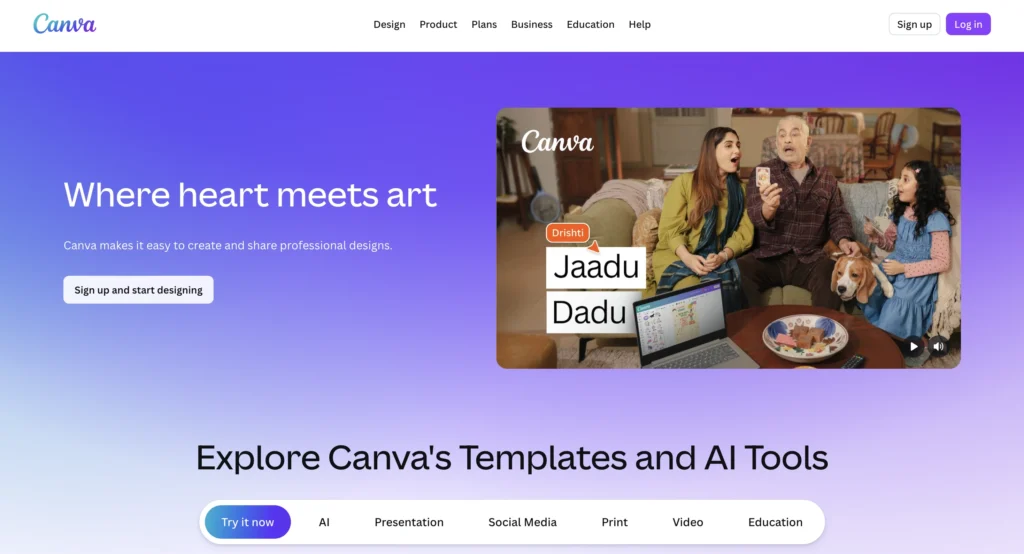
Canva is one of the most popular design tools, especially for beginners and content creators. It combines simplicity with powerful AI features, which makes it suitable for both quick posts and detailed designs. You can start with templates or create designs from scratch, while its AI tools help you improve layout, colors, and overall design quality.
Key features:
- It provides a drag-and-drop editor, which makes designing simple and beginner-friendly.
- It offers AI-powered suggestions for layouts, fonts, and colors, helping improve design quality.
- It includes thousands of ready-made templates, so you can create content faster.
- It allows quick resizing for different platforms, making multi-platform posting easier.
- It supports collaboration, which helps teams work together efficiently.
What you can create in the free plan:
- Instagram posts and reels covers
- Facebook posts and ads
- LinkedIn banners
- Story templates
- Marketing creatives using free AI social media post generator style workflows
File formats that can be downloaded:
- JPG
- PNG
2. Adobe Express (Free plan)
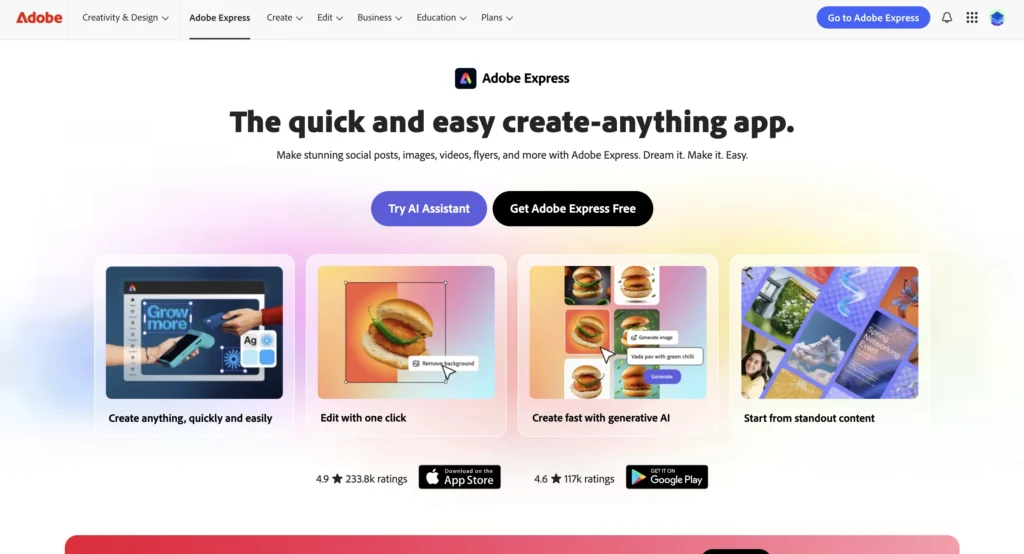
Adobe Express offers a balance between simplicity and professional design quality. It allows users to create polished graphics quickly, while its AI features help speed up editing and customization. It is especially useful for users who want high-quality visuals without using complex Adobe software.
Key features:
- It offers AI-based design suggestions, which help you create designs faster.
- It includes one-click resizing for different platforms, making content adaptation easier.
- It provides built-in animations as well, allowing you to create more engaging posts.
- It supports quick background removal and editing, so you can enhance visuals effortlessly.
- It ensures high-quality output with minimal effort.
What you can create in the free plan:
- Social media posts
- Flyers and banners
- Story content
- Branding visuals
File formats that can be downloaded:
- PNG
- JPG
- MP4
3. VistaCreate (Free plan)
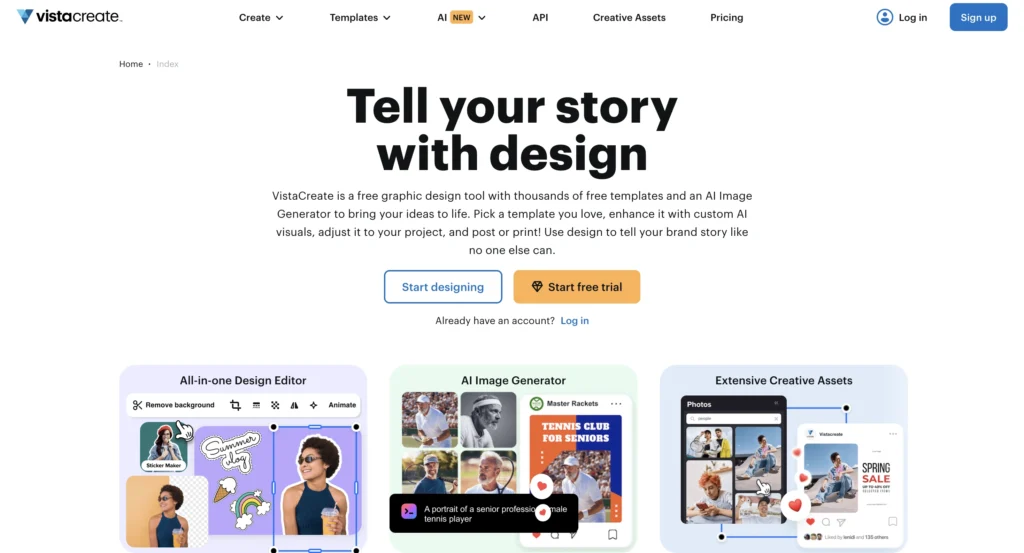
VistaCreate revolves around template-based designs, making it perfect for fast and aesthetically pleasing content creation. It offers a large number of templates and assets, which makes it easier to create engaging posts quickly. At the same time, its animation tools help content stand out on social media.
Key Features:
- Thousands of ready-to-use templates that increase design efficiency.
- It comes with animation capabilities, letting you create animated posts.
- Gives access to an extensive collection of design resources so that it’s easy to customize.
- Has a drag-and-drop interface, making designing simpler.
- It ensures uniform branding of your content.
What you can create in the free plan:
- Social media posts
- Advertisements and banners
- Animated posts
- Branding material
File formats that can be downloaded:
- JPG
- PNG
- MP4 (animations restricted)
4. Desygner (Free plan)
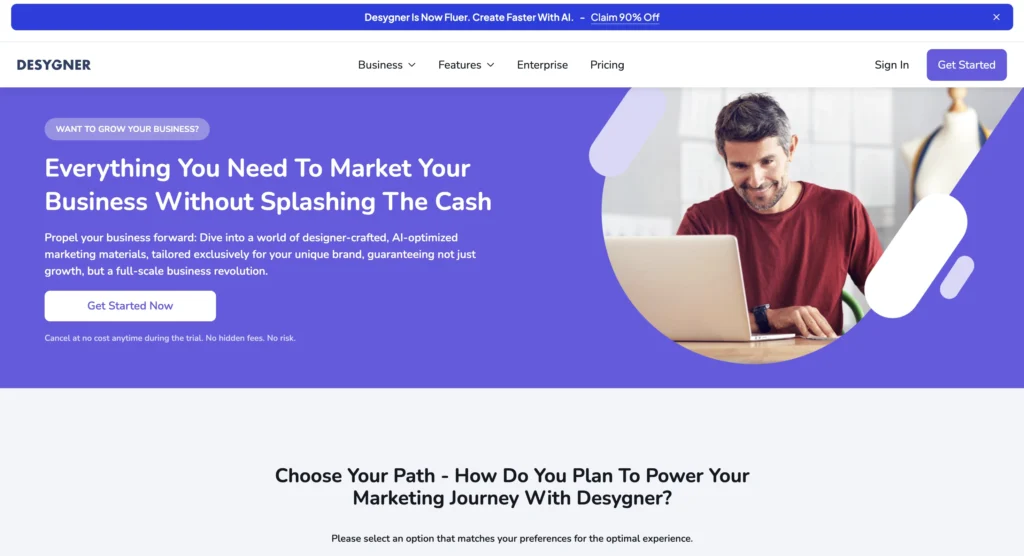
Desygner is a simple yet effective tool for quick content creation. It focuses on ease of use, which makes it ideal for beginners or users who want to create designs without complexity. It also allows you to manage brand assets, which helps maintain consistency across designs.
Key features:
- It comes with an intuitive drag-and-drop interface that makes designing easy.
- Includes automation tools that allow rapid design generation.
- Has brand asset management capabilities, so it ensures consistency in designs.
- Lets you customize quickly, speeding up the editing process.
- It facilitates swift content creation for various platforms.
What you can create in the free plan:
- Social media posts
- Promotional banners
- Advertisements
- Branding visuals
File formats that can be downloaded:
- PNG
- JPEG
5. Fotor AI (Free version)
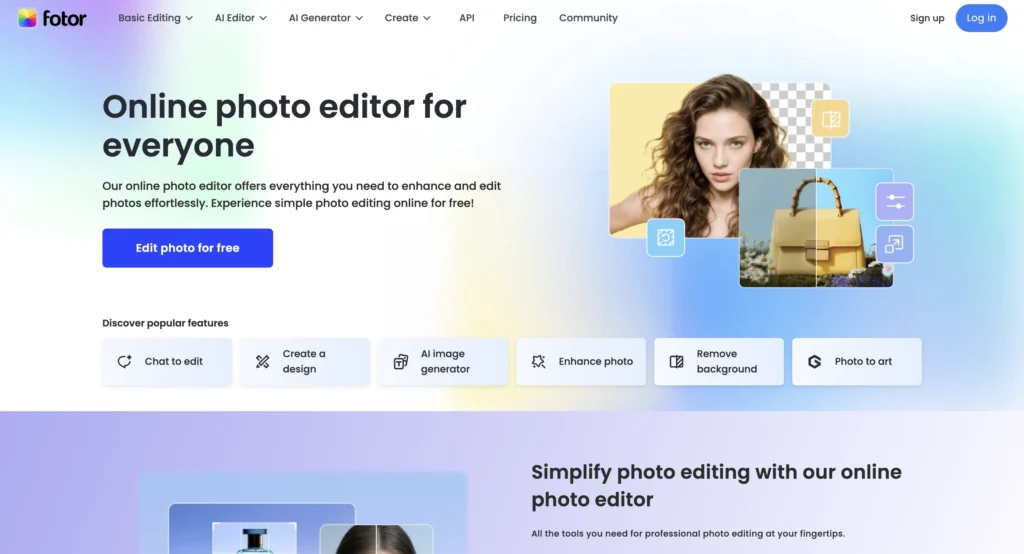
Fotor focuses more on photo editing and enhancement rather than full design layouts. It uses AI tools to improve image quality, which makes it useful for creating visually appealing graphics. Additionally, it offers templates and collage features for social media content.
Key Features:
- AI image enhancers, offering instantaneous improvement of visuals
- Filters and effects that help customize creatively
- Ability to make collages, so it is useful when working with several images
- Easy editing process powered by AI, minimizing the work done manually
- Improvement of the whole design process while exerting little effort.
What you can create in the free plan:
- Social media posts
- Collages
- Graphics for marketing purposes
- Graphics enhanced through AI
File formats that can be downloaded:
- JPG files
- PNG files (limited features)
Additionally, if you want more personalized results, you can explore how to get Claude to design exactly to your taste to understand how prompting can improve AI-generated designs.
Free AI tools for thumbnails
1. Canva AI thumbnail generator (Free plan)
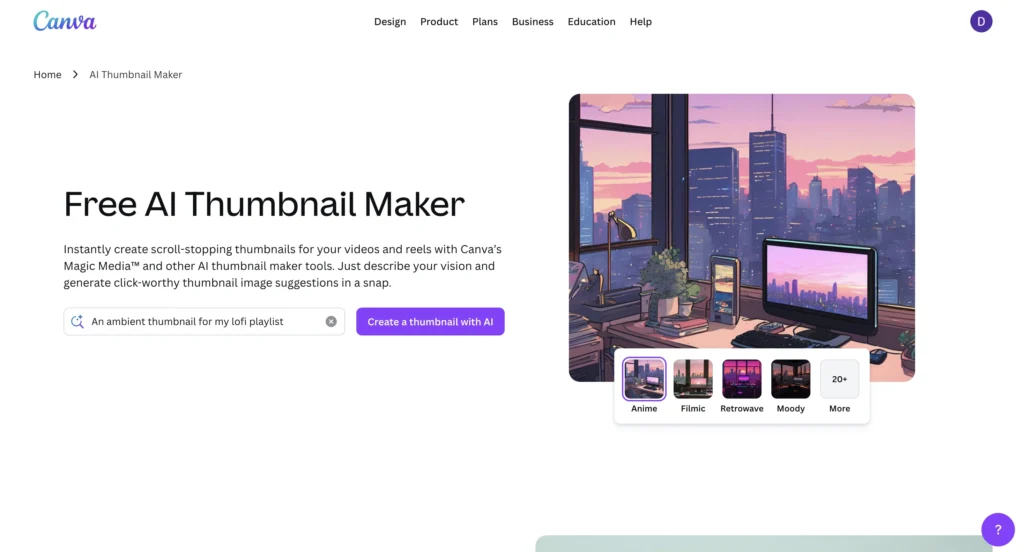
In terms of thumbnails, Canva can be utilized as an efficient tool for a free AI thumbnail generator for free usage. It is commonly applied by YouTube content producers.
Key Features:
- Canva offers thumbnail-specific templates, which makes the process faster.
- Offers AI suggestions on layouts, ensuring improved quality and efficiency.
- It has fonts and elements, so it is customizable.
- Has an easy editing and resizing option.
- It enables the creation of clickable thumbnails with more views.
What you can create in the free plan:
- YouTube thumbnails
- Cover images for videos
- Clickbait thumbnails
- Thumbnails for gaming and vlogging
File formats that can be downloaded:
- JPG
- PNG
2. Adobe Express thumbnail maker (Free plan)
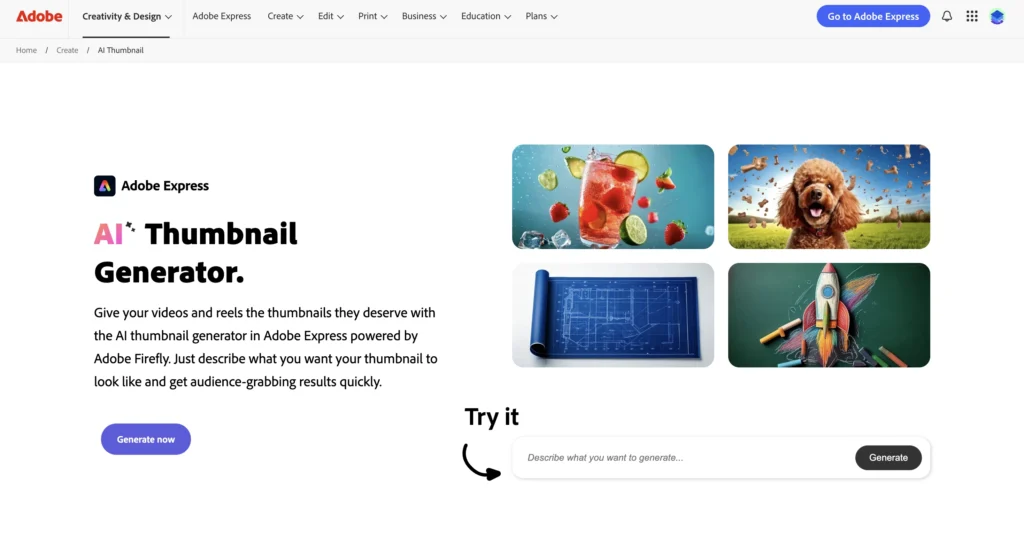
Adobe Express helps users create clean and professional thumbnails quickly. It combines AI tools with design templates, which makes it easier to create high-quality visuals.
Key features:
- It offers AI layout suggestions, improving speed.
- It includes text styling tools enhancing visuals.
- It supports animation features.
- It provides resizing options.
- It ensures high-quality output.
What you can create in the free plan:
- YouTube thumbnails
- Promotional visuals
File formats that can be downloaded:
- PNG
- JPG
3. Snappa (Free plan)
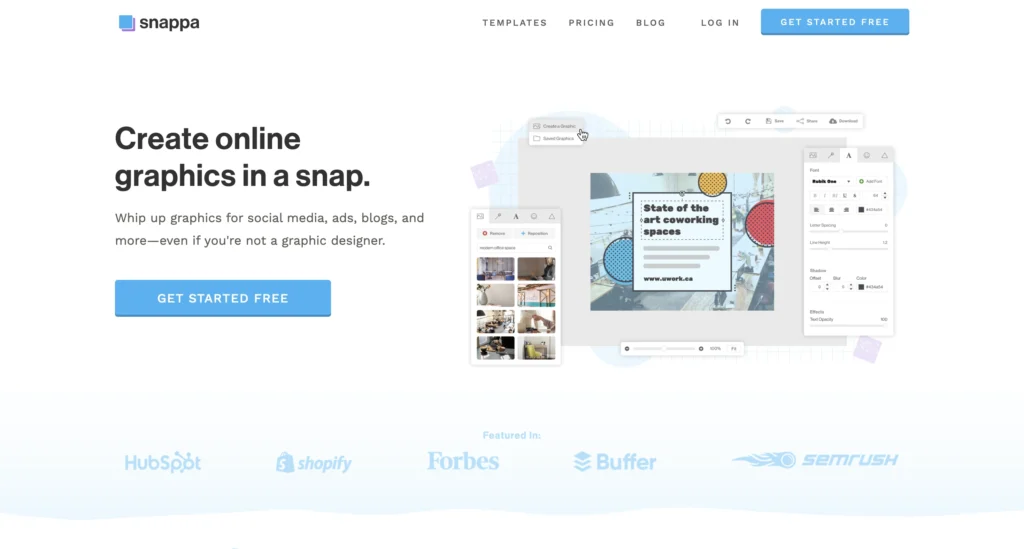
It is simple and quick to use; thus, Snappa is suitable for both marketers and newbies. The tool emphasizes quickness and ease of designing rather than complexity.
Key Features:
- The software comes with pre-designed templates that make designing easier.
- There are preset sizes for social media sites.
- It can be edited and downloaded quickly.
- Background deletion capability.
- Quick workflow.
What you can create in the free plan:
- YouTube thumbnails.
- Blog visuals.
File formats that can be downloaded:
- JPEG
- PNG
4. Pixlr (Free version)
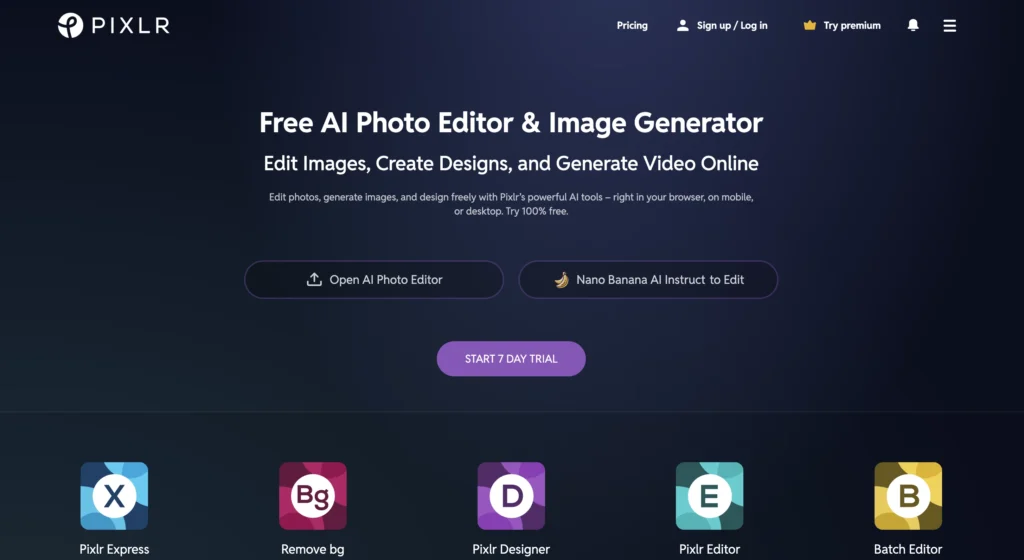
Pixlr specializes in sophisticated picture editing, making it perfect for users who require more flexibility in customizing their thumbnails. This editor comes with AI editing tools and layers for editing purposes.
Key features:
- It has AI editing tools to enable customization.
- Provides support for layers and effects so that it’s detailed customization.
- It has filters and overlays.
- Enables advanced customization.
- It operates in the web browser.
What you can create in the free plan:
- YouTube thumbnails
- Customized graphics
File formats that can be downloaded:
- JPG
- PNG
5. FotoJet (Free plan)
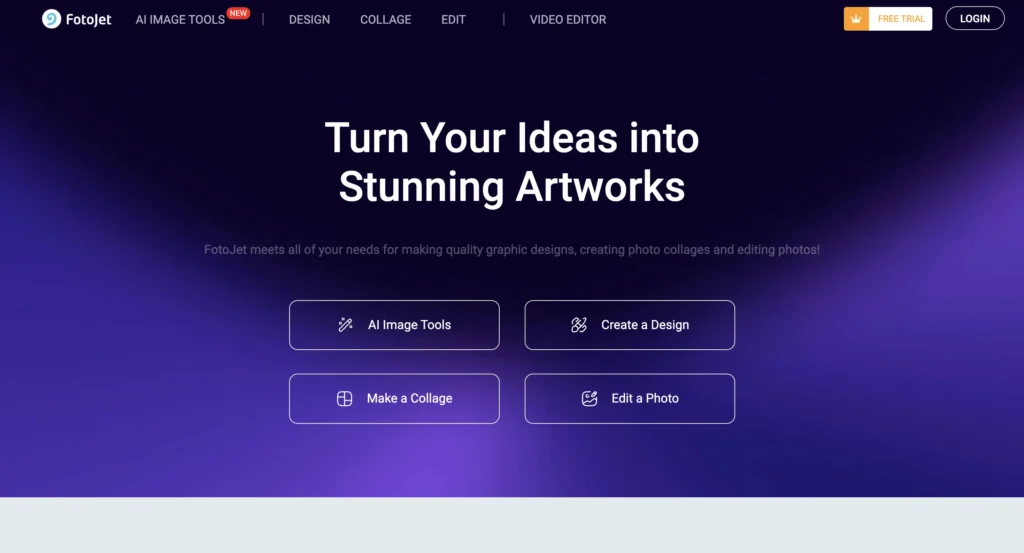
FotoJet is a very simple tool to use to generate thumbnails easily without any difficulty. This program works best for beginners because it does not require much experience from its users.
Key Features:
- The app offers several templates.
- The user can make collages with this software.
- Customization is very easy.
- Exporting files is easy, too.
- There is no need to have previous experience.
What you can create in the free plan:
- YouTube thumbnails
- Basic visuals
File formats that can be downloaded:
- JPG
- PNG
Benefits of using free AI design tools
- Efficiency in terms of time spent on designing: AI generates layouts as well as provides you with suggestions, making it quicker to produce content.
- Lower cost overall: You can save money by not having to hire designers or buy expensive software, making these tools more affordable to use.
- No design experience required: Anyone who has never designed something before will have no problem creating a professional-looking design.
- Improves content consistency: You can maintain the same style, colors, and branding across all platforms, which strengthens your brand identity.
- Boosts engagement: AI helps create visually appealing designs, so your content attracts more clicks and interactions.
- Enables quick experimentation: You can try different styles, formats, and ideas without extra effort, which improves creativity.
- Supports designing accurately for multiple platforms: Designs can be adjusted to fit the requirements of multiple platforms so that you can distribute content more easily.
- Increases productivity: Faster design processes allow you to focus more on strategy, growth, and content planning.
- Available at any location: Most tools are available in a cloud-based application so that you can design from any computer, anywhere, at any time.
Comparison of free AI design tools
The following table compares the most popular free AI design tools. It highlights their strengths, ease of use, and overall value, so you can choose the right tool based on your needs.
| Tool | Best For | Ease of Use | Features | Free Plan Value | Rating |
|---|---|---|---|---|---|
| Canva | Social media graphics & thumbnails | ⭐⭐⭐⭐⭐ | ⭐⭐⭐⭐⭐ | ⭐⭐⭐⭐⭐ | ⭐⭐⭐⭐⭐ |
| Adobe Express | Professional designs & animations | ⭐⭐⭐⭐☆ | ⭐⭐⭐⭐⭐ | ⭐⭐⭐⭐☆ | ⭐⭐⭐⭐☆ |
| VistaCreate | Animated social posts | ⭐⭐⭐⭐☆ | ⭐⭐⭐⭐☆ | ⭐⭐⭐⭐☆ | ⭐⭐⭐⭐☆ |
| Desygner | Quick and simple designs | ⭐⭐⭐⭐☆ | ⭐⭐⭐⭐☆ | ⭐⭐⭐⭐☆ | ⭐⭐⭐⭐☆ |
| Fotor AI | Image editing & enhancements | ⭐⭐⭐⭐☆ | ⭐⭐⭐⭐☆ | ⭐⭐⭐⭐☆ | ⭐⭐⭐⭐☆ |
| Snappa | Fast thumbnail creation | ⭐⭐⭐⭐⭐ | ⭐⭐⭐⭐☆ | ⭐⭐⭐⭐☆ | ⭐⭐⭐⭐☆ |
| Pixlr | Advanced editing | ⭐⭐⭐☆☆ | ⭐⭐⭐⭐☆ | ⭐⭐⭐⭐☆ | ⭐⭐⭐⭐☆ |
| FotoJet | Beginner-friendly thumbnails | ⭐⭐⭐⭐☆ | ⭐⭐⭐☆☆ | ⭐⭐⭐⭐☆ | ⭐⭐⭐⭐☆ |
Create professional designs without spending a dollar using AI tools
In conclusion, free AI design tools make creating thumbnails and social media graphics not only faster but also easier and more accessible. Moreover, they save time while improving design quality and consistency across platforms.
In addition, tools like these allow anyone to create engaging visuals without design skills, while also enabling quick experimentation and better results. As a result, creators can focus more on content and growth rather than technical work.
Ultimately, combining these design tools with other solutions from top free AI tools for content creation can help you build a complete and efficient content workflow.
FAQs
AI design tools use machine learning models trained on large design datasets. Also, they analyze patterns like layout, color combinations, and typography, which allows them to generate optimized designs automatically based on user inputs.
Most tools support common formats like JPG and PNG for images. In addition, some platforms also provide PDF downloads, while others support MP4 or GIF for animated content.
Yes, free plans often come with certain restrictions. For example, they may limit access to premium templates, advanced features, or high-resolution downloads, although they still offer enough functionality for basic use.
AI tools analyze design trends and user behavior data, which helps them suggest layouts, colors, and elements that perform well. As a result, the designs are more likely to attract attention and improve engagement rates.
Yes, most AI-generated designs can be fully customized. After the initial design is created, you can edit text, colors, images, and layout, which gives you complete creative control.
