
In recent years, the process of creating content has changed quite tremendously. Today, content creators, marketers, and entrepreneurs use free AI-powered tools for all kinds of content creation and this allows them to create a wide range of draft and publish blog posts and social media posts, all without having to spend a lot of money. For your convenience, several powerful tools are free to use on the web and cover nearly every conceivable content format.
In this guide, I will list the best free tools out there for use as of 2026, what they do well, and how to use them immediately.
What are the best free AI video tools for content creators?
1. Google Flow
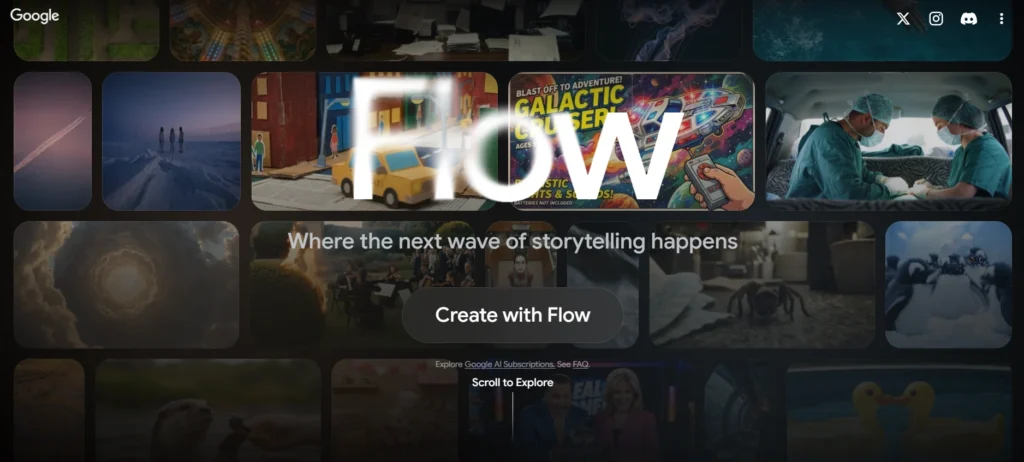
Veo 3 via Google Flow produces the highest-quality AI videos available for free. The motion is natural and accurately reflect physics; there are no watermarks on clips produced by the free tier, this makes it the most consistent and cleanest output of video in the industry. You can access this service using the Flow app from Google or the Gemini interface.
Best for: short videos that you will use for social, censoring, or for making the concept of creating video clips.
Free tier limits: limited to a set number of generations a day and each generation can only be a maximum of eight seconds in duration.
Free tier tips:
- Detailed instructions will get results faster than vague input, meaning your time wasted generating content will be less.
- Give examples such as “A golden dog running through sunflowers during sunset in slow motion” instead of just saying, “A dog in a field.”
- Generate clips off-peak hours (when the servers are not busy) for speedier output.
Is the paid tier worth paying for? Most users find that the free level meets their needs for social type content. Only pay for larger clip, higher resolution exports, or if doing batch generations for your client.
2. Kling AI

Kling 3.0 has the leading toolset for physics-aware generation, and it utilises a spatial-temporal attention system to accurately model physical phenomena like fluid flows, forces, and gravity, as well as their interactions with one another.
Best For: Physics-heavy content (e.g. fluid flows) & Product Shots, Motion-heavy Scenes (e.g. videos).
Free tier limits: Daily credit is provided and can create clips of up to 10 seconds long daily.
Free tier tip:
Whenever feasible, utilize image-to-video rather than text-to-video as it’s far less expensive to create a still-frame image perfectly before adding movement as opposed to having to recreate full video clips from the ground up. You will get more value from each of your credits this way; therefore, reserve your text-to-video credits for epic materials only.
Is the paid tier worth paying for? Yes, if you produce product or brand videos frequently. With the paid subscriptions, you will receive quicker renderings, higher quality video files (minimum of 1,920px width), and a greater number of credits per month.
3. VEED
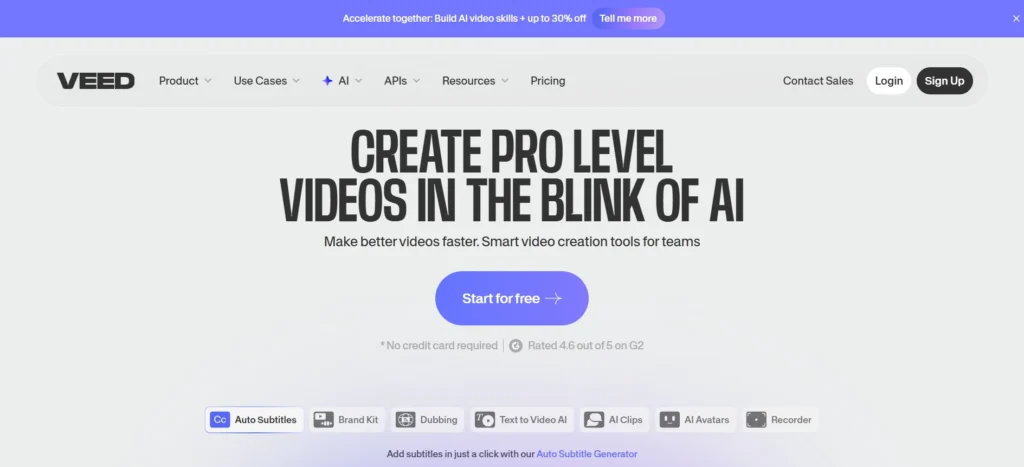
VEED offers an end-to-end browser-based solution for short-form video creation from start to finish; this includes the generation of automatic subtitles, cleaning up audio, inserting B-roll, and an option to repurpose long videos into shorts ready for TikTok and Instagram. It is best suited for those creators who prioritize speed in their edits over creating new content from zero.
Best for: repurposing long-form video content; social media clips with captions
Free tier limits: allows for export of projects with VEED’s watermark and provides limited storage space.
Free tier tips:
- The text-based editing feature can be used to cut your footage by deleting the words from the transcript that will automatically be generated, this way you can trim your clips without needing to scroll the timeline which is faster than any editor currently available on the free version.
- Batch edit your segments so that you only have one project at a time to stay under the limit of storage capacity.
Is the paid tier worth paying for? Yes, if you are a social media manager managing multiple accounts. The Pro plan provides the ability to remove watermarks and allows you to use the AI avatar function for creating faceless video products.
What are the best free AI image tools for content creators?
4. Google Gemini image generation (Nano Banana 2)
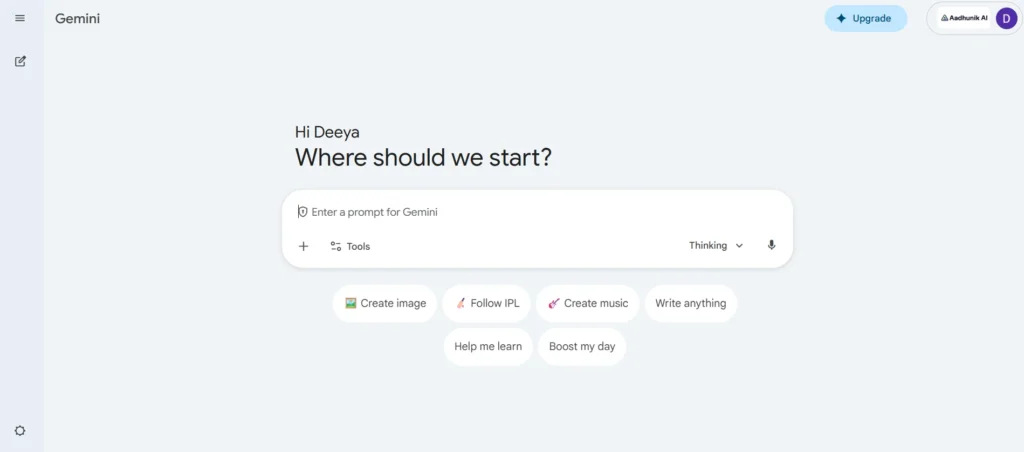
Most people have been benefiting greatly from using Google’s Gemini, as it is the top-rated no-cost AI image generator. It provides a vast number of options regarding the modifications to the prompt, adjusting the backdrops, and changing the ideal layout or relationship of images – all within the same session rather than requiring multiple sessions for generating an image.
Best for: marketing visuals, social media posting images, edited photographs are all excellent use cases for Gemini.
Free tier limits: Large daily limits; limits will vary and are determined on an ongoing basis.
Free tier tip:
Utilize a conversational work process to improve rather than generate each new prompt. Instead of rewriting a whole prompt, you can ask Gemini to just alter some minor things, such as changing the background, changing the light, or changing the positioning of the subject in order to reduce the number of generations needed to create a manageable picture more quickly than through the multiple generation processes involved with full prompt rewriting.
Is the paid tier worth paying for? If you use the free tier of Gemini, the majority of your day-to-day creative projects can be completed within the available stat. However, if you want deeper reasoning tasks that also involve creating images, then upgrading to Gemini Advanced may be worthwhile.
If you want to level up your visuals, check out our best prompts for image generation with Nano Banana guide.
5. Microsoft Copilot image creator (DALL-E powered)
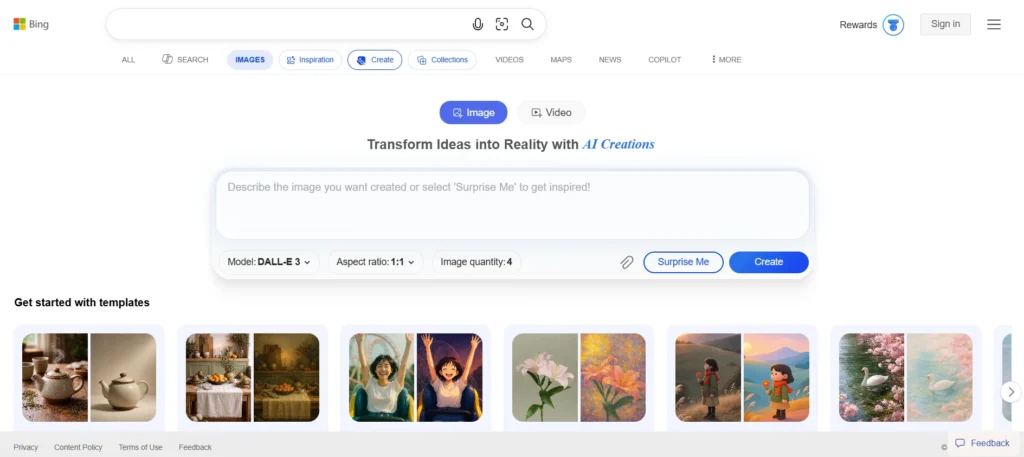
Bing provides an easy-to-use, free alternative to other image creating tools using just a web browser and a Microsoft account (no downloads required). It generates approximately 15 images quickly each day and then allows for unlimited slow image creations after that.
Best for: Quick visual aids for social media, presentation graphics and ad ideas
Free tier limits: Approx 15 fast results per day and unlimited slow results
Free tier tips:
- You can use fast checks with your final prompts. Use slow generation mode to experiment with your prompts and test ideas (which work great for testing).
- Keep your Prompts clear and direct; this tool does a great job of generating natural language descriptions rather than technical photography terms.
Is the paid tier worth paying for? For most creators, it’s usually not needed. The unlimited amount of slow processing should give you plenty of processing power for your most common workflows at no charge.
If you’re just getting started, check out our how to use Bing Image Creator guide to quickly generate high-quality visuals.
6. Ideogram (free plan)
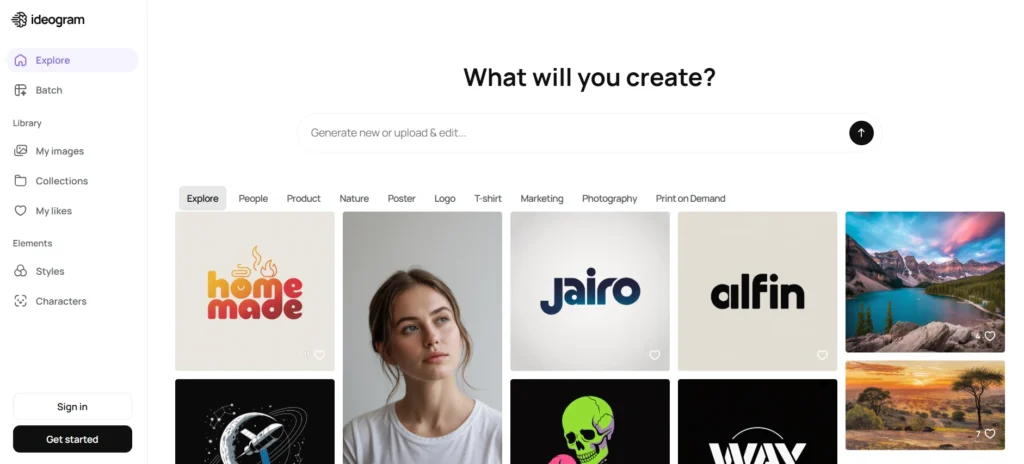
Among the many traits of Ideogram are exceptional typography capabilities. Unlike many other generative AI programs, Ideogram has superior artistic text rendering ability. Therefore, this software program is ideal for creating high-quality posters, design presentation mockups, and marketing creative that require the use of lots of words.
Best for: Any projects that contain a lot of written content include thumbnails; quotes; or images used in the production of a poster.
Free tier limits: a daily limit on generation, unless the user opts to publicly post their graphic online
Free tier tips:
- Ideogram is specifically designed for images that contain text that needs to be legible, whereas general images should be processed by tools such as Gemini or Copilot.
- Use Ideogram in conjunction with Gemini using a two tool workflow: create the text graphic with Ideogram and then create anything else with Gemini.
Is the paid tier worth paying for? If you are creating large amounts of text-heavy graphics as a designer or as part of a social media/marketing team, the answer is yes as the premium edition allows for private generation and faster generation times.
What are the best free AI audio and voiceover tools for content creators?
7. ElevenLabs
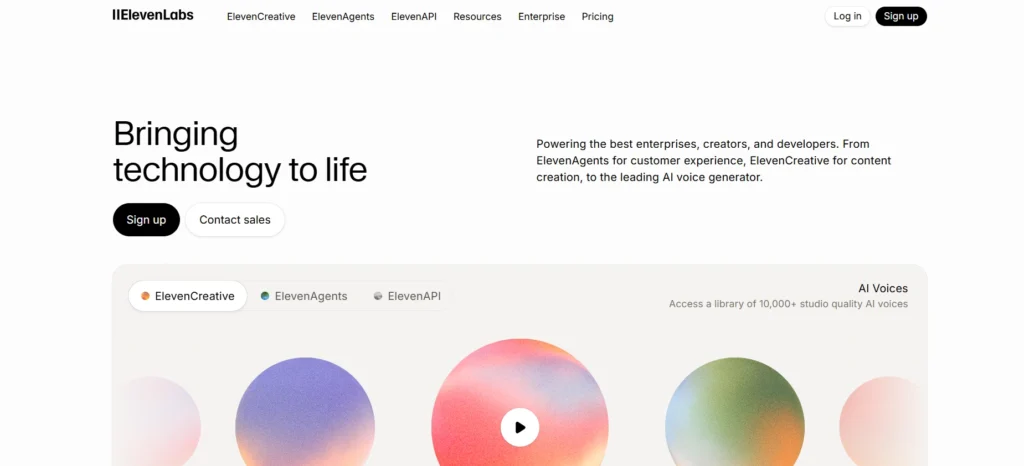
With ElevenLabs, you’ll get access to many of the best-sounding AI voices in the world. In the free tier, you’re given a character limit per month to convert your text into speech, as well as access to the entire library of available voices and one custom voice clone. The company is well-suited for people who create and need voiceover for video production, explainer videos, or short-form audio content.
Best for: Video Narration, Voiceover for Explainer Videos, Short Podcast Episode Intros
Free tier limits: Ten thousand characters of finished audio each month (watermarked).
Free tier tip:
When you create your audio, make sure it is as concise as possible because every letter counts towards your monthly limit; by editing out unnecessary words and simplifying sentences before copying them into this tool, you’ll be able to extend your limits. Try to generate your audio in one complete generation, instead of experimenting with generating multiple times.
Is the paid tier worth paying for? Yes, if you are making videos on a continuing basis and require voiceover for them, then you would want the Starter plan, as it does not have a watermark and allows you to have a larger character limit for creating weekly video content.
8. Adobe Podcast Enhance
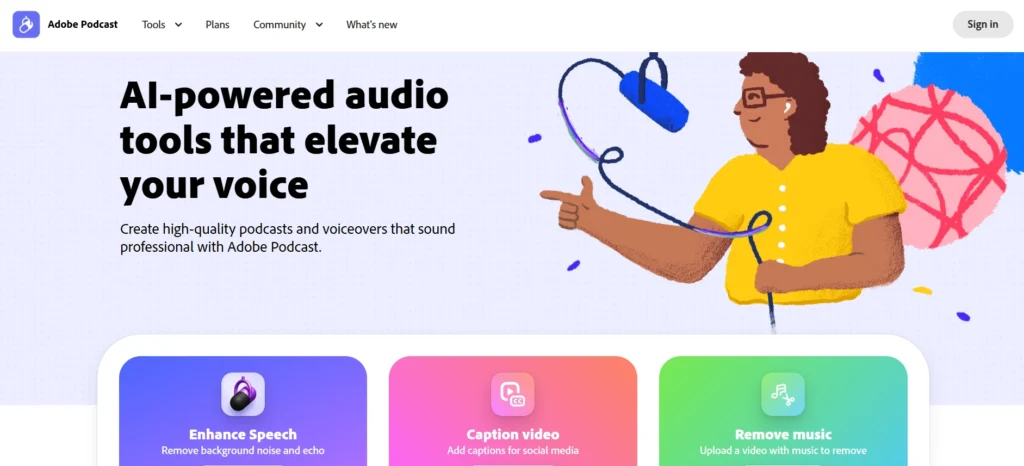
Adobe Podcast Enhance provides AI-based enhancements for recording in-browser using a free Adobe ID and allows users to clean up their audio with background noise removal, audio level balancing, and improvements to voice clarity – all in one action, with no editing experience required.
Best for: improving recorded audio before publication.
Free tier limits: Unlimited usage available through Adobe ID with no cost per use.
Free tier tips:
- You can use any device (even smartphones) to record your raw audio, but you must first process it with the Adobe Podcast Enhance before getting published.
- The difference in quality will easily justify not needing to upgrade your equipment. You will also receive the full audio production workflow without any cost if you pair the tool with ElevenLabs.
Is the paid tier worth paying for? If you can use Adobe Podcast Enhance, you will likely need something at the level of an Adobe Podcast Studio. The only time it makes sense to upgrade is if you require additional functionality, such as if you want to work with multiple tracks and co-hosts remotely.
9. Descript
The can edit audio from other sources using Descript‘s Voice Corrections/Voice Scripting tool which is an innovative Text Editing tool. This tool allows you to ‘cut’ words from the text version of your audio (transcript) directly into your podcast or video, as well as allows you to ‘speak’ new words using Overdub.
Best for: Editors and Creators of podcasts, video editing and transcribing; writers & editors using their own devices for creating content.
Free tier limit: Up to 1 hour/month (with watermarks on all exported content)
Free tier tips:
- Instead of creating several poorly edited episodes, use the free tier to create one high-quality episode each month.
- Take your best recording and clean it up through transcription, edit the text to have a polished final product and export it as a single piece. In addition, save your transcription hour for your most critical content during the month.
Is the paid tier worth paying for? Yes, it is for podcasters that are putting out new material weekly. The Creator plan will eliminate the watermark on your transcriptions and give you enough transcription hours to maintain a continuous publishing schedule.
Which writing tools are still worth keeping in the free stack?
10. ChatGPT
As of 2026, ChatGPT continues to be one of the most versatile, free writing tool on the planet. ChatGPT supports scriptwriting, captioning, blog drafts, video descriptions and email copy all in one place. With a free account, you have access to GPT-4o which has daily usage limits before reverting to a lighter version.
Free tier tips:
- Instead of slowly creating a full creative brief through multiple prompts, include the entire brief as one prompt (tone, format, audience, length) to create a “front-load” creative brief.
- You burn through GPT-4o turns faster with conversational back-and-forth. Use it early in the day when limits are fresh.
Is the paid tier worth paying for? For me, the answer is yes, because with ChatGPT Plus you will have no limits and will have access to several more excellent tools, such as custom GPTs and file analysis.
If you’re looking to improve your writing quality, explore these ChatGPT prompts for writing categorized by real writing tasks to get better, faster results.
11. Claude
Claude produces clean, natural-sounding prose with less editing required. It handles long documents, content rewrites, and structured articles well. The free tier includes Claude Sonnet with a daily message cap.
Free tier tip:
Combine your requests into a single complete message; rather than asking one part at a time, simply copy and paste the entire content brief in and ask for the full draft at once. This will save you from using up your rate of daily messages and provide consistency through the sections.
Is the paid tier worth paying for? If you write lengthy documents or regularly need continual daily submissions, yes. Claude Pro increases your maximum amount to be able to use and gives you priority access to it.
To get more out of Claude, explore these best Claude tips and tricks to improve your prompts and results.
If you’re deciding between AI tools, check out our Claude vs ChatGPT: which AI is better in 2026 comparison to choose the right one for your workflow.
The free AI content creation stack at a glance
| Tool | Format | Best Use Case | Free Limit |
|---|---|---|---|
| Google Veo 3 | Video | Cinematic clips, social content | Limited daily generations, no watermark |
| Kling AI | Video | Physics-heavy, product videos | Daily credits, ~10s max per gen |
| VEED | Video Editing | Repurposing, subtitles, shorts | Watermarked exports |
| Google Gemini (Nano Banana 2) | Images | Marketing visuals, social graphics | Generous daily limit |
| Microsoft Copilot Creator | Images | Quick visuals, no-install workflow | ~15 fast generations/day, unlimited slower |
| Ideogram | Images | Text-in-image, posters, thumbnails | Limited daily generations, public output |
| ElevenLabs | Voiceover | Video narration, audio content | ~10,000 characters/month |
| Adobe Podcast Enhance | Audio | Cleaning recorded audio | Free with Adobe account |
| Descript | Audio/Video Editing | Podcast editing, transcription | ~1 hour transcription/month |
| ChatGPT | Writing | Scripts, captions, drafts | Limited GPT-4o messages/day |
| Claude | Writing | Long-form, editing, rewrites | Daily message cap |
Key takeaways
All the various formats that content creators need to produce in 2026 can be done using free AI software. Video creation with Google Veo 3 and Kling. Photo creation with Gemini and Ideogram. Audio creation with ElevenLabs, Adobe Podcast and Descript. Writing with ChatGPT and Claude. As long as the free tier of all these tools is utilized in the right way by writing good prompts, batching requests and matching the tool’s function with the task that it’s best at, you can run a complete content creation workflow for all these formats without ever needing to pay anything. If your production has reached the limits of the free tier for any of these tools on a consistent basis, then you upgrade at that time. Not before.
