

Claude Code is one of the most powerful coding assistants for your terminal, but is also based on one model family. This leads many developers to look for alternatives for Claude Code. They want to pay for the service differently, switch between different models when a new model is released or use it in an IDE rather than terminal.
This year has been more of a rollercoaster than usual. Windsurf has become Devin Desktop, Gemini CLI is no longer available on an individual basis from Google, and GitHub has suspended new signups for Copilot and switched to a credit-based model. This guide will be 6 months old and will reference products which don’t function as described in the guide.
This guide features 11 agentic AI coding assistants. The list has been split into three categories: AI IDEs, CLI agents and open source tools. If you’re looking for information on Claude’s plans then check out our overview of Claude’s free and paid options. Otherwise, asking yourself if you need an IDE, terminal agent or fully controllable tool will help you narrow down the list.
How we chose these Claude Code alternatives
These tools were not compared in this review. The information we have provided is from each vendor’s official documentation, pricing and release notes, viewed on October 26th 2026. Where a feature is mentioned that was directly quoted in the vendors marketing, this will be noted.
Five tests decided who made the list:
- Agentic ability: it plans, edits multiple files, and executes commands instead of simply providing auto-completion.
- Model flexibility: you can choose a model or bring your own.
- Interface: IDE, CLI or both.
- Pricing transparency: a public pricing page or an open-source licence.
- Active maintenance: recent official updates. Aider stays in, with a warning.
What changed in 2026:
- April 20: GitHub pauses new Copilot Pro, Pro+ and Student sign-ups.
- May 19: Google launches Antigravity 2.0 and announces Gemini CLI’s transition.
- June 2: Windsurf becomes Devin Desktop.
- June: JetBrains takes Junie out of beta.
- June 18: Gemini CLI stops serving individual Google accounts.
Quick comparison of the 11 alternatives
| Tool | Interface | Open source | Best for |
|---|---|---|---|
| Cursor | Editor, CLI, cloud agents | No | Editor-first agent work |
| GitHub Copilot | IDEs, CLI, cloud agent | No | Teams that live in GitHub |
| Google Antigravity | Desktop app, CLI, IDE extensions, SDK | No | Running agents in parallel |
| Devin Desktop | IDE | No | Supervising local and cloud agents |
| Kiro | IDE, CLI, web | No | Spec-first, reviewable builds |
| JetBrains Junie | JetBrains IDEs, CLI | No | Teams on JetBrains IDEs |
| OpenAI Codex | CLI, app, IDE extension | Yes (CLI, Apache-2.0) | ChatGPT subscribers |
| Gemini CLI | CLI | Yes (Apache-2.0) | Teams with Gemini API keys |
| OpenCode | CLI, desktop (beta), IDE extension | Yes (MIT) | Model-agnostic terminal work |
| Cline | VS Code, JetBrains, CLI, SDK | Yes (Apache-2.0) | Reviewing every diff, own keys |
| Aider | CLI | Yes (Apache-2.0) | Small, git-native commits |
“Open source” refers to the core agent or client, not the models behind it. “No” means we found no open-source licence for the core product.
1. Cursor: the agent-first editor, now sold inside a bundle
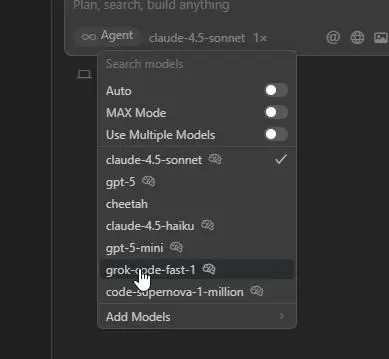
What it is. An AI editor which uses agent-based technology. You can use it as a desktop application, CLI or using cloud agents.
Key features. Agent-based functionality to make changes across multiple files. Cloud agents available. Automations. Code reviewing with Bugbot. (See Cursor Pricing Page). The editor comes with its own models such as Composer and Grok 4.5. However, you can also use models from OpenAI, Anthropic and Google. If you use the privacy mode then it states that neither Cursor or the model provider will use your code for training. (See Cursor Help Centre).
Best for. Developers looking for an editor first solution and flexibility with model providers.
Pricing. Offers a Free Hobby tier, a $20/month Pro plan, a $60/month Pro+ plan, and a $200/month Ultra plan for heavy power users.
Limitations. The pricing has changed. On the pricing page there are now plans that bundle your X subscription. You will have to pay for entry tier (only grok models), and you will be charged the API list price of third party models (like Claude). Refresh every week. Old guides refer to old plans.
Aadhunik take. If you are switching to Cursor to run Claude then first work out what the price will be. The plan is now separate to the model metering.
Next: the assistant that already lives where your code is hosted.
2. GitHub Copilot: strongest when your workflow already runs through GitHub
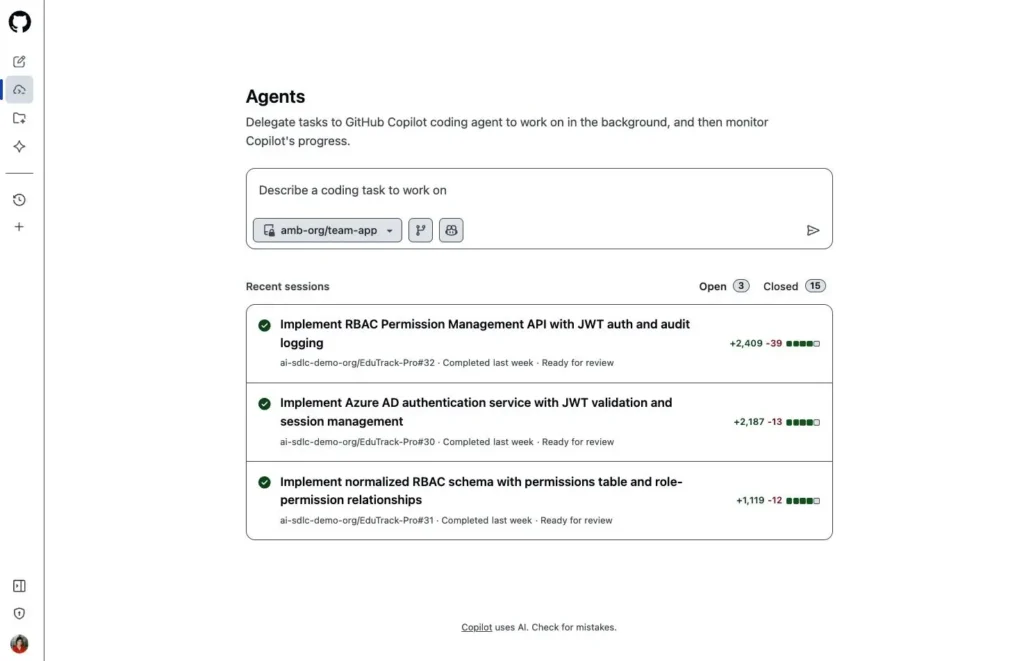
What it is. GitHub Ai assistant can be used inside IDEs like VS Code and JetBrains, in a terminal via Copilot CLI or GitHub.
Key features. Can be used in Agent mode inside IDE (Cloud agent). Repository tasks, code reviews, MCP. Third party coding assistants are also supported (Anthropic Claude, OpenAI Codex) as per GitHub Docs. Code Completion is free of charge (no credits). However, Chat & Agent will reduce your credits every month.
Best for. Teams using GitHub Issues and Pull Requests to manage work.
Pricing. Costs $10/month for Individual, $19/user/month for Business, and $39/user/month for Enterprise.
Limitations. On April 20th 2026 GitHub suspended new signups on the Pro, Pro+ and Student plans. They also reduced their usage restrictions. The current documentation shows Pro, Pro+ and Max under the subscribe section. But I was unable to confirm if they have removed this restriction from GitHub. Be sure to check at checkout. Opus models were also removed from the Pro plan in April.
Aadhunik take. GitHub actually stated that using their service for a few agents can actually be more expensive than the plans themselves. This would indicate that the flat rate plans will be replaced by usage based pricing.
Next: Google’s answer, which starts from the agent rather than the editor.
3. Google Antigravity: an agent manager first, an editor second
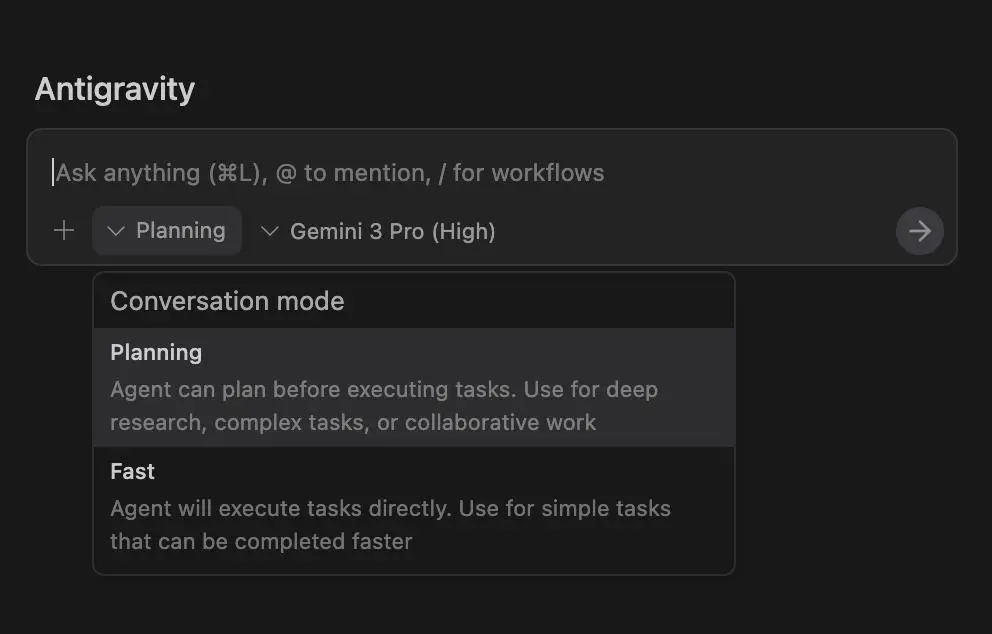
What it is. Antigravity 2.0 is an agent-first platform offered by Google. It is a standalone application for macOS, Linux and Windows, which does not contain an IDE. Antigravity IDE is now a separate product, but there are also CLI, SDK and IDE extensions.
Key features. Dynamic subagents, asynchronous, scheduled tasks and JSON hooks 2.0. Antigravity CLI has been introduced to replace Gemini CLI for individual users. The models used are owned by Google (Gemini 4 Argon for Google AI Pro and Ultra subscribers).
Best for. Developers looking to have multiple agents running and managing at once, and who are comfortable using Gemini models.
Pricing. Provides a Free Individuals tier, a $20/month Google AI Pro plan, a $100/month lighter Ultra tier, and a $200/month top-tier AI Ultra plan.
Limitations. The family is confusing. The different downloads are the 2.0 app, IDE, CLI and extensions. Google even recommend using 2.0 with an IDE. There are fewer options for choosing your model.
Aadhunik take. Google are placing their bets on the primary coding interface to become a list of tasks for your agents. This will be a personal choice!
Next: a rebrand that hides a bigger shift.
4. Devin Desktop: Windsurf’s editor, rebuilt as a control room for agents
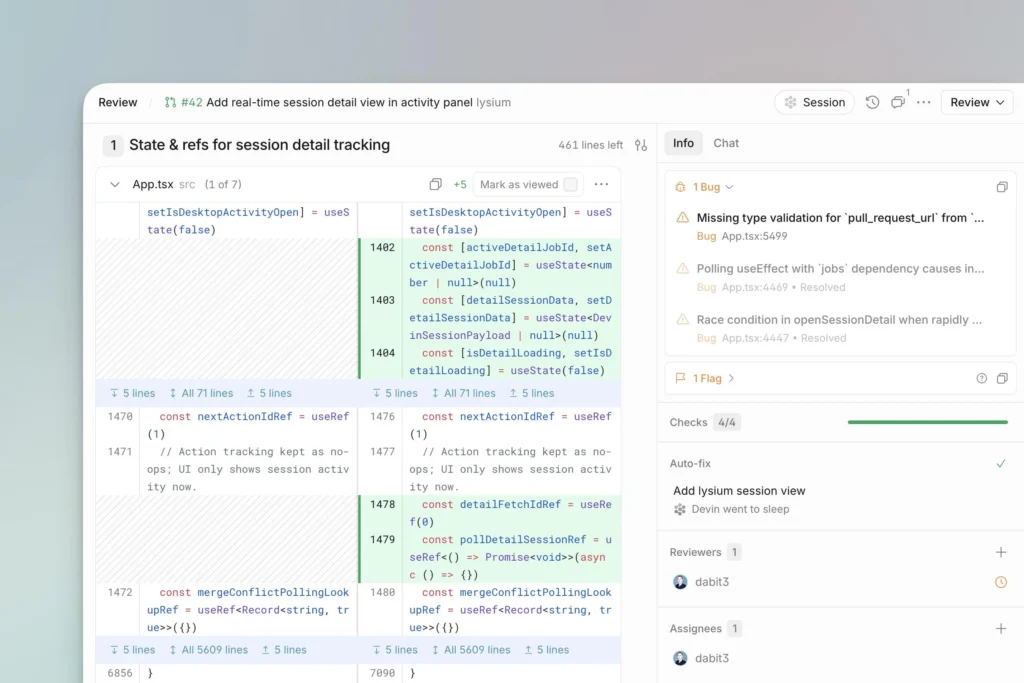
What it is. The new name for Windsurf. Cognition renamed it on June 2, 2026. The IDE is the same, and the Agent Command Center, with Spaces, a Kanban view and multi-agent management, is now the default screen.
Key features. Devin Local, the fresh local agent replaces Cascade and provides sub-agents and sandbox support. Cognition boasts that it has token efficiency of up to 30% but we have not validated that figure. Configuration and extensions are retained while the editor is capable of reading AGENTS.md files and importing rules from Cursor.
Best for. Windsurf users, and teams that want to hand tasks to cloud agents from the same window.
Pricing. Features a Free tier ($0), a $20/month Pro plan (adds frontier models and Devin Cloud), and a $200/month Max tier.
Limitations. Cascade was only available until the end of July. The Windsurf JetBrains plugin is currently in maintenance, and Cognition directs users of JetBrains to Devin at ACP. Devin Cloud is a product on its own, so make sure to check what your plan covers.
Aadhunik take. For your editor the rename is cosmetic. For Cognition it is strategic: the IDE is meant to be where you manage cloud agents too.
Next: an IDE that makes you approve the plan before it writes a line.
5. Kiro: the IDE that asks you to approve the plan before it writes code
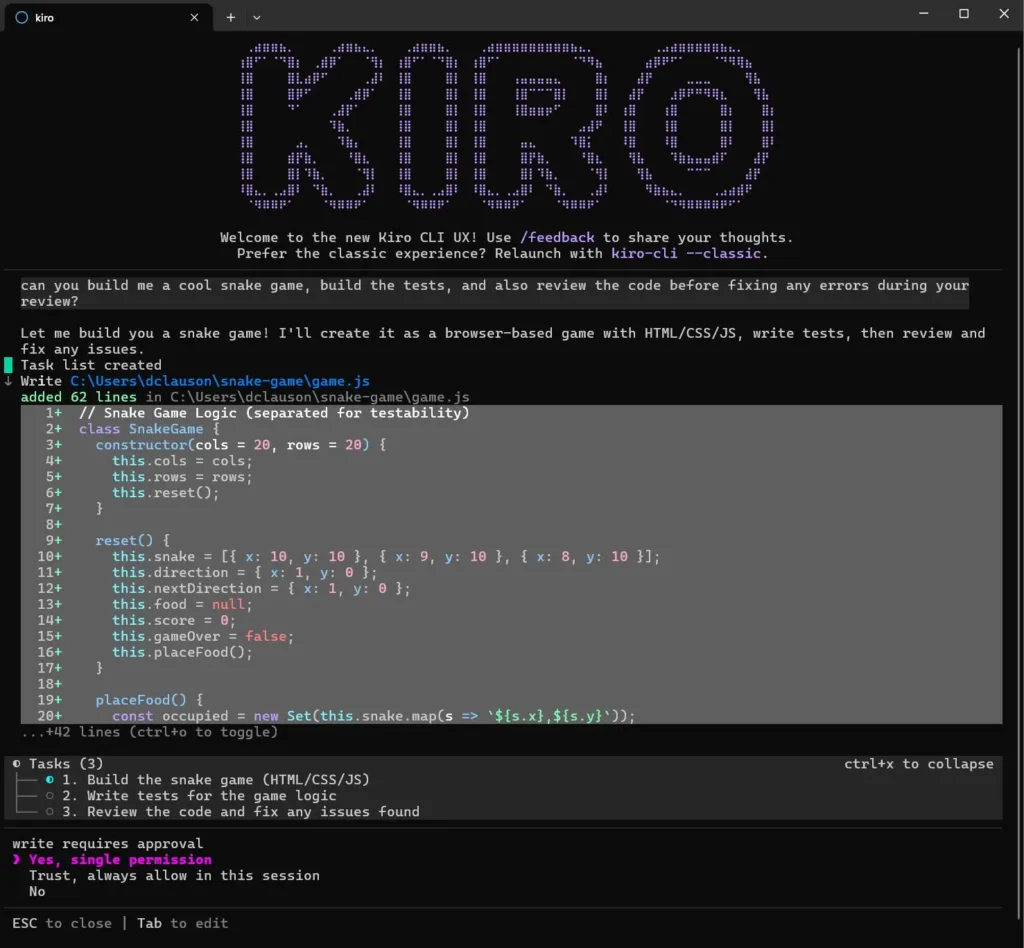
What it is. AWS’s agentic IDE, available as a desktop app, a CLI, a web app and a mobile preview, according to its docs.
Key features. Specifications transform a prompt into requirements with design and list of actions with a plan to review them step-by-step. Steering files ensure all project agreements are stored under the .kiro/steering/ that contains project standards, hooks and automatized actions based on the files’ events, and MCP servers help to connect other programs.
Best for. Teams that want a reviewable paper trail, and developers building on AWS.
Pricing. Uses a credit-based system featuring a Free tier (50 credits), a $20/month Pro plan (1,000 credits), a $40/month Pro+ plan, and scales up to a $200/month Power tier.
Limitations. Kiro credits are billed in credits. The free tier allows you to accumulate 50 credits, while further tiers charge you between the Pro and Power levels, and there is the option to purchase extra credits. A spec run uses more credits than a simple edit, and the spec stage may make even the simplest fix more costly.
Aadhunik take. Spec-driven means the plan is the product. It pays off on a feature that touches several services and feels heavy on a one-line bug.
Next: the answer for developers who never leave JetBrains.
6. JetBrains Junie: the agent that uses your IDE’s debugger and build tools
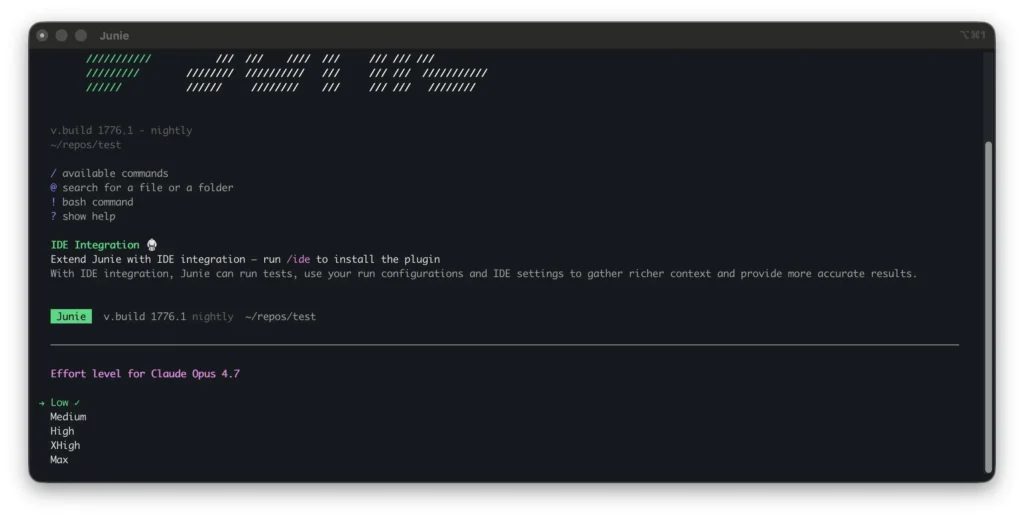
What it is. JetBrains’ coding agent, out of beta since June 2026. It runs in all JetBrains IDEs and in the terminal through Junie CLI.
Key features. JetBrains has stated that Junie prepares prior to the coding process, debugs using a proper debugger, examines pull requests, and performs lengthy operations in asynchronous mode with the help of IDEs semantic indexing, building settings and test execution utilities. You can have a JetBrains AI subscription, provide your personal keys for Anthropic, OpenAI or Google, or use local runtimes such as Ollama, LM Studio or LiteLLM.
Best for. Teams standardised on JetBrains IDEs.
Pricing. Accessible through JetBrains AI subscriptions, starting at a Free tier, $10/user/month for Pro (10 AI Credits), and $30/user/month for Ultimate (35 AI Credits).
Limitations. The IDE integration of Junie CLI needs JetBrains IDE 2026.1 or later, and Remote Mode requires a Junie subscription; a bring-your-own-key setup is not adequate. Moreover, JetBrains claims to have received a top SWE-Rebench ranking. Remember that every vendor’s ranking should be treated as a point of departure, rather than as a conclusion.
Aadhunik take. Using the debugger instead of guessing at runtime behaviour is the clearest case of an agent exploiting the IDE it lives in.
Next: an agent that may already be inside your ChatGPT plan.
7. OpenAI Codex: an open-source agent that may already be in your subscription
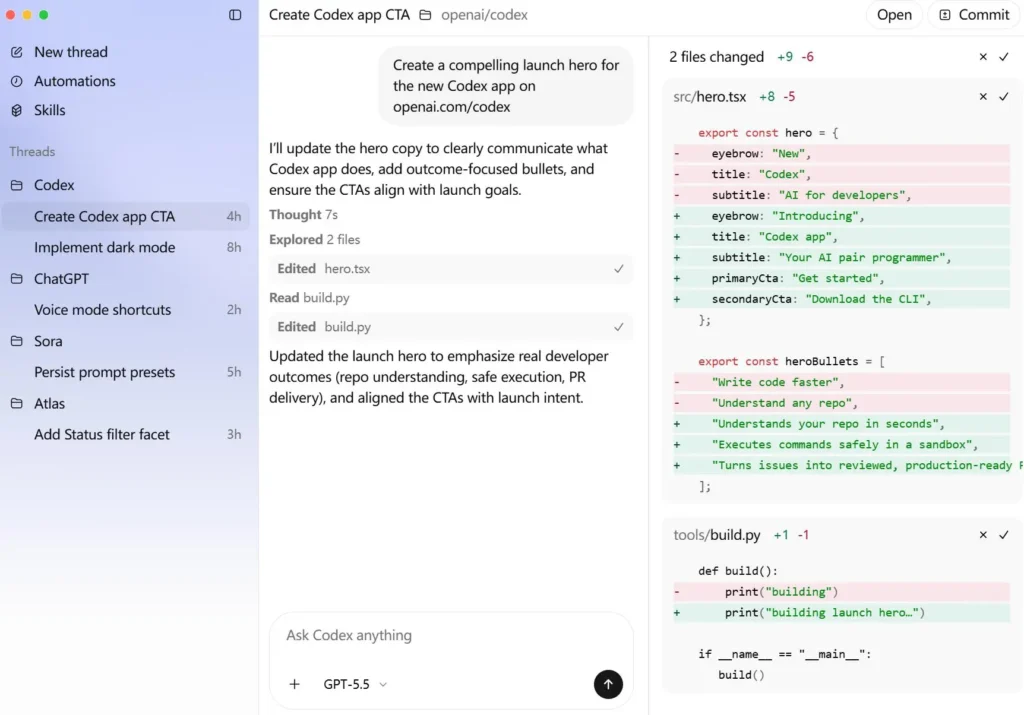
What it is. OpenAI’s coding agent. The CLI is open source (Apache-2.0, built in Rust), with a desktop app, an IDE extension and cloud tasks around it.
Key features. The various types of approval methods implemented include autonomy control, subagents, MCP, local code review and internet search. They come along with various ChatGPT subscription services (for example, ChatGPT Plus and Pro) or an API key can also be obtained. In operation in the Windows OS platform, it is running natively in PowerShell, with the assistance from Windows sandbox or the WSL2.
Best for. Developers who already pay for ChatGPT and want an agent included.
Pricing. Free as an open-source CLI utility, but to access cloud features via the ecosystem, it integrates with ChatGPT plans: Free ($0), Plus ($20/month), and Pro tiers ($100–$500/month).
Limitations. It is built around OpenAI’s models and your plan’s limits. Some guides still call Windows support experimental; OpenAI’s current CLI docs describe native Windows setup.
Aadhunik take. Before buying another subscription, check what your ChatGPT plan already covers. For developers already on a paid plan, Codex adds no extra bill.
Next: Google’s open-source terminal agent, which has a more complicated story.
8. Gemini CLI: still open source, but no longer free for individuals
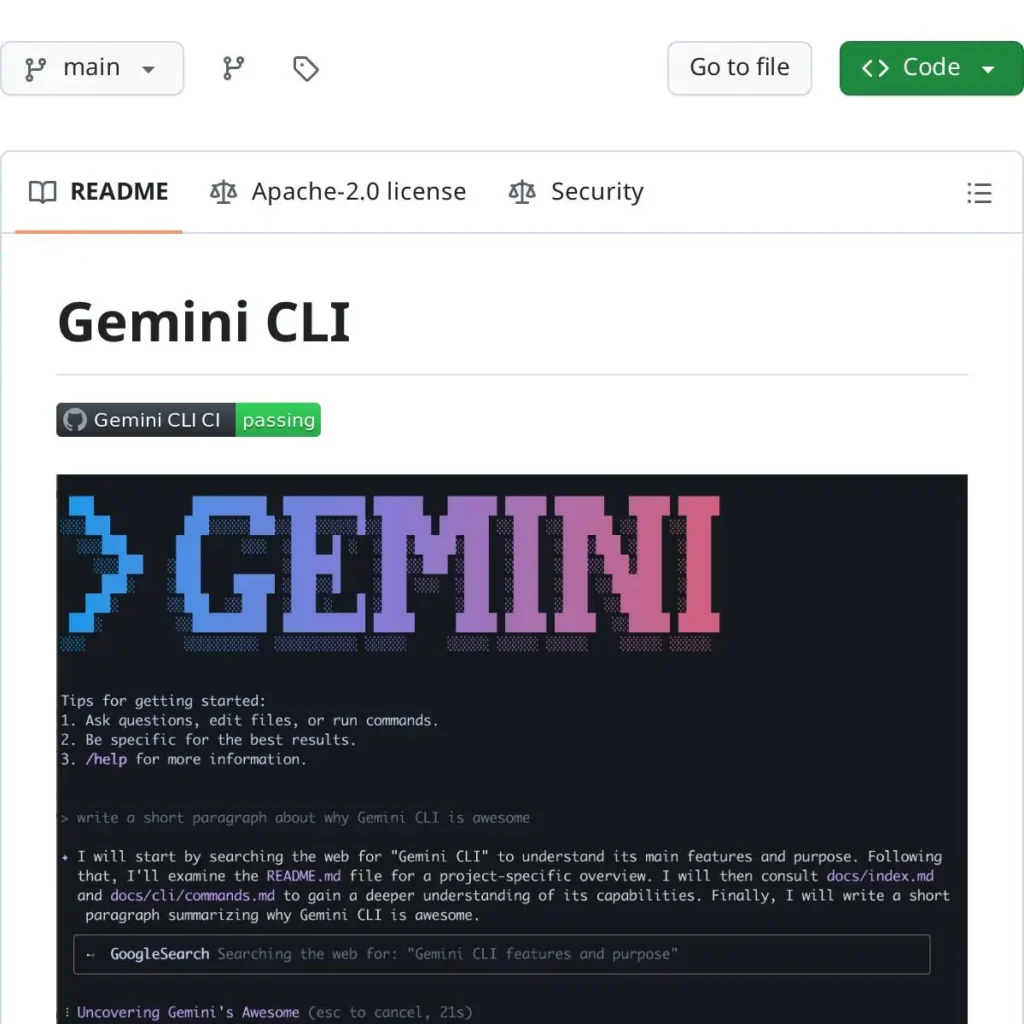
What it is. Google’s open-source terminal agent, licensed under Apache 2.0, with MCP support, GEMINI.md context files and a GitHub Action.
Key features. Built-in Google Search grounding, conversation checkpointing and an extension system.
Best for. Teams with paid Gemini API keys or enterprise Gemini Code Assist licences who want an open-source CLI.
Pricing. Completely free and open-source terminal utility (Apache 2.0 license) that allows you to authenticate directly with your Google Account.
Limitations. Gemini CLI discontinued the services for Google AI Pro, Google AI Ultra, and free individual accounts on June 18, 2026. However, it continues to be available through the paid Gemini and Gemini Enterprise Agent Platform API keys, and Google provides information to users about Antigravity CLI.
Aadhunik take. Many 2026 roundups still list a free Gemini CLI tier. That advice is out of date, so we left it out. For personal use of Google’s terminal agent, you now want the Antigravity CLI.
Next: open-source tools that don’t care which vendor you pick.
9. OpenCode: a terminal agent that isn’t tied to any model vendor
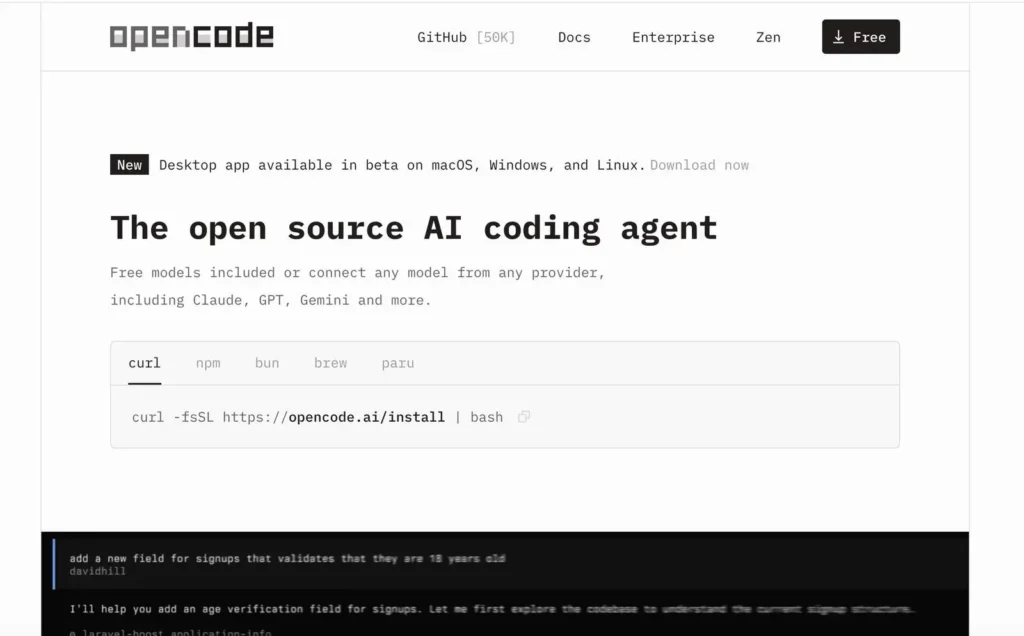
What it is. An open-source, MIT-licensed coding agent available as a terminal interface, a desktop app (beta) and an IDE extension.
Key features. There are two integrated agents available: one agent is referred to as build and has complete access to all features; the other agent is called plan which can only read commands after gaining authorization. This system functions with over 75 models and OpenAI-compatible networks, and it claims independence from any agency.
Best for. Developers who want a terminal workflow and the freedom to switch models, including local ones.
Pricing. The CLI itself is free, while the cloud model workspace offers an OpenCode Go subscription at $10/month or a $40/month Go Plus plan.
Limitations.The official documents for the technology now provide information on an upcoming 2.0 beta version that will download as an individual open code in a separate binary. As a result, it is advisable to record the version numbers for any public installations. In order to run Claude models, an API key is required, as Anthropic prohibits the use of Free, Pro, or Max subscriptions to send requests via other systems.
Aadhunik take. Open source removes lock-in, not cost. You still pay your model provider per token.
Next: an editor-based cousin that reviews every change with you.
10. Cline: every edit arrives as a diff you can review
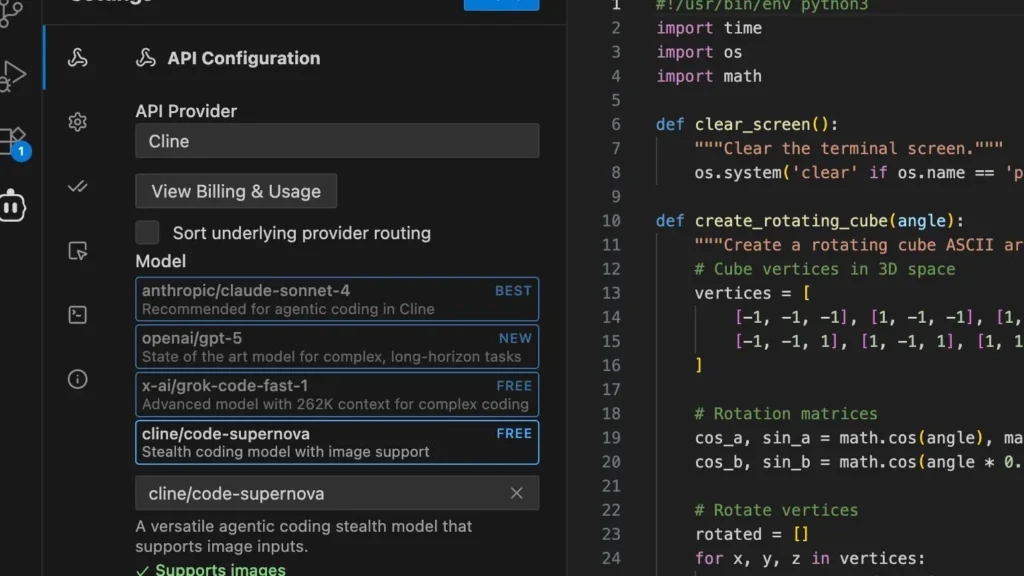
What it is. An open-source (Apache 2.0) coding agent for VS Code and JetBrains, with a CLI and an SDK built on the same engine.
Key features. Changes show up as diffs that you can check, change, or go back to the previous version. Rules are enforced in all tools, including CLI, VS Code and JetBrains. In addition, it is possible to work with MCP servers, teams of multiple agents and CLI without an interface for CI/CD.
Best for. Developers who want review-first editing in their own editor and prefer to bring their own keys.
Pricing. A free, open-source IDE extension where you bring your own API key to pay per token, with an optional $9.99/month ClinePass subscription.
Limitations. The JetBrains plugin is not open source, per the project’s README. You pay providers directly, so costs track usage. As with OpenCode, use an Anthropic API key for Claude.
Aadhunik take. Bring-your-own-key means no markup, but also no built-in spending cap. Set limits at your provider.
Last: a veteran whose pace has slowed.
11. Aider: the git-native pair programmer, with a maintenance caveat
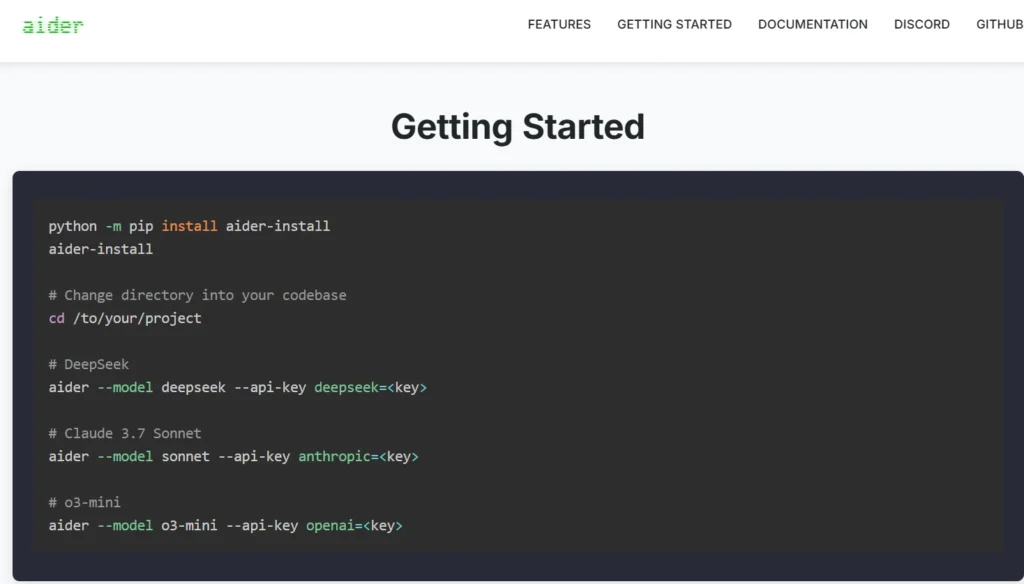
What it is. An open-source (Apache-2.0) terminal tool for AI pair programming.
Key features. It works through git, committing its edits so you can review or revert them, and it connects to several model providers, including Anthropic.
Best for. Developers who want small, scriptable, reviewable changes without an IDE.
Pricing. Distributed as a completely free, open-source terminal agent that relies strictly on a bring-your-own-key (BYOK) model.
Limitations. Maintenance is slow. At our check, the repository’s last update was May 22, 2026, and its latest release dated from early 2026. Treat it as stable but not fast-moving.
Aadhunik take. For small commits it remains useful. Don’t build a team workflow around features that may never arrive.
Still undecided? The next section turns all eleven into a decision.
How to choose the right Claude Code alternative
Match the tool to how you work, then pilot two finalists on one real ticket.
- Terminal or IDE? Terminal: Codex, OpenCode, Cline CLI, Aider and Junie CLI. IDE: Cursor, Copilot, Kiro, Devin Desktop and Junie.
- Open source or proprietary? Open: Codex CLI, Gemini CLI, OpenCode, Cline and Aider. Open source cuts lock-in; it doesn’t cut model costs.
- Free or paid? Copilot Free and Kiro’s free tier cost nothing. Open-source tools are free software, but you pay for model usage unless you run a local model.
- Team or enterprise? Look at Copilot Business and Enterprise, Cursor and Devin team plans, Kiro team subscriptions and Antigravity’s enterprise offering. Check data handling and admin controls before price.
- Keeping Claude models? Cursor, Copilot, Junie, Kiro, Cline, OpenCode and Aider can all reach Claude, with limits that vary by plan and key.
Run each finalist on the same ticket, compare finished work rather than demos, and track cost per completed task for a week.
FAQs
Yes. GitHub Copilot Free and Kiro offer free monthly usage, while Cline, OpenCode, Codex CLI, and Aider are free to use, although you may need to pay for the AI models.
GitHub Copilot Free in VS Code and Kiro are good places to start because they’re easier to use. On the other hand, tools like OpenCode, Aider, and Codex CLI require some command-line knowledge.
Junie, Cline, and OpenCode support local model setups through compatible providers. Meanwhile, Cursor offers Privacy Mode, but check each tool’s privacy policy before using it with sensitive code.
Yes, tools like Cursor, GitHub Copilot, Junie, Cline, OpenCode, and Kiro offer access to certain Claude models. However, availability depends on the tool and plan, and third-party integrations may require an Anthropic API key.
Conclusion: pick by workflow, then verify the bill
What is significant is that there is no singular substitute for Claude Code. The ultimate selection is a method that meets the demands of your workplace as well as the way you want it paid for. In 2026 the second half of the question took precedence over the first one: plans transformed into meters, free tiers lessened, and the products changed names or ceased to exist.
Choose one winning candidate from each group and make a real use of it this week and analyze pros and cons for every method.
