
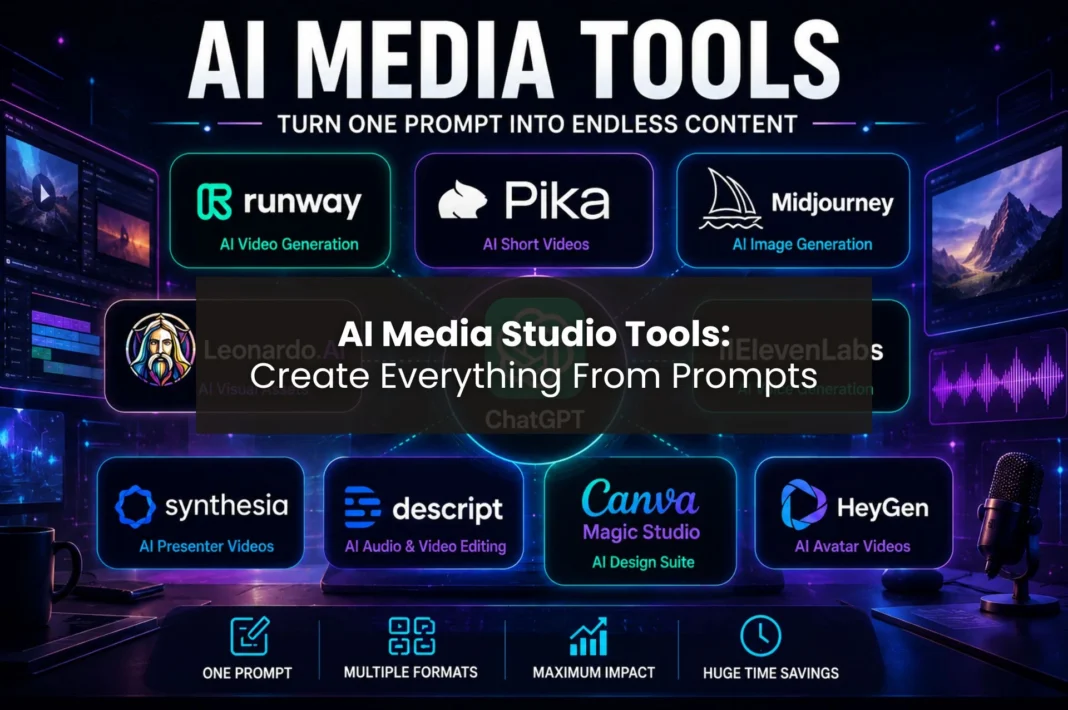
Creating professional-quality content used to require the efforts of many different types of individuals (e.g., multiple writers, designers, video editors, voice talent, marketers); however, due to advances in AI media tools, that paradigm is evolving rapidly. For example, a single prompt can now create blog posts, illustrations, videos, voiceovers, and social media posts, along with an entire marketing campaign from beginning to end.
As AI continues to develop, content creators do not need to use multiple separate programs to complete their projects; they can use AI-powered platforms that handle all of these tasks (or at least many parts of the process) within a single application. Because of this fact, entrepreneurs, solo creators, and small businesses are now able to create content at a level that previously only larger organizations could afford to be able to do.
This guide will provide you with information regarding some of the best AI media tools available, how they function, and how such a tool can take one prompt and create an entire ecosystem of content.
What are AI media tools?
AI media tools utilize AI technology to generate digital content using basic instructions rather than workflows like those found in conventional software programs. As an example, if a user encouraged AI to generate content for a campaign about AI content development by stating
“Create a content campaign relating to AI content generation.”
The AI will be able to generate:
“Blog Post, Social Media Message (With images & captions), Graphics (Used for marketing in print & online), Copy (Written for speaking or voice-overs), and Scripts for Videos.”
Additionally, most current-day AI media tools connect very easily. As a result, creators are able to advance from generating ideas to publishing final materials substantially more quickly than they previously could.
Current AI media tools can generate the following:
- Blogs and Articles
- Social Media
- Images/Illustrations
- Videos/Animations
- Voice Over/Podcasts
- Presentations/Marketing Assets
Therefore, by utilizing these platforms, users can create much more content in less time and at a lower cost than ever before.
How AI is turning creators into mini production studios
Traditionally, creating content required several different specializations. Writers wrote scripts, designers provided graphics, editors made videos, and marketers marketed the final content. However, the introduction of AI has changed how content is created by simplifying the entire process.
Today, a single creator can create the entire production cycle themselves. They can create all of their content through AI, from producing ideas, creating scripts and graphics, and adding voiceovers to editing all of the videos and preparing their marketing collateral for distribution.
In addition, many creators are now using AI to create more content than before without having to hire additional team members. This means that YouTubers can now produce more videos, marketers can accelerate their campaigns, and freelancers can service more clients.
Even though human creativity will always be important, AI eliminates many of the repetitive tasks associated with content production. As a result, creators are free to spend more time focusing on storytelling, engaging with their audiences, and developing strategies.
AI media tools vs traditional content creation
While traditional production methods still offer maximum creative control, AI media tools provide several advantages.
| Feature | AI Media Tools | Traditional Production |
|---|---|---|
| Speed | Minutes or hours | Days or weeks |
| Cost | Lower | Higher |
| Team Size | One person | Multiple specialists |
| Scalability | High | Limited |
| Editing | Partially automated | Fully manual |
| Accessibility | Beginner-friendly | Requires expertise |
As the table shows, AI media tools significantly reduce production time. However, traditional workflows may still deliver higher levels of customization. Therefore, many successful creators combine AI efficiency with human creativity.
Core workflow of prompt-to-asset creation
Most AI-powered workflows follow a similar process.
Step 1: Start with an idea
Everything begins with a prompt.
Example: “Create a complete content campaign about AI media tools.”
Step 2: Generate a script
Next, AI writing tools create the following:
- Blog outlines
- Video scripts
- Social media posts
- Marketing copy
Step 3: Create visuals
After that, image generators transform text descriptions into graphics, illustrations, and thumbnails.
Step 4: Generate voiceovers
Then, AI voice tools convert written scripts into realistic narration.
Step 5: Produce videos
Video generators transform scripts and visuals into complete video content.
Step 6: Edit and optimize
Finally, editing tools add captions, transitions, effects, and branding elements.
As a result, a single idea can become multiple content assets within a few hours.
AI media studio tools comparison table for 2026
| Tool | Text | Images | Video | Audio | Best For |
|---|---|---|---|---|---|
| ChatGPT | ✅ Script writing, content planning, outlines, captions | ✅ Basic image generation | ✅ Limited video generation capabilities | ✅ Voice conversations and audio features | Content ideation, scripting, and workflow planning |
| Runway ML | ❌ | ✅ AI-generated visuals and assets | ✅ Advanced text-to-video and video editing | ❌ | AI video creation and cinematic content |
| Pika Labs | ❌ | ✅ Generates visuals from prompts | ✅ Text-to-video and image-to-video generation | ❌ | Quick social media videos and animations |
| Midjourney | ❌ | ✅ High-quality artistic image generation | ❌ | ❌ | Marketing visuals, thumbnails, and concept art |
| Leonardo AI | ❌ | ✅ Character, product, and asset creation | Limited animation features | ❌ | Consistent visual assets and branding |
| ElevenLabs | Limited script assistance | ❌ | ❌ | ✅ AI voiceovers, dubbing, and voice cloning | Narration, podcasts, and video voiceovers |
| CapCut AI | ✅ AI captions and script assistance | ✅ AI-generated graphics and effects | ✅ Video editing and content repurposing | ✅ Text-to-speech and audio enhancement | Social media content creation |
| Descript | ✅ Script editing and transcription | Limited | ✅ Video editing through text-based workflows | ✅ Audio editing, podcast production, voice cloning | Podcasts and creator workflows |
| Canva Magic Studio | ✅ AI writing and design assistance | ✅ Image generation and graphic design | ✅ Simple video creation and editing | Limited | Marketing assets and social media content |
| HeyGen | Limited script support | ✅ Avatar visuals | ✅ AI avatar video generation | ✅ Voice synthesis and translation | Training videos, presentations, and spokesperson content |
10 best AI media tools that power a full media studio
1. ChatGPT
ChatGPT serves as the foundation of many AI-powered content workflows. It helps users generate ideas, write scripts, create blog posts, build content calendars, and develop complete marketing campaigns. Furthermore, it can assist with research, brainstorming, and content optimization.
Similarly, writers are using AI to create longer projects, including ebooks and manuscripts. If you’re interested in long-form writing, check out our guide on how to write a book with AI.
Key features:
- Blog writing
- Script generation
- Research assistance
- Content planning
- Marketing copy creation
Pricing:
- Free plan available
- Plus plan starts at $20/month
Prompt to use: “Create a complete content campaign about AI media tools, including a blog article, YouTube script, LinkedIn post, and email newsletter.”
2. Runway
Runway helps creators generate professional videos using text prompts. Additionally, it offers editing tools that simplify complex video production tasks.
Key features:
- Text-to-video
- Image-to-video
- AI editing
- Motion tracking
- Background removal
Pricing:
- Free plan available
- Paid plans start around $15/month
Prompt to use: “Create a cinematic video showing a futuristic AI-powered media studio.”
3. Pika
Pika focuses on creating short-form videos from text prompts. Therefore, it is particularly useful for social media creators who need engaging visual content quickly.
Key features:
- Text-to-video
- Animation generation
- Video effects
- Social media optimization
Pricing:
- Free plan available
- Paid plans start around $10/month
Prompt to use: “Create a 15-second animation showing AI transforming content creation.”
4. Midjourney
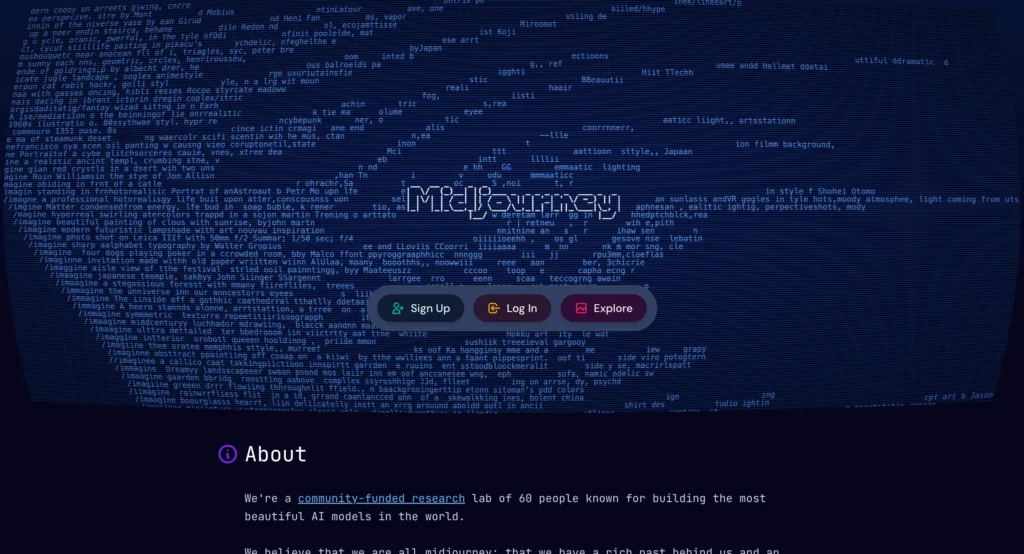
Midjourney generates high-quality images from text descriptions. As a result, creators frequently use it for thumbnails, blog graphics, and advertising visuals.
Key features:
- Photorealistic images
- Artistic styles
- High-resolution outputs
- Concept art generation
Pricing: Plans start around $10/month
Prompt to use: “AI creator working inside a futuristic media studio with holographic displays.”
5. Leonardo AI
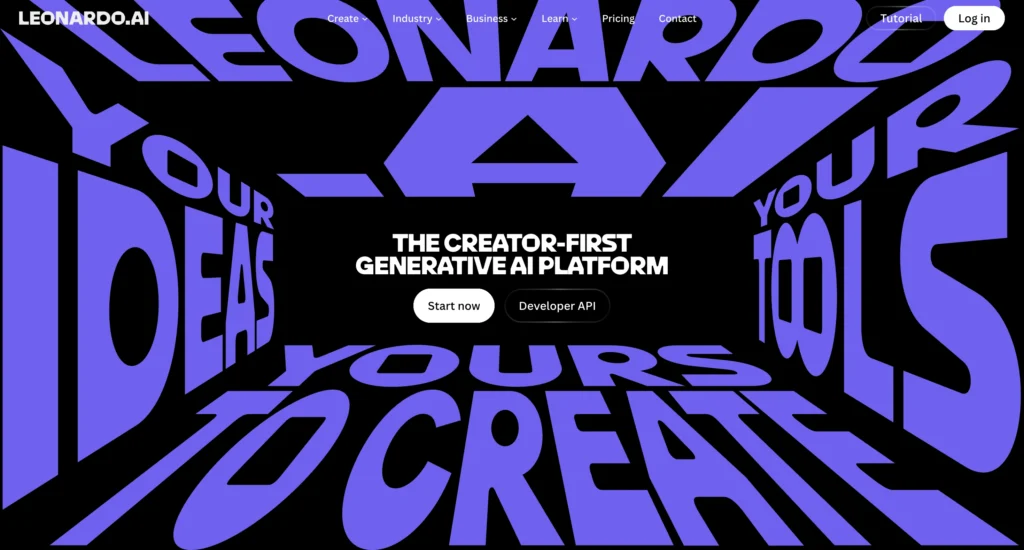
Leonardo AI specializes in creating characters, illustrations, and visual assets. Furthermore, it offers tools that help maintain visual consistency across projects.
Key features:
- Character generation
- Asset creation
- Style customization
- Branding support
Pricing:
- Free plan available
- Premium plans start around $10/month
Prompt to use: “Create a futuristic AI influencer character for a marketing campaign.”
6. ElevenLabs
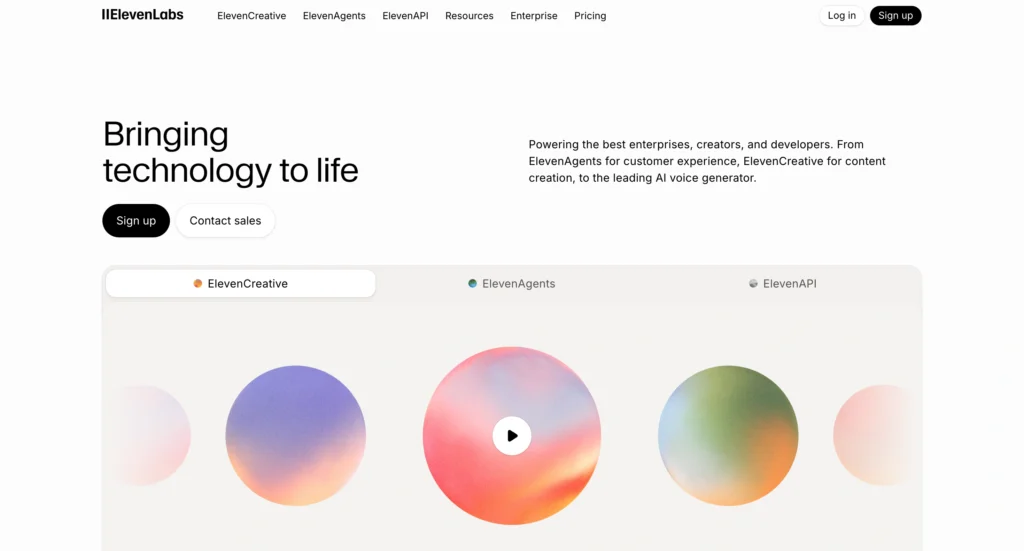
ElevenLabs converts text into realistic voiceovers. Additionally, it supports voice cloning and multilingual narration.
Key features:
- Text-to-speech
- Voice cloning
- Multilingual support
- Emotion controls
Pricing:
- Free plan available
- Paid plans start around $5/month
Prompt to use: “Generate a confident and engaging voiceover explaining how AI media tools can transform a single prompt into a complete content campaign.”
7. Synthesia
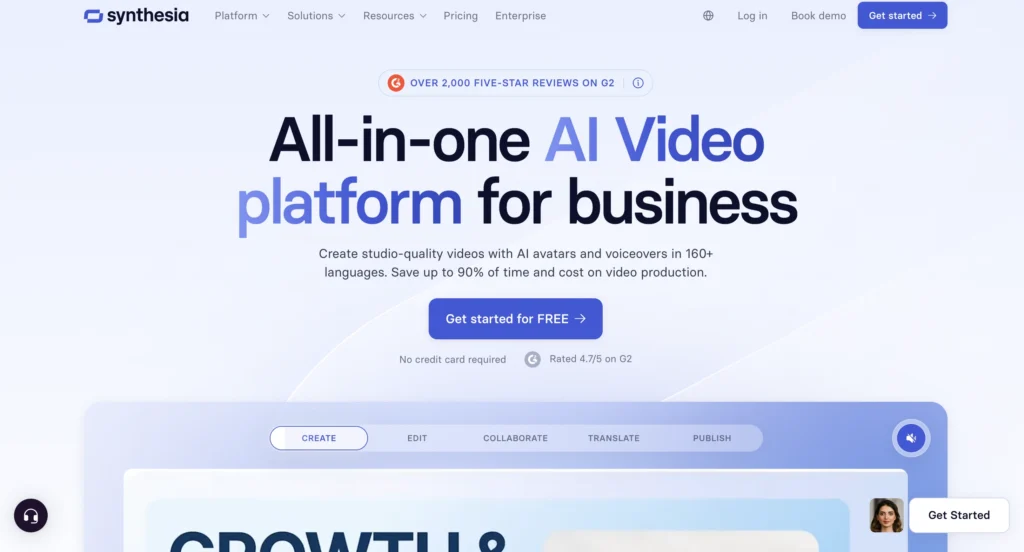
Synthesia is an AI video generation platform that transforms written scripts into professional presenter-style videos. Instead of hiring actors, setting up cameras, or recording voiceovers, users can simply enter a script and choose from a wide range of AI avatars. As a result, businesses, educators, and marketers can create high-quality videos in minutes.
Key Features:
- AI avatars and presenters
- Text-to-video generation
- Multiple avatar options
- Multilingual voiceovers
- Video templates
- Screen recording support
- Custom brand elements
Pricing:
- Free plan available
- Paid plans start around $18–$29/month (pricing may vary)
Prompt to use: “Create a professional 60-second video explaining how AI media tools can turn a single prompt into blog posts, videos, images, and voiceovers for content creators.”
8. Descript
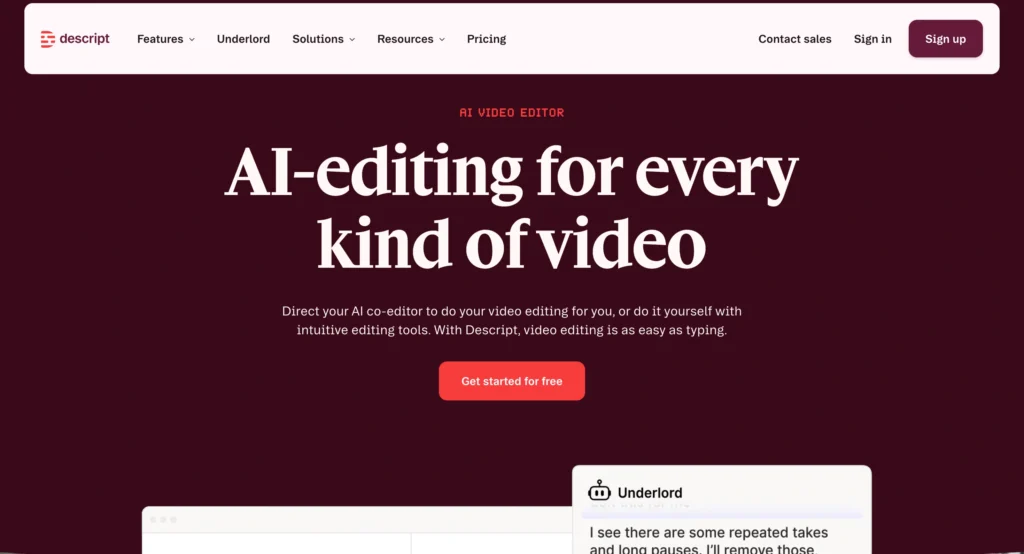
Descript allows users to edit audio and video simply by editing text. Therefore, it removes many of the technical barriers associated with content production.
Key features:
- Text-based editing
- Automatic transcription
- Podcast editing
- Screen recording
Pricing:
- Free plan available
- Paid plans start around $12/month
Prompt to use: “Convert this podcast transcript about AI media tools into a polished episode with filler word removal, clean audio, and professional pacing.”
9. Canva Magic Studio
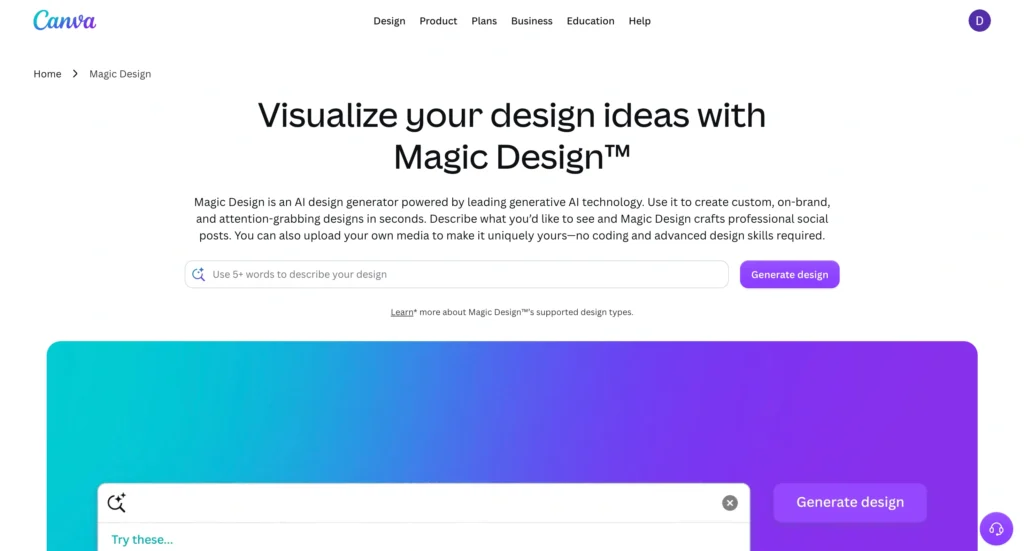
Canva Magic Studio combines AI-powered design tools with Canva’s easy-to-use interface. As a result, users can quickly create marketing materials and social content.
Key features:
- AI design tools
- Presentation creation
- Social media templates
- Brand kits
Pricing:
- Free plan available
- Canva Pro starts around $15/month
Prompt to use: “Create a LinkedIn carousel about AI media tools for marketers.”
10. HeyGen
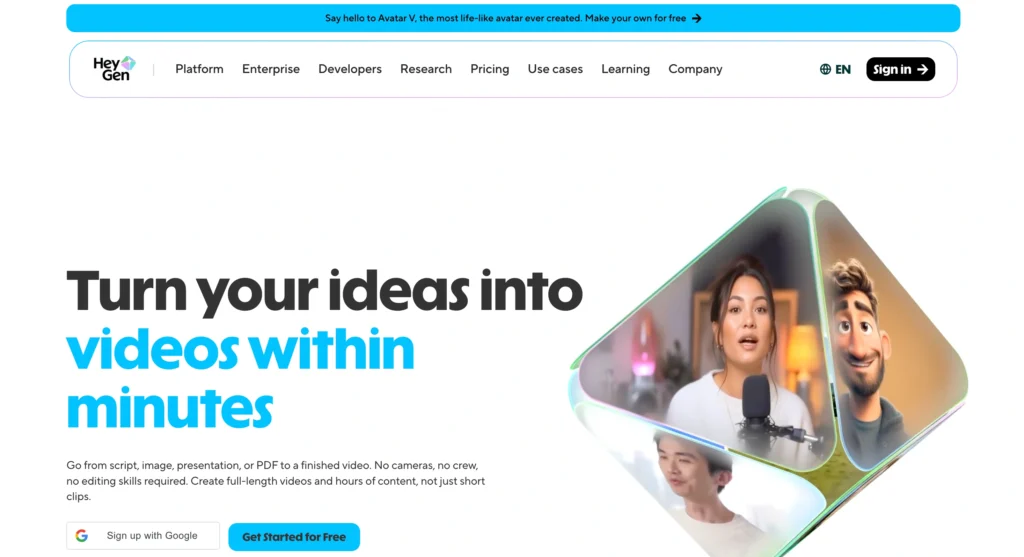
HeyGen helps users create AI avatar videos from written scripts. Consequently, businesses can produce presenter-style videos without filming anyone.
Key features:
- AI avatars
- Text-to-video
- Voice cloning
- Video translation
Pricing:
- Free trial available
- Paid plans start around $24/month
Prompt to use: “Create a professional AI presenter explaining AI media tools in 60 seconds.”
Prompt templates for building a full media studio output
| Goal | Prompt |
|---|---|
| Blog article | Write a 1,500-word article about AI media tools with examples and FAQs. |
| YouTube video | Create a 60-second YouTube Shorts script about AI media tools. |
| Social media | Generate 10 LinkedIn posts about AI content creation. |
| Thumbnail | Create a high-CTR YouTube thumbnail about AI media tools. |
| Voiceover | Turn this script into a professional voiceover. |
| Video | Create a storyboard for a 60-second explainer video. |
End-to-end workflow example
To better understand how these tools work together, imagine a creator starts with the following prompt:
“Create a content campaign about the future of AI media tools.”
First, ChatGPT generates the article and video script. Next, Midjourney creates supporting visuals and thumbnails. After that, ElevenLabs produces voiceovers while Runway generates video scenes. Meanwhile, Canva creates social media graphics, and CapCut edits everything into a finished video.
As a result, one prompt becomes the following:
- Blog article
- YouTube video
- Thumbnail
- Voiceover
- Social media graphics
- LinkedIn posts
- Marketing assets
Who should use AI media tools?
AI media tools support a wide variety of users. Whether you’re creating content, running a business, or managing marketing campaigns, these platforms can help streamline your workflow and improve productivity.
Users who can benefit from AI media tools
- Content creators: Produce more videos, blogs, and social media posts in less time.
- YouTubers: Speed up scripting, thumbnail creation, voiceovers, and editing.
- Digital marketers: Launch campaigns faster and test multiple creative variations.
- Freelancers: Expand services without hiring additional team members.
- Agencies: Increase client output while reducing production bottlenecks.
- Startup founders: Create marketing assets without building a large creative team.
- Small businesses: Compete with larger brands on a smaller budget.
- Educators and trainers: Develop presentations, videos, and learning materials quickly.
In fact, many independent professionals now combine AI media tools with other productivity platforms to streamline client work and increase output. If you’re looking for more options, explore our guide to free and paid AI tools for freelancers.
How different users benefit from AI media tools
| User Type | Main Benefit |
|---|---|
| Content Creators | Faster content production |
| YouTubers | Streamlined video workflow |
| Marketers | Quicker campaign execution |
| Freelancers | Higher productivity |
| Agencies | Better scalability |
| Startups | Lower marketing costs |
| Small Businesses | Increased competitiveness |
| Educators | Faster content development |
Therefore, anyone who regularly creates digital content can benefit from AI-powered workflows.
Benefits of AI media tools
AI media tools offer numerous advantages. Most importantly, they help users create more content while spending less time and money.
Key benefits of AI media tools
- Reduce production time
- Lower content creation costs
- Increase productivity
- Improve content scalability
- Simplify complex workflows
- Repurpose content across multiple channels
- Support solo creators and small teams
- Reduce dependency on expensive software
How to choose the right AI media tools
Choosing the right AI media tools depends on your goals, content format, and budget. However, selecting the right platform becomes much easier when you evaluate your specific needs first.
Questions to ask before choosing a tool
- Do you primarily create written content?
- Do you need AI-generated images?
- Will you create videos regularly?
- Do you require voiceovers?
- Do you need collaboration features?
- What is your monthly budget?
- How important is ease of use?
Best tools based on your needs
| Need | Recommended Tool |
|---|---|
| Content Writing | ChatGPT |
| Blog Planning | ChatGPT |
| Image Generation | Midjourney |
| Character Creation | Leonardo AI |
| Voiceovers | ElevenLabs |
| Video Creation | Runway |
| Short-Form Video | Pika |
| Video Editing | Synthesia |
| Podcast Editing | Descript |
| Design & Marketing Assets | Canva Magic Studio |
| Avatar Videos | HeyGen |
Limitations and challenges of AI media tools
Although AI media tools offer significant advantages, they also have limitations. Therefore, creators should understand these challenges before relying on them for every aspect of content production.
Challenges and solutions
| Challenge | Potential Solution |
|---|---|
| AI Hallucinations | Fact-check all information |
| Generic Content | Use detailed prompts |
| Brand Inconsistency | Create brand guidelines |
| Copyright Concerns | Review licensing terms |
| Poor Outputs | Refine prompts and regenerate |
| Editing Requirements | Add human review |
| Multiple Tool Management | Build a streamlined workflow |
Nevertheless, AI technology continues to improve rapidly. Consequently, many of today’s limitations will likely become less significant in the coming years. For now, the most effective approach combines AI efficiency with human creativity and oversight.
The future of prompt-based media studios
Looking ahead, AI media tools will likely become even more integrated. Instead of switching between multiple platforms, creators may soon generate complete content campaigns from a single interface.
Furthermore, AI agents could automate entire workflows, from content planning to distribution. Consequently, creators will spend less time on production and more time on strategy and creativity.
Ultimately, the future points toward fully connected media studios powered by a single prompt.
The new era of solo media production
AI media tools are transforming content creation at an unprecedented pace. Whereas traditional production often required large teams and significant budgets, creators can now build entire content ecosystems from a single prompt.
Furthermore, these platforms allow users to generate articles, videos, images, voiceovers, and marketing assets much faster than before. As a result, creators can scale production, reduce costs, and experiment with new formats more efficiently.
However, the most successful creators will not rely solely on automation. Instead, they will combine AI efficiency with human creativity, storytelling, and strategic thinking. Ultimately, AI media tools do not replace creators; rather, they empower them to create more impactful content.
Whether you are a content creator, marketer, freelancer, startup founder, or business owner, now is the ideal time to explore AI media tools and build your own AI-powered media studio.
FAQs
AI media tools use artificial intelligence to create text, images, videos, audio, and marketing content from simple prompts.
Yes. Tools like Runway, Pika, HeyGen, and CapCut can help create complete videos from scripts and prompts.
ChatGPT, Canva Magic Studio, and Synthesia are excellent choices because they offer user-friendly interfaces and free plans.
No. AI media tools automate production tasks, whereas creators still provide strategy, creativity, and quality control.
Yes. Although businesses use these platforms for marketing, training, content production, customer engagement, and advertising.
