

The shift from manual work to AI-powered workflows
Today, the use of AI is widespread in both business and personal life when writing, organizing plans, writing code, conducting research, interacting with clients, etc. The constant desire for better and more efficient products and solutions makes the demand for AI productivity tools in 2026 grow continuously.
Instead of spending hours on repeating tasks, everyone managed to organize their workflow using artificial intelligence. No matter whether you are a writer, marketer, programmer, or even the CEO of your company, you can benefit from AI productivity tools.
Main reasons why AI productivity tools are becoming more popular
- They make work automatic
- They boost workflow effectiveness
- Lighten the workload of businesses
- They enable faster scaling
- Promote teamwork
- They save time
Why AI productivity tools are becoming essential for modern workflows
The implementation of AI tools is becoming an important part of modern working processes. Since companies keep adopting automation quickly, AI tools are being used in order to automate scheduling, report generation, organizing projects, and enhancing communication in business settings for productivity purposes.
In addition, nowadays, individuals do not rely on AI only for simple functions anymore. On the contrary, they have to use the technologies for decision-making, content generation, research, optimizing processes, and engaging customers through the usage of AI. Thus, AI contributes significantly towards enhancing team productivity and saving time on tasks.
On top of that, AI-driven processes keep changing modern business practices. Thus, those who are able to adopt AI in their everyday activities will benefit from improved efficiency and effectiveness in the workplace.
Benefits of using AI productivity tools:
| Benefit | Impact on Workflows |
|---|---|
| Automation | Reduces repetitive manual work |
| Faster execution | Helps teams complete tasks quickly |
| Better organization | Improves project and task management |
| Improved communication | Enhances writing and collaboration |
| Scalability | Supports business growth efficiently |
| Time savings | Allows focus on strategy and creativity |
How we selected the best AI productivity tools 2026
We chose these apps not merely because of their popularity but also based on practicality, productivity, and usability. Each tool is capable of providing great automation, workflow efficiency, user-friendliness, and usability.
Criteria for Selection:
- Automation Features
- User-Friendliness
- Workflow Efficiency
- Collaboration Options for Teams
- Integration Features
- Practical Productivity Impacts
- Usability for Business and Creators
Best AI productivity tools 2026 for smarter workflows
1. ChatGPT for all-in-one productivity assistance

ChatGPT works as a powerful AI assistant for writing, coding, brainstorming, research, and workflow organization. As a result, users can complete tasks faster, automate repetitive work, and improve productivity more efficiently from one platform.
Main function: Primarily, the assistant functions as a multi-purpose productivity tool that helps individuals and businesses improve workflow efficiency and save valuable time.
Core use cases:
- Content writing
- Coding
- Research
- Brainstorming
- Workflow organization
Primary productivity advantages:
- Firstly, it saves significant time on routine tasks
- It generates instant ideas and responses
- It increases the speed of writing and research processes
- At the same time, it boosts overall workflow efficiency
Best suited for:
- Students
- Marketers
- Businesses
- Programmers
- Content creators
Pricing: Free plan available, Plus ~$20/month, Pro ~$200/month, Business ~$25–30/seat/month
Example of real-life workflow: For instance, marketers can use ChatGPT to create blog posts, email campaigns, SEO descriptions, and social media captions much faster. Consequently, they can focus more on strategy, audience growth, and content performance instead of repetitive manual writing tasks.
ChatGPT continues to evolve rapidly, especially with the rollout of newer models like GPT-5.5, which further enhance speed, reasoning, and overall productivity capabilities.
2. Claude for deep reasoning and structured analysis

Claude is good at long-form reasoning, document analysis, and structured content creation. Furthermore, it efficiently deals with large volumes of information, thus being an excellent tool for research and documentation work.
Main function: In essence, it assists users in analyzing complex data sets and creating detailed, structured outputs.
Core use cases:
- Research analysis
- Document summarization
- Strategic planning
- Long-form writing
Primary productivity advantages:
- Analyzes large documents fast
- Enhances structured reasoning
- Creates structured summaries efficiently
- Saves time on manual analysis
Best suited for:
- Researchers
- Analysts
- Consultants
- Writers
Pricing: Free plan available, Pro ~$20/month, Team ~$25–30/seat/month
Example of real-life workflow: A consultant could input lengthy reports to Claude and easily obtain business insights and summaries from them.
Additionally, if you want a clear breakdown of Claude’s pricing and what you get in free vs. paid plans, you can check this detailed guide.
3. Notion AI for smart workspace organization
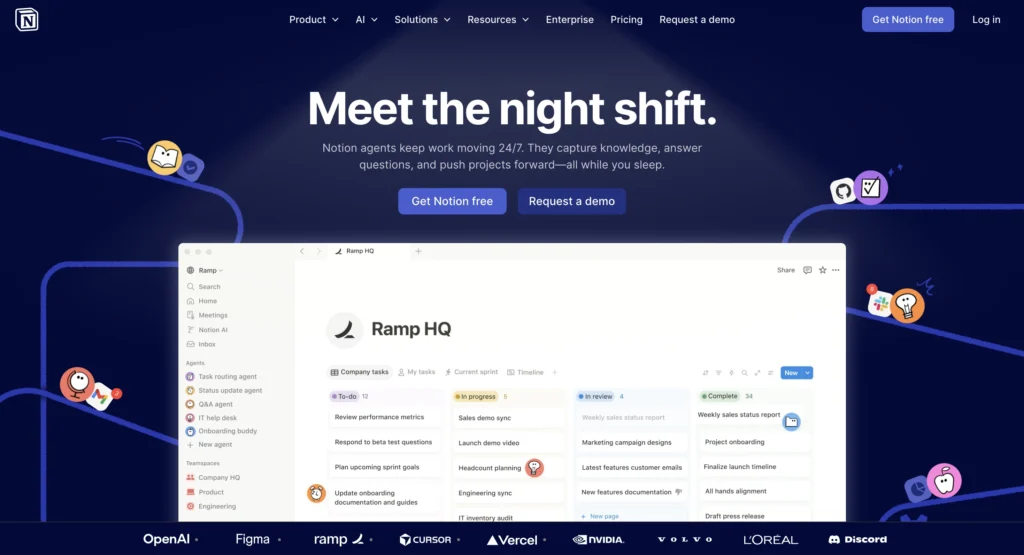
Notion AI brings together notetaking, documentation, project management, and AI-driven organization under one roof. Thus, teams can organize their workflows, automate summaries, and handle projects better.
Main function: The main idea is organizing tasks, notetaking, and workflows all within one connected tool.
Core use cases:
- Notetaking
- Project management
- Collaboration
- Documentation
Primary productivity advantages:
- Organizes workflows
- Organizes tasks
- Automates summaries and notetaking
- Facilitates collaboration
Best suited for:
- Startups
- Teams
- Students
- Creatives
Pricing: Free plan with limits, AI add-on ~$8–10/month per user
Example of real-life workflow: For instance, a startup team can benefit from summarizing meetings, organizing projects, managing documentation, and tracking tasks in one dashboard via Notion AI.
4. Zapier for workflow automation across apps
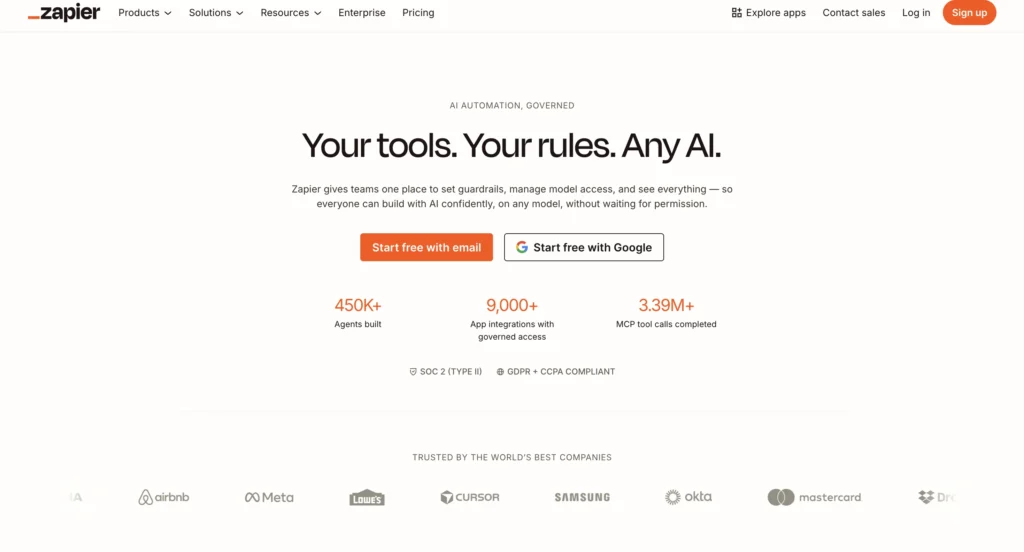
Zapier allows businesses and individuals to automate their workflows by linking hundreds of apps without writing any code. With many businesses utilizing different apps for various processes each day, Zapier automates these procedures through data and action transfer between different apps.
Main function: Basically, Zapier makes it easy for users to automate their workflows and integrate different apps.
Core use cases:
- Workflow automation
- CRM integration
- Email automation
- Data sync
- Automation of task management
Primary productivity advantages:
- Firstly, it saves users from doing repetitive manual work
- Secondly, it saves a lot of time
- It minimizes mistakes in workflows
- It increases efficiency in connected apps
- It enables businesses to grow faster
Best suited for:
- Businesses
- Agencies
- Operational units
- Freelancers
- E-commerce businesses
Pricing: Free plan available, paid plans starts at ~$19.99/month and go higher by usage
Example of real-life workflow: In particular, an e-commerce business is able to move data from website forms into CRMs and email marketing apps by using Zapier. Consequently, employees are able to concentrate more on sales, marketing, and other activities that help the company grow.
5. Grammarly for smarter writing and communication
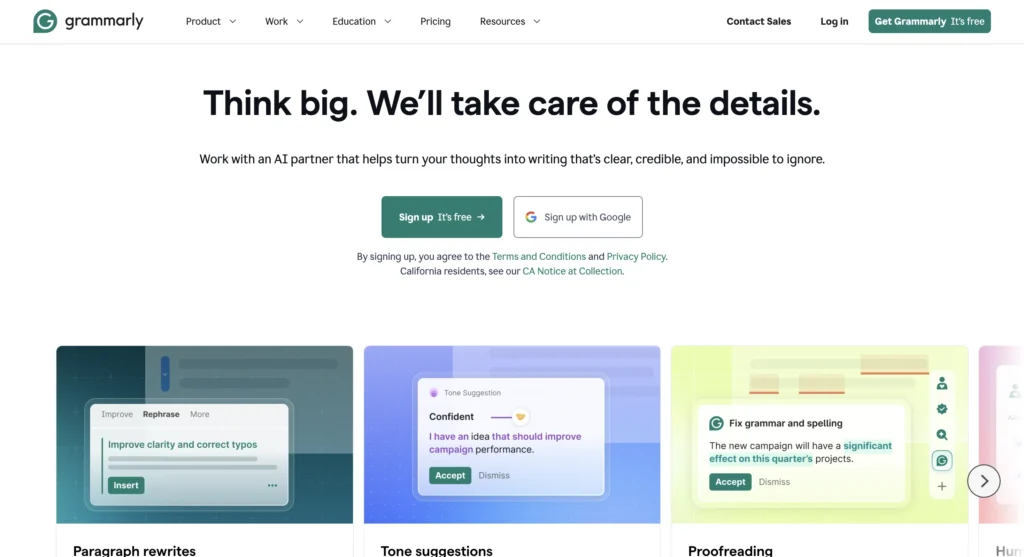
Grammarly is useful in improving grammar, tone, sentence structure, and clarity. Thus, people can compose professional communication through emails, reports, blog entries, and any document.
Main function: Mainly, it is concerned with improving the quality of written text and professional communication.
Core use cases:
- Sending emails
- Writing blog posts
- Checking grammar errors
- Professional business communication
Primary productivity advantages:
- Saving time during editing
- Clarity in writing
- Detects mistakes quickly
- Improves communication quality
Best suited for:
- Professionals
- Writers
- Students
- Companies
Pricing: Free plan available, Premium ~$12/month, Business ~$15/user/month
Example of real-life workflow: For example, a manager working remotely can use Grammarly to polish emails to customers and compose professional reports.
6. ClickUp AI for intelligent project management
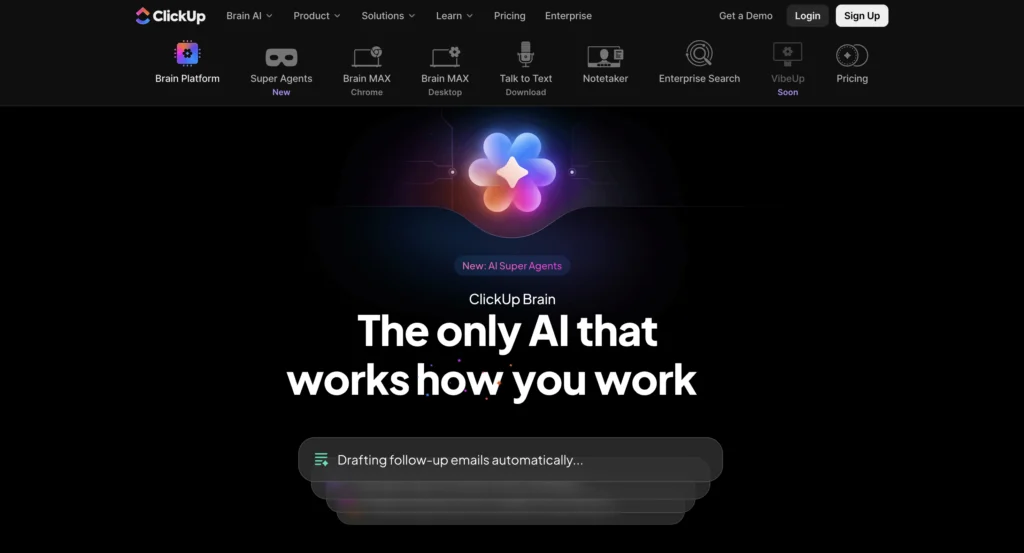
ClickUp AI is a combination of task management and AI-driven workflow optimization. Furthermore, it can help teams automate updates, prioritize tasks, and manage projects better.
Main function: It basically improves task management and coordination of projects.
Core use cases:
- Project planning
- Task management
- Collaboration
- Workflow management
Primary productivity advantages:
- Automates project reporting
- Organizes workflows
- Improves teamwork
- Saves managerial effort
Best suited for:
- Agencies
- Teams
- Startups
- Project managers
Pricing: Free plan available, AI add-on ~$5–7/user/month, paid plans are ~$12–20/user/month.
Example of real-life workflow: For instance, an advertising agency can allocate tasks, automate project reporting, monitor campaigns, and collaborate using ClickUp AI.
7. Perplexity AI for fast research and verified answers
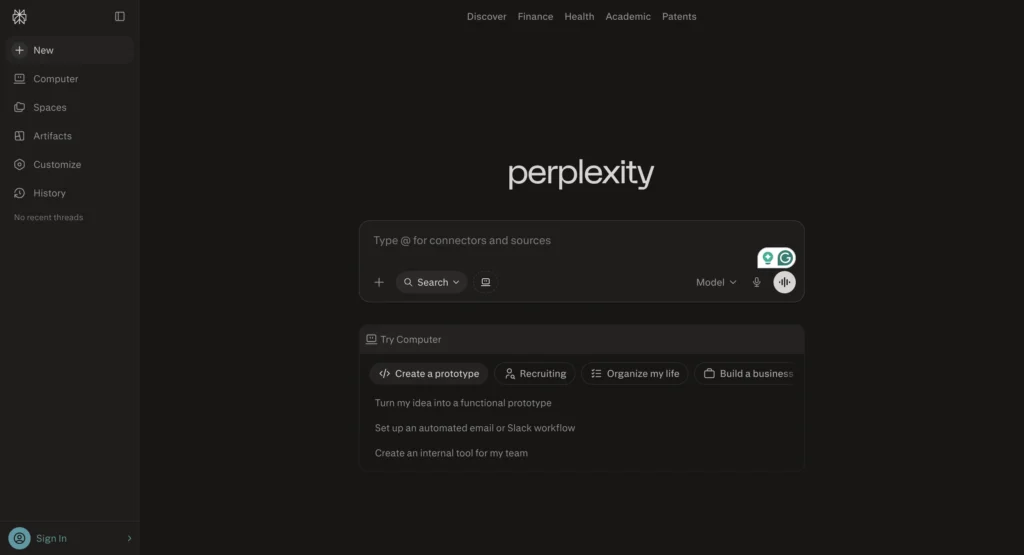
Perplexity AI offers a combination of AI-driven responses alongside factual data and real-time research features. This means that users can get accurate information at a much faster rate than they would using conventional search methods.
Main function: First and foremost, it helps in accelerating research and information-gathering processes.
Core use cases:
- Research
- Fact-checking
- Learning
- Information gathering
Primary productivity advantages:
- Reduces research time
- Delivers validated answers
- Facilitates information acquisition
- Enhances research efficiency
Best suited for:
- Writers
- Researchers
- Students
- Professionals
Pricing: On the other hand, it offers a free plan, while Pro is around ~$20/month
Example of real-life workflow: In practical use, a blogger could use Perplexity AI to conduct industry research, check facts, and gather information without having to manually visit multiple sites.
Similarly, Perplexity AI enhances real-time research workflows, and you can explore its practical use in productivity.
8. Runway ML for AI-powered video creation

The Runway ML software enables its users to make videos using creative applications based on artificial intelligence technology. Apart from that, the program automates difficult video-editing tasks like removing backgrounds, making motions, and even generating visuals.
Main function: Most importantly, the Runway ML software aims at simplifying AI-based video production and editing.
Core use cases:
- Editing videos
- Creating visuals with AI
- Creating social media videos
- Generating marketing videos
Primary productivity advantages:
- Easy video creation
- Efficient editing
- Efficient creative work
- Quick production
Best suited for:
- Content creators
- Designers
- Marketing teams
- Media departments
Pricing: It includes a free tier, with Standard at ~$12/month and Pro at ~$28/month
Example of real-life workflow: One can generate social media videos faster than when using the traditional method.
For more creative workflows, you can also explore how to create stunning thumbnails and social media graphics using free AI tools.
9. Jasper AI for marketing and content generation
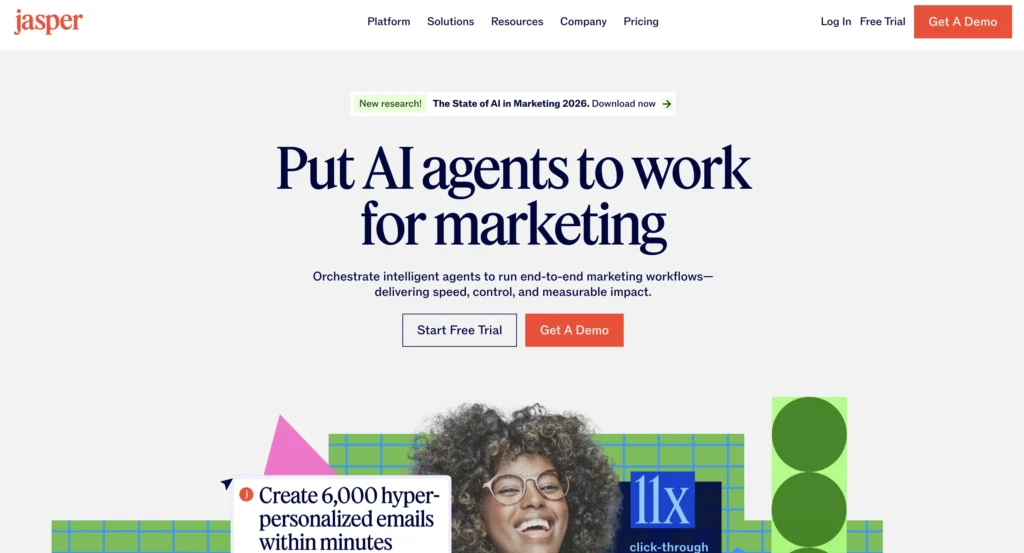
Jasper AI helps businesses and marketing teams create high-quality content faster using artificial intelligence. As content demands continue growing across blogs, advertisements, emails, and social media platforms, Jasper AI enables users to scale content production efficiently while reducing manual writing effort.
Main function: Primarily, Jasper AI helps businesses automate marketing content creation and improve content production workflows.
Core use cases:
- Blog writing
- Ad copy generation
- SEO content creation
- Email marketing
- Social media content
Primary productivity advantages:
- Firstly, it increases content production speed
- It reduces the manual writing workload
- Furthermore, it improves content consistency across campaigns
- It speeds up marketing execution
- Consequently, businesses can scale content strategies more efficiently
Best suited for:
- Marketing teams
- Agencies
- Businesses
- Content creators
- SEO professionals
Pricing: Starts with Creator at ~$39/month, Teams at ~$59+/month, and Business with custom pricing
Example of real-life workflow: For example, a digital marketing agency can use Jasper AI to generate blog drafts, ad copies, email campaigns, and social media content much faster. As a result, the team can focus more on campaign strategy, audience engagement, and business growth instead of repetitive content writing tasks.
In addition, Jasper AI plays a major role in AI-powered content creation, and you can read a detailed review of its writing capabilities.
10. Cursor AI for developer productivity and coding
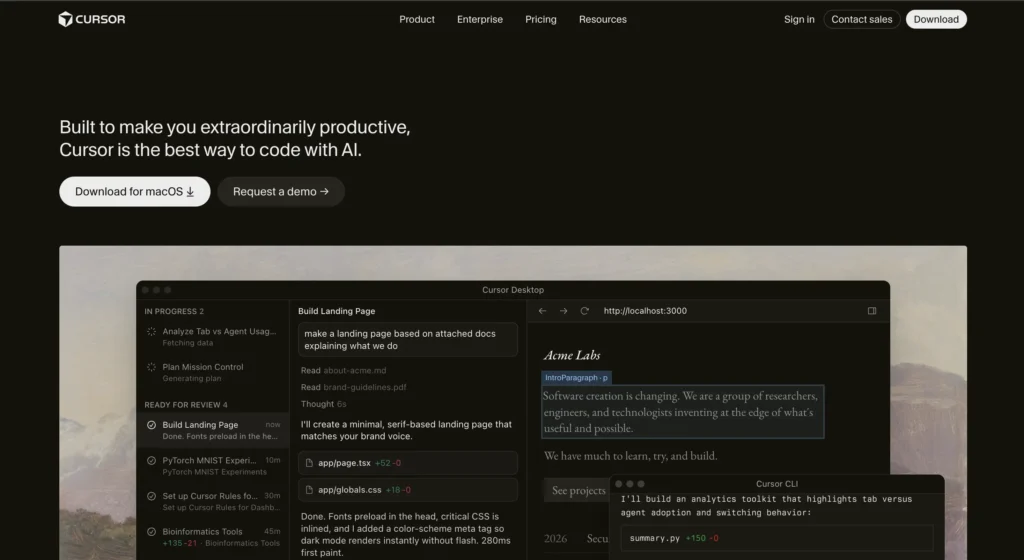
Cursor AI is an AI-powered coding environment designed to improve software development workflows. Likewise, it helps developers generate code, debug applications, and optimize programming tasks faster.
Main function: Essentially, it improves coding efficiency and software development workflows.
Core use cases:
- Code generation
- Debugging
- Software development
- Code optimization
Primary productivity advantages:
- Speeds up development
- Reduces coding errors
- Improves programming efficiency
- Simplifies debugging
Best suited for:
- Developers
- Software engineers
- Tech startups
- Coding teams
Pricing: It offers a free plan, with Pro at ~$20/month and Business at ~$40/user/month.
Example of real-life workflow: For instance, a developer can generate boilerplate code, debug applications, optimize functions, and accelerate development using Cursor AI.
Moreover, Cursor has evolved rapidly as an AI coding environment, and you can explore its latest developments and workflow improvements.
AI prompts that improve productivity workflows faster
Although AI productivity tools become significantly more effective when users provide clear and structured prompts. Instead of giving basic instructions, professionals increasingly use detailed AI prompts to automate writing, research, planning, coding, and workflow management more efficiently. As a result, better prompts help users save time, improve output quality, and streamline daily operations much faster.
| Productivity Task | AI Prompt Example |
|---|---|
| Blog writing | “Write a detailed SEO-friendly blog outline on best AI productivity tools with engaging headings, FAQs, and actionable insights.” |
| Email generation | “Create a professional follow-up email for a client after a business meeting with a polite and confident tone.” |
| Workflow planning | “Build a weekly productivity workflow for a remote marketing team using AI tools and automation platforms.” |
| Research summarization | “Summarize this research report into key insights, important statistics, and actionable takeaways.” |
| Social media content | “Generate 10 engaging LinkedIn post ideas about AI productivity trends for businesses and startups.” |
| Coding assistance | “Optimize this Python code for faster performance and explain the improvements clearly.” |
| Meeting summaries | “Convert these meeting notes into action points, deadlines, and priority tasks.” |
| Marketing strategy | “Create a complete AI-powered content marketing strategy for a SaaS business targeting startups.” |
Why AI prompts improve productivity:
- Better prompts generate more accurate responses and outputs
- Structured instructions improve workflow efficiency significantly
- Moreover, AI tools complete tasks faster with detailed context and guidance
- Teams save time on repetitive manual processes more effectively
- Prompt-based automation improves content quality and consistency
- Businesses scale operations more efficiently using AI-powered systems
Top AI tools for business driving modern growth
Today, modern organizations increasingly rely on top AI tools for business to automate operations, improve marketing efficiency, strengthen customer engagement, and scale workflows more effectively. Moreover, as competition continues to grow rapidly, businesses now use AI-powered systems not only to reduce operational costs but also to improve productivity, accelerate decision-making, and streamline daily operations more efficiently.
Moreover, these AI platforms help companies automate repetitive business functions while simultaneously improving customer experiences and overall performance.
| AI Tool | Main Business Use | Key Productivity Benefit | Pricing |
|---|---|---|---|
| Monday AI | Workflow and team management | Improves collaboration and task automation | Free plan available; paid plans start at ~$9/user/month. |
| Drift AI | Conversational sales and marketing | Enhances lead generation and customer engagement | Custom enterprise pricing |
| Gong AI | Sales analytics and conversation intelligence | Improves sales decision-making with AI insights | Custom enterprise pricing |
| Zoom AI Companion | AI-powered meeting assistance | Automates meeting summaries and action points | Included in paid Zoom Workplace plans (~$13–18/user/month) |
| Brevo AI | Email marketing automation | Simplifies campaign management and communication | Free plan available, paid plans start ~ $9/month |
| Zoho Zia | CRM intelligence and automation | Automates customer management workflows | Included in Zoho CRM plans (~$14+/user/month) |
| LivePerson AI | Customer support automation | Improves response time and customer interactions | Custom enterprise pricing |
Why businesses are adopting AI tools rapidly:
- Firstly, they automate repetitive business operations.
- Additionally, they improve customer engagement
- Furthermore, they reduce operational costs.
- They increase workflow efficiency.
- As a result, businesses scale faster.
- Ultimately, they improve data-driven decision-making.
AI tools for business productivity in daily operations
Similarly, businesses and professionals now use AI tools for business productivity to simplify scheduling, reporting, communication, meetings, and workflow management. Instead of spending hours on repetitive operational tasks, teams increasingly depend on AI systems to improve efficiency and save valuable time.
Furthermore, these tools help organizations maintain smoother communication, improve collaboration, and streamline daily workflows without increasing manual workload.
| AI Tool | Daily Productivity Use | Main Efficiency Benefit | Pricing |
|---|---|---|---|
| Fireflies AI | Meeting transcription and summaries | Saves time on manual note-taking | Firstly, it offers a free plan; additionally, Pro starts at ~$10/user/month, Business ~$19/user/month, and Enterprise ~$39/user/month |
| Tidio AI | Customer chat automation | Improves support efficiency | To begin with, a free plan is available; moreover, paid plans start around ~$29/month |
| Reclaim AI | Smart scheduling optimization | Organizes calendars automatically | It provides a free plan; furthermore, paid plans start at ~$8/user/month |
| Otter AI | Voice transcription and meeting notes | Simplifies meeting documentation | It has a free plan; on the other hand, Pro plans range around ~$10–20/user/month |
| Motion AI | Productivity scheduling | Prioritizes tasks automatically | Generally, paid plans start at approximately $19/month. |
| Avoma AI | AI meeting insights and collaboration | Improves team communication | Paid plans typically start around ~$19–24/user/month |
| Krisp AI | Noise cancellation and audio enhancement | Enhances remote meeting quality | It offers a free plan, while paid plans start around ~$8–16/user/month |
How these tools improve daily workflows:
- They automate scheduling and meetings while improving workflow efficiency.
- They reduce repetitive communication tasks and save operational time.
- They improve remote collaboration across teams and departments.
- They simplify operational management for smoother daily workflows.
- They help businesses save time across routine operations.
- They increase team productivity consistently through automation
Key takeaway: AI is redefining productivity systems
Overall, the best AI productivity tools of 2026 no longer function as standalone applications. Instead, they operate as interconnected systems that completely transform how individuals and businesses manage work.
More importantly, the real productivity advantage comes from combining multiple AI tools into efficient workflows that not only automate repetitive tasks but also improve communication, simplify operations, and maximize output with minimal manual effort. As a result, businesses and professionals can complete work faster while simultaneously improving overall productivity and workflow efficiency.
Furthermore, as AI technology continues evolving rapidly, businesses that adopt AI-powered workflows early will gain stronger advantages in efficiency, scalability, automation, and long-term growth. Consequently, organizations that integrate AI systems effectively will adapt faster to changing work environments and maintain a stronger competitive edge in the future.
Main takeaways from AI productivity growth:
- AI now powers modern workflows more efficiently across industries.
- Businesses increasingly automate repetitive operations to save time and resources.
- AI tools improve speed, efficiency, and scalability across daily workflows.
- Teams collaborate more effectively by using AI-powered systems and automation.
- Productivity now depends heavily on workflow automation for faster execution.
- AI adoption continues to grow rapidly worldwide across businesses and industries
For a deeper comparison of leading AI models in real-world productivity workflows, you can also explore ChatGPT vs Claude vs Gemini.
The future of productivity is AI-powered automation
Ultimately, productivity is evolving from manual execution to AI-assisted systems that automate tasks, simplify workflows, and improve operational efficiency. Today, professionals, creators, developers, and businesses increasingly rely on AI tools to save time, reduce workload, and focus more on strategy, innovation, and growth.
Additionally, AI productivity tools now help organizations complete work faster while simultaneously improving accuracy, collaboration, and scalability. Instead of replacing human creativity, these systems enhance productivity by eliminating repetitive, time-consuming processes.
Additionally, if you want to understand which AI writing tools perform better in real use cases, this comparison of free vs paid AI blog writing tools can help you decide.
As AI technology advances, businesses and individuals who integrate AI into daily workflows will adapt faster, scale more efficiently, and maintain stronger competitive advantages in the future of work.
FAQs
AI productivity tools are software platforms that use artificial intelligence to automate workflows, improve efficiency, simplify communication, and consequently reduce repetitive manual work across different industries.
ChatGPT works best for beginners because it supports writing, brainstorming, research, coding, summarization, and workflow planning within one easy-to-use platform.
Yes, businesses widely use AI productivity tools to automate operations, improve customer communication, optimize workflows, manage projects, and ultimately increase productivity more efficiently.
Although AI tools automate many repetitive tasks, businesses still rely on human creativity, strategic thinking, and decision-making for complex workflows and innovation.
Zapier remains one of the best AI-powered automation tools because it connects thousands of applications and automates workflows without requiring coding knowledge.
