
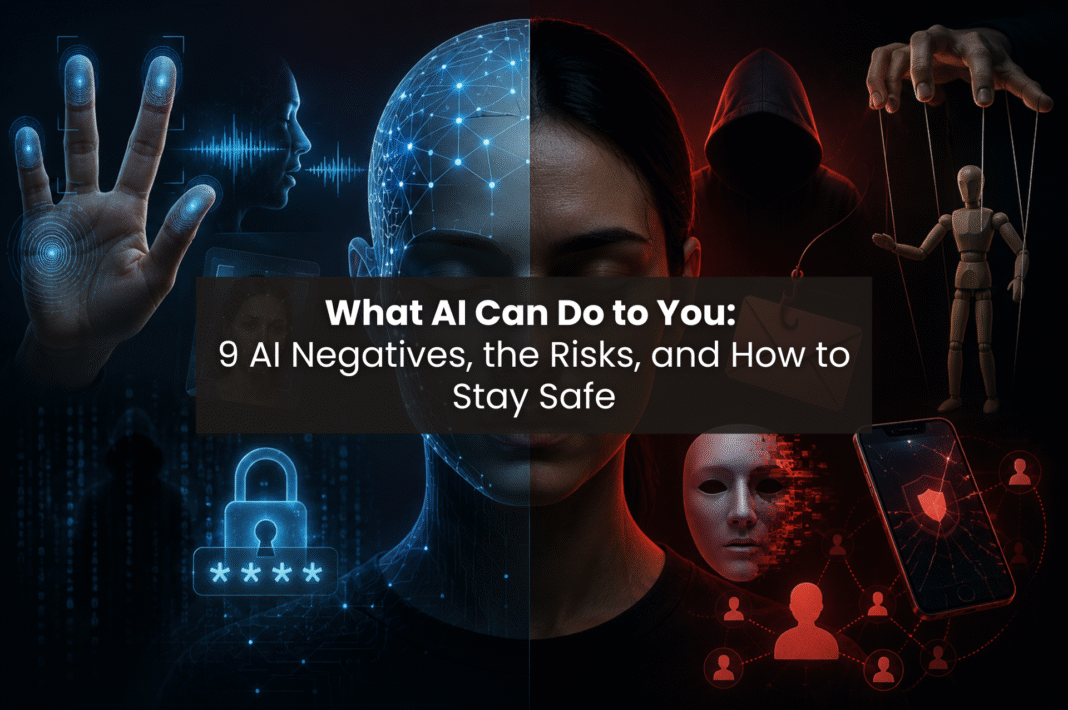
Artificial intelligence can provide assistance for people in a lot of ways; however, it also comes with a lot of risks that are currently harming people. These risks are not something that will happen in the future; they are currently happening to thousands of people on a daily basis. These are the biggest AI negatives people are not talking about enough.
What counts as an “AI negative” and why should you care?
AI negatives are defined as types of AI capabilities that create risks for everyday people, regardless if they did anything malicious. Many of these risks do not require the skills of a hacker; instead, all that is necessary is an AI tool, the internet, and the individual people that the attacker wants to target. You are probably already a target.
1. Fingerprint extraction from photos

How people use it: AI is able to read fingerprint information from a regular picture, even one that was taken from up to ten feet away, and get enough detail to recreate that fingerprint. Fingerprints can be clearly seen when making hand gestures such as peace signs, heart fingers or thumbs up, which illuminate the ridges on the end of each finger. Criminals have already been able to get fingerprints off of photographs put on social media to get into smart locks.
The risk: The primary risk of fingerprints is that, unlike passwords, you can’t change your fingerprint once it has been stolen. Your fingerprint gives access to your phone, online banking, the front door, and other important items.
How to protect yourself:
- Do not post pictures of your fingers up close.
- Be careful of taking pictures of your fingers when you are making hand gestures (i.e., peace sign/thumbs up).
- Use a PIN as a back method for getting access to your phone/application instead of only using a fingerprint.
2. Voice cloning

How people use it: Scammers will record only a small section of an individual’s voice and upload it into a voice cloning tool, such as ElevenLabs, fish.audio etc. The cloning software then produces an imitation of that voice that sounds almost identical to the original speaker; this is then used by a scammer to call the victim’s family and pretend to be a distressed relative (i.e., son/daughter/grandchild).
The risk: The Federal Bureau of Investigation (FBI) has provided warnings about the increasing prevalence of voice scams that utilize AI technology to clone the voices of family members, resulting in victims losing thousands of dollars due to their belief in the authenticity of the scammer.
Here are some ways to protect yourself:
- Establish a family “code word” that only immediate family and yourself know.
- Never send money to anyone who requests money via telephone; regardless of how authentic it seems; if you would like to help them, you can call the person back at their known phone number and confirm the emergency before you act.
3. Deepfake videos and photos
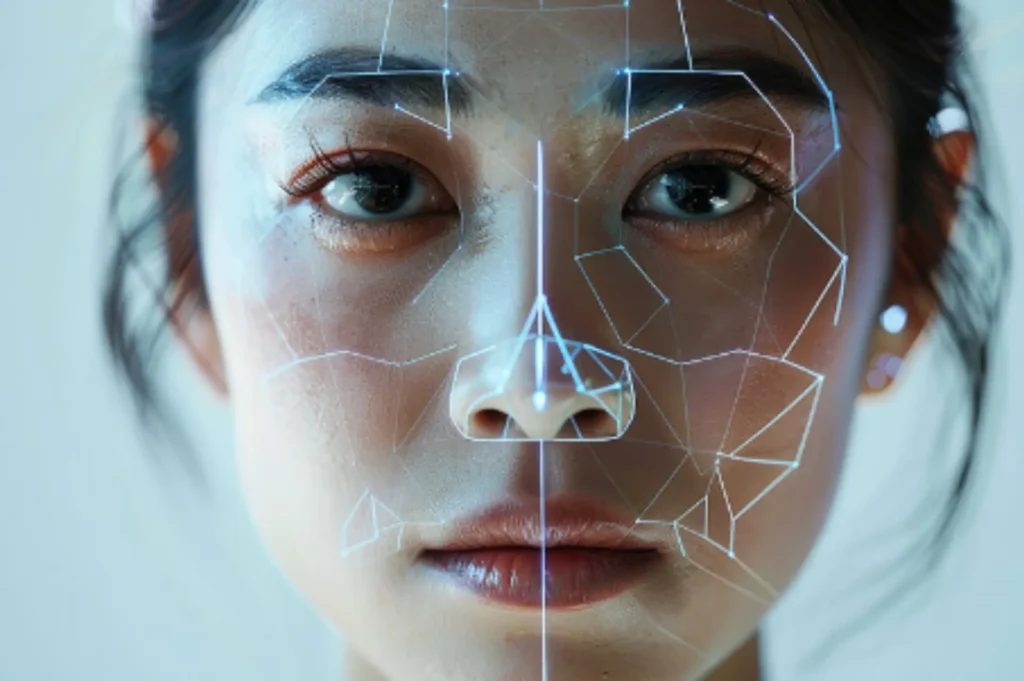
How people use it: Artificial intelligence can put someone’s face on a different person’s body and create fake videos of them that are incredibly realistic out of just a few photos extracted from their social media account. This technology is used for fraud, revenge content and impersonation.
The risk: Victims have lost jobs, relationships and suffered significant reputational injury from content that they had no involvement in producing.
How to protect yourself:
- Reduce the number of high-resolution copy of your face that you post to the internet.
- Reverse image search can help determine if your images are being misused.
- Report any fake content on social media platforms immediately.
4. AI-powered password cracking

How people use it: Tools such as PassGAN employ machine learning algorithms based on password databases that have been compromised, in order to determine new user passwords at a much more rapid rate than traditional means. AI can identify frequently-used passwords within a matter of seconds.
The risk: The danger associated with this technology is that a weak password or one password that has been used on multiple accounts may allow unauthorized access from a single user. Therefore, if one password was compromised, an attacker would have the means to gain access to all e-mail, bank, and work-related accounts.
How to protect yourself:
- Utilize a password manager that generates and stores difficult and/or unique passwords.
- Enable two-factor authentication for all of your important accounts.
- Do not reuse your passwords across different platforms.
5. Phishing emails that sound human

How people use it: AI-generated phishing emails are now written at an extremely high-standard in terms of grammar, personalization and context. This is made possible by attackers retrieving enough data from websites, such as Linkedin or normal social media sites, to create phishing emails with very real job titles, names of colleagues and references to activities that actually take place at their job site.
The risk: There is no longer any way to detect if a phishing email has been sent or received via traditional channels of detection, such as low spelling standards. The phishing email will appear as a normal email from someone you know that has been incorrectly spelled.
How to protect yourself:
- Verify all unsolicited requests to perform any action via separate means of verification.
- When verifying or confirming an email received, use the sender’s actual email address instead of only the display name of the user who sent the email.
- Avoid clicking on any links in emails requesting you to log in, or perform any action that requires you to log in to verify your account.
6. AI-generated misinformation at scale

How people use it: Criminals create thousands of undesired news articles, social media updates, and postings on discussion forums all in an hour using artificial intelligence. During elections, bad actors use AI to spread false narratives and flood the internet with misleading reports.
The risk: Lies spread much faster than refutations and people will act upon seeing or hearing something a number of times irrespective of whether it is a lie.
How to protect yourself:
- Verify reports with several reliable media outlets,
- Only share news that has are true and the facts are verified
- Be more skeptical of content that makes you feel immediately outraged
7. Identity fraud using AI-generated documents

How people use it: AI based systems are generating fraudulent documents such as fake IDs and fake passports. Criminals can use these documents to open bank accounts, obtain loans, and verify false identities on online platforms, including social media.
The risk: Criminals can use your identity to accumulate debt, commit crimes, and leave you to deal with the consequences after the fact.
How to protect yourself:
- Set up credit monitoring alerts
- Review your credit report consistently to look for items you did not open.
- If you are not currently seeking any type of credit, place a freeze on your credit file.
8. Surveillance and tracking through facial recognition
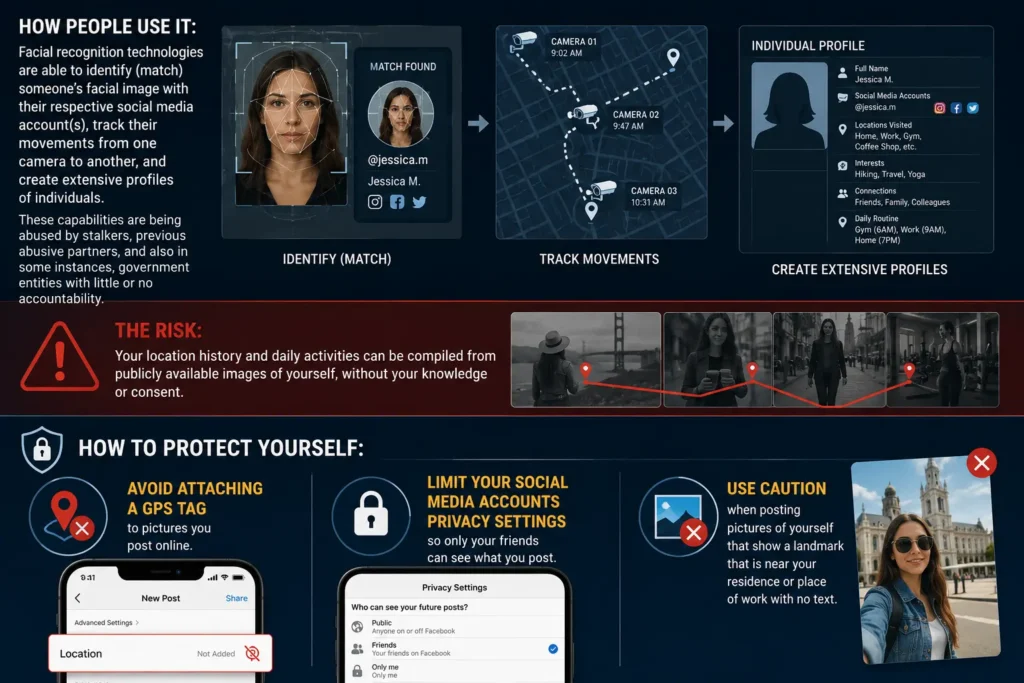
How people use it: Facial recognition technologies are able to identify (match) someone’s facial image with their respective social media account(s). Additionally, they can track their movements from one camera to another, and create extensive profiles of individuals. Stalkers, former abusive partners, and some government entities use these capabilities to monitor and track individuals.
The risk: People can use publicly available photos of you to track your location history and daily activities. Without your knowledge or consent.
How to protect yourself:
- Avoid attaching a GPS tag to pictures you post online
- Limit your social media accounts privacy settings so only your friends can see what you post
- Use caution when posting pictures of yourself that show a landmark that is near your residence or place of work
9. AI-assisted social engineering

How people use it: AI will analyze your social media posts, writing style, interests, and relationships, and create a psychological profile of you. An attacker can then use this information for their benefit. They can develop an extensive and very targeted manipulation strategy based on your fears, desires, and trust.
The risk: These attacks are hard to recognize because they feel personal. The attacker already “knows” you before they reach out.
How to protect yourself:
- Conduct an audit of your public profiles to determine how much information is available about your habits and connections.
- Be wary of anyone making a cold contact who knows quite a bit about you.
- Do not share (publicly) personal struggles or significant life events with others. It’s always advisable to not share too much about your personal life.
Key Takeaways
The AI negatives covered here share one thing in common: they all use publicly available information against you. This may include your voice, photos, fingerprint, or writing style.
All in all, the first step to avoiding such things happening to you is being aware of what is happening to you. Changing how you share information will significantly decrease your likelihood of becoming a victim. Technology will continue to evolve with AI. People who understand how others use AI for harmful purposes can better protect themselves from becoming victims.
