
Your writing deserves more than a basic spell checker
Everybody goes through this. You send a crucial email, release a blog post, or turn in homework and only realize there was a grammatical error when you review your message shortly after. Although standard spell checkers will spot various mistakes, they usually do not help with the quality of your writing.
AI-driven grammar checkers are far more effective than traditional applications since they can eliminate clunky phrases, enhance clarity, change tone, and make sure that you write faster without destroying your ideas.
The problem is that all of them claim to be the best. Some of them specialize in grammar accuracy, while others are better at rewriting, readability, and collaboration. So if you pick the wrong application, it might suggest awkward ideas instead of spotting errors or obviously make you pay for features that you do not need.
In this review, we will analyze the most efficient grammar checker software in 2026 and clarify each of its features, prices, pros, and cons, and the kinds of authors who will benefit from each software program.
Besides grammar checkers, you can also explore our list of free AI tools like ChatGPT without logging in if you’re looking for quick AI assistance without the hassle of signing up.
Before analyzing the best programs, let us figure out what makes a modern grammar checker useful.
Why modern AI grammar checkers do much more than fix spelling mistakes
Correcting grammar is just one aspect of the current AI writing process. Current-day tools study contexts, flow of sentences, tones, and readability, which eventually result in better writing.
Traditional spell-checkers simply highlight grammar mistakes, while AI-powered writing assistants can analyze the use of words in a phrase and thus suggest better vocabulary, rephrase complicated sentences, and ensure the same tone across various sources.
Many such tools offer the possibility to write in several languages as well as integrate with the web browsers and writing applications, and provide suggestions in real time.
The main benefit of these tools is not checking errors but making the writing process much smoother.
Quick comparison of the best AI grammar checkers
| Tool | Best For | Free Plan | AI Rewriting | Browser Extension | Starting Price | Rating |
|---|---|---|---|---|---|---|
| Grammarly | Everyday writing | Yes | Yes | Yes | Free | ⭐⭐⭐⭐⭐ |
| ProWritingAid | Authors & bloggers | Yes | Yes | Yes | $30/month | ⭐⭐⭐ |
| LanguageTool | Free grammar checking | Yes | Limited | Yes | $24.90/month | ⭐⭐⭐ |
| QuillBot | Rewriting | Yes | Yes | Yes | $9.95/month | ⭐⭐⭐⭐ |
| Wordtune | Natural rewrites | Yes | Yes | Yes | $13.99/month | ⭐⭐⭐⭐ |
| Hemingway Editor | Readability | Yes (Web) | No | No | $10/month | ⭐⭐⭐⭐⭐ |
| Writer | Businesses | Trial | Yes | Yes | $18/user/month | ⭐⭐⭐⭐ |
| Trinka AI | Budget users | Yes | No | Yes | Free | ⭐⭐⭐⭐⭐ |
| Sapling AI | Customer support | Yes | Yes | Yes | $25/month | ⭐⭐⭐ |
| Microsoft Editor | Microsoft 365 users | Yes | Limited | Yes | Included with Microsoft 365 | ⭐⭐⭐⭐ |
These are the best AI grammar checkers worth using in 2026
1. Grammarly remains the most reliable choice for everyday writing
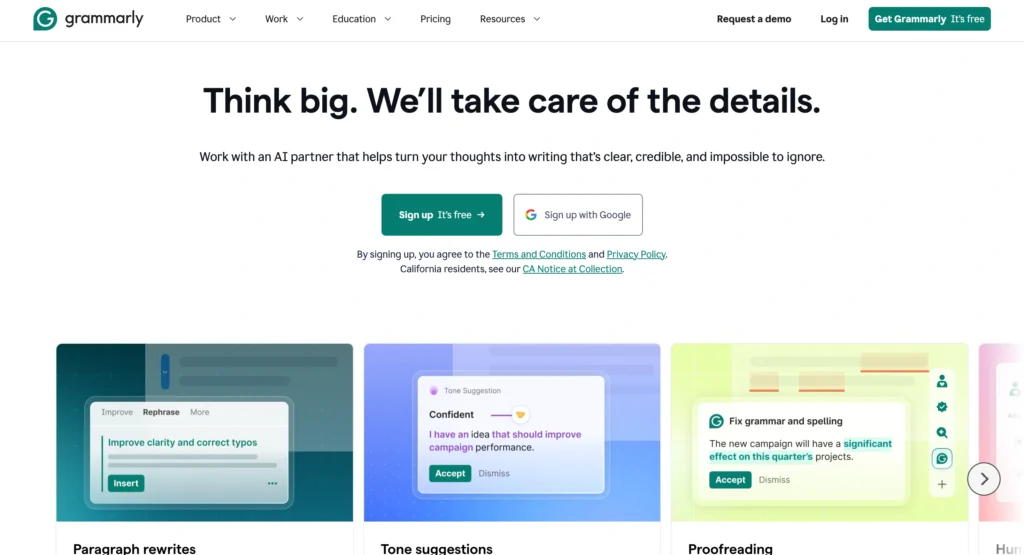
Grammarly keeps breaking new ground in AI-based writing support. The program will check grammar, spelling, and punctuation, as well as determine clarity, style, and structure in real time. The recent version has been upgraded with AI capabilities to also generate and rewrite content for emails, reports, and presentations.
Key features:
- Grammar and spelling check
- AI sentence rephrase
- Tone detection
- Plagiarism detection
- Citation generation
- Applications on browsers and desktop computers
Pricing:
- Free: basic checks of writing
- Pro: $30/month, $12/month when billed for a year
- Enterprise: personalized plans
Pros:
- High level of accuracy
- Ease of use
- Compatibility with almost all platforms
Cons:
- Quite pricey for the premium plan
- You must pay for the plagiarism checker to become a Pro user
Grammarly is still a reasonable option for most users able to combine accuracy, ease of use, and effective writing assistance with the help of AI technology. Nevertheless, the competition is starting to appear as well.
2. ProWritingAid goes far beyond grammar for long-form content
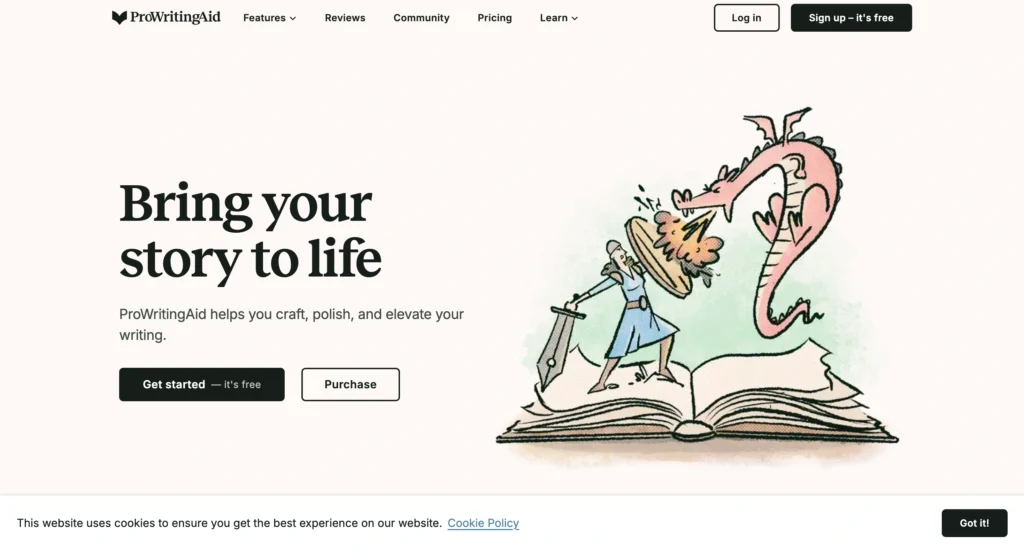
ProWritingAid is tailored toward writers who desire comprehensive feedback rather than rapid corrections. In addition to grammar checking, ProWritingAid assesses sentence diversity, reading speed, ease of understanding, redundancy of phrases, and writing style. Creative authors, vloggers, and independent writers gain maximum advantage from its thorough analyses.
Key features:
- Correctness and style reports
- Readability assessment
- Artificial intelligence-based rewrites
- Editing on a chapter level
- Compatibility with Word and Google Docs
Pricing:
- Free: limited checks
- Paid: $30/month, $120/year
- Lifetime: $399
Pros:
Thorough analysis
Perfect for large documents
Great integration
Cons:
- The interface might be overwhelming for beginners
- It works more slowly than Grammarly
There are not many writing tools that are capable of analyzing your writing as deeply as ProWritingAid. If you are often engaged in creating articles, papers, or novels, the benefits you get surpass the time and effort it takes to learn how to use the tool.
3. LanguageTool proves that a free AI grammar checker can still be powerful
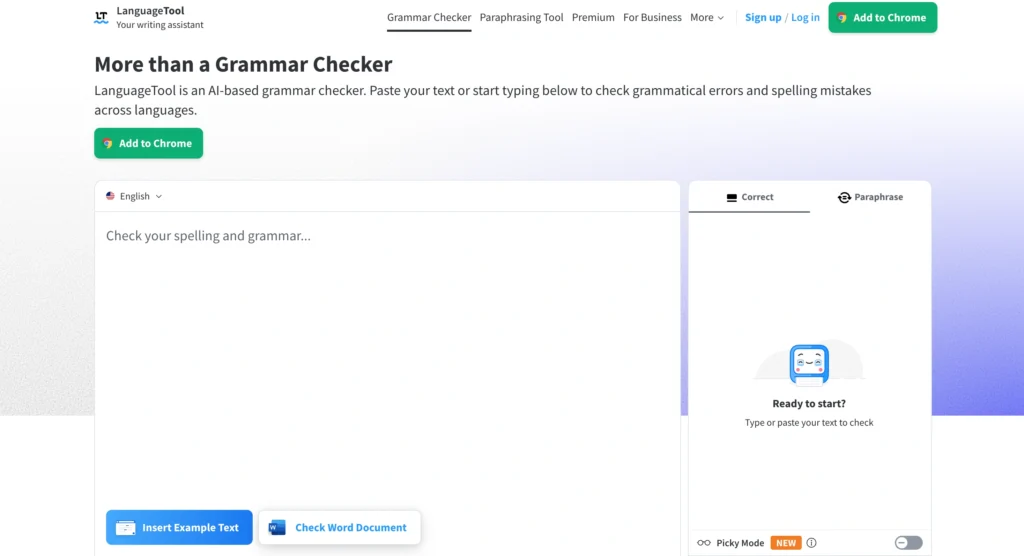
LanguageTool is one of the exceptional grammar check tools available today and provides one of the best free grammar-checking experiences globally. This tool checks for more than 30 languages and provides excellent performance in terms of spelling, grammatical, and stylistic issues. Its easy-to-use interface is equally suitable for both students and professionals.
Key features:
- Multilingual grammar checking
- Improvements in writing style
- Extensions in browsers
- Working with Google Docs and personalization options
Pricing:
- Free
- Premium version: $24.90/month, $69.90/year, $139.90 for two years
Pros:
- Free plan
- Good multiple-language support
- Very user-friendly
Cons:
The email writing function is not as developed as Grammarly’s
Expensive features are not available for free users
LanguageTool has proven that being free does not make it limited! It is a good choice for people who need safe grammar checking without paying anything.
4. QuillBot combines grammar checking with excellent AI rewriting
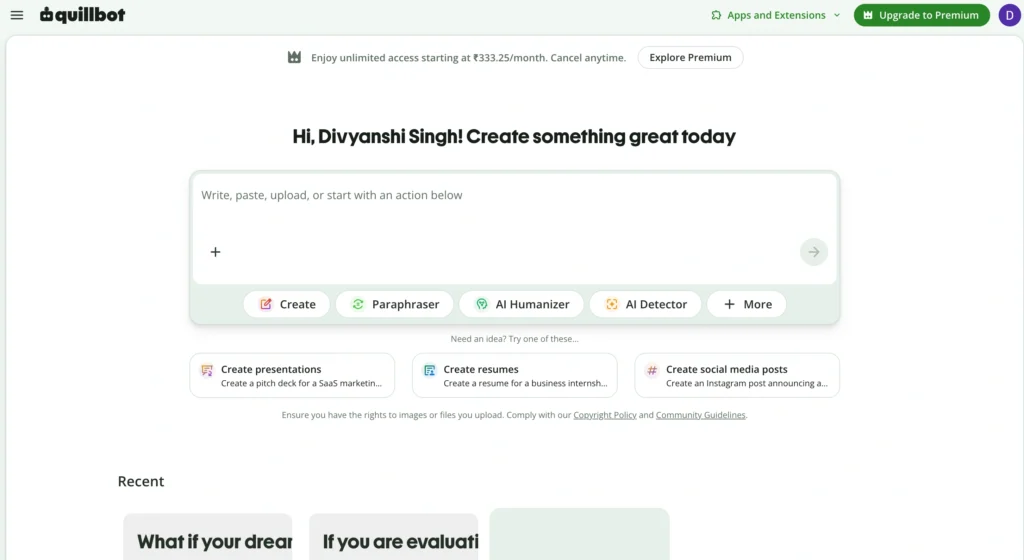
QuillBot has grown from a popular paraphrasing tool into a complete AI writing assistant. Along with grammar checking, it helps rewrite sentences, summarize text, and improve fluency. It’s an excellent choice for students, bloggers, and professionals who frequently edit drafts or rephrase content without changing its meaning.
Key features:
- AI grammar checker
- Advanced paraphrasing modes
- Sentence and paragraph rewriting
- Summarizer
- Citation generator
- Chrome extension and Microsoft Word integration
Pricing:
- Free: Basic grammar checking and limited paraphrasing
- Premium: $9.95/month, $39.95 every 6 months, $49.95/year
Pros:
- Affordable premium plan
- Excellent paraphrasing quality
- Easy-to-use interface
- Multiple writing tools in one platform
Cons:
- The free version has usage limits
- Grammar suggestions aren’t as detailed as Grammarly’s
QuillBot offers excellent value for anyone who wants both grammar correction and AI-powered rewriting without paying premium prices.
5. Wordtune helps your writing sound natural instead of robotic
Wordtune emphasizes helping one make their writing readable instead of correcting errors. Its AI offers several suggestions regarding sentences so that emails, blog posts, and reports could sound more natural and smooth while conveying the same message.
Key features:
- AI rewriter
- Tone modulation
- Grammar checking
- AI summarization
- Content length modification
- Browser extension
Pricing:
- Free: Limited Number of Rewrites
- Basic: $13.99 Monthly or $6.99 Per Month Paid Annually
- Unlimited: $19.99 Monthly or $9.99 Per Month Paid Annually
Pros:
- Natural Rewrite
- Simple Interface
- Effective for emails and business writing
Cons:
- Free Plan Limitations
- No Plagiarism Checker
Whenever your writing follows grammar structures but is not fluent enough, Wordtune will provide better recommendations than other grammar tools.
6. Hemingway Editor improves clarity where other tools stop at grammar
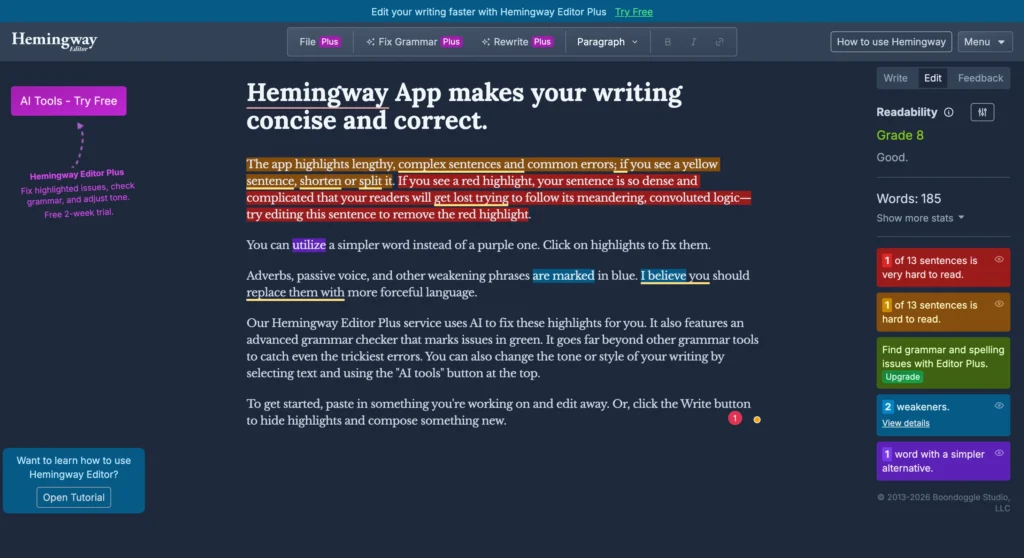
Hemingway Editor is not intended to replace Grammarly; rather, it aims to help writers to improve their writing, making it more understandable and straightforward to read. It points out the long phrases, the usage of passive voice, unnecessary adverbs, and complicated phrases that make reading more difficult.
If you’re also creating videos, using an AI editor alongside a writing assistant can significantly improve your overall content quality. For example, our VEED.io honest review explains how AI-powered editing tools can help you produce polished videos faster while maintaining professional quality.
Key features:
- Readability score
- Detection of passive voice
- Simplification of phrases
- Determination of adverbs
- Suggestions on the usage of sentences by AI
- Desktop application
Pricing:
- Web Editor: free
- Hemingway Editor Plus: $10 (individual with 5,000 AI sentences for $15) and $20 (individual with 10,000 AI sentences)
Pros:
- Good improvements in the readability of texts
- Easy-to-use interface
- Wonderful for blog articles.
Cons:
- Not many grammatical mistakes are found
- No ability to check for plagiarism
- Limited possibility for collaboration.
Perfect grammar doesn’t always create engaging content. Hemingway helps writers produce concise, reader-friendly copy that performs better online.
7. Writer helps businesses maintain a consistent brand voice

Writer is an artificial intelligence-based writing tool for businesses. In addition to correcting grammar, it also follows company branding standards, language specifications, and style guides to make sure its users sound the same in all materials created.
Key features:
- Grammar and spelling correction
- Brand reinforcement
- AI writing tool
- Ability to work in teams
- Creating customized style guides
- Integrating into different enterprise systems
Pricing:
- Team: $18 per user/month
- Enterprise: Pricing per quote
Pros:
- Perfect tool for teams
- Very good cooperation features
- Ability to create custom writing styles
Cons:
- Poorly used by non-business users
- Difficult to start using
Writer isn’t just a grammar checker. It’s a content governance platform that helps businesses maintain quality and consistency at scale.
8. Trinka AI helps professionals and researchers write with confidence
Trinka AI is an advanced AI grammar checker designed for academic, technical, and professional writing. Unlike general grammar tools, it focuses on improving formal language, technical terminology, and publication-ready content. It also offers style suggestions, consistency checks, and publication assistance, making it a strong choice for researchers and business professionals.
Key features:
- AI-powered grammar and spelling correction
- Academic and technical writing enhancement
- Style and consistency checks
- Formal tone suggestions
- Plagiarism checker (via integrations)
- Microsoft Word and browser support
Pricing:
- Basic: Free
- Premium: $20/month or $80/year
- Enterprise: Custom pricing
Pros:
- Excellent for academic and technical writing
- Strong grammar and style suggestions
- Easy integration with Microsoft Word
Cons:
- Not ideal for creative writing
- Some advanced features require a premium plan
Trinka AI fills a gap that many general-purpose grammar checkers overlook. If you regularly write research papers, technical documents, or business reports, it offers more specialized suggestions than tools like Grammarly or Quillbot.
9. Sapling AI speeds up customer conversations without sacrificing quality
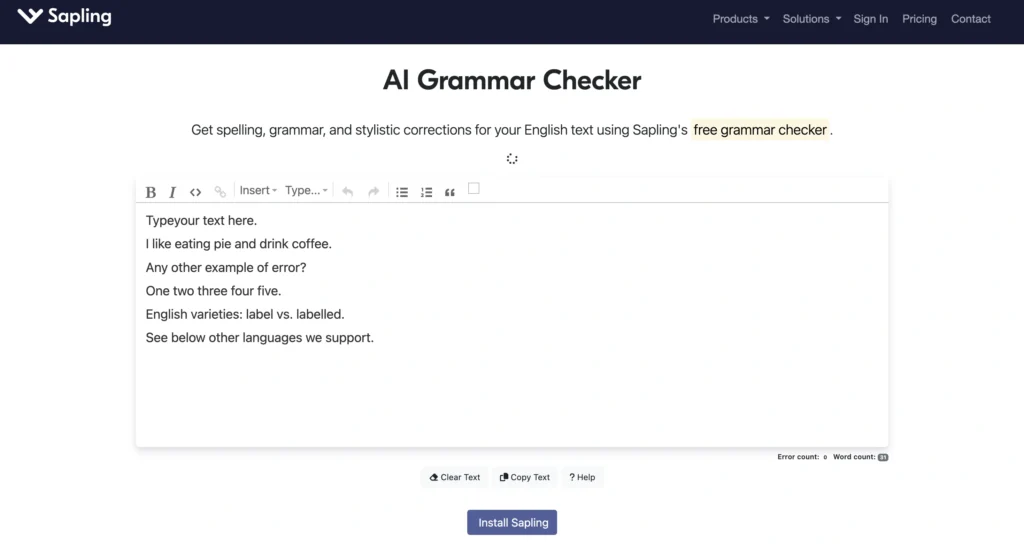
Sapling AI is designed for people who interact with their customers day by day. With its unique functions of grammar-checking and AI writing assistance, Sapling helps customer support agents and salespeople professionally perform their jobs. Besides that, due to the availability of real-time tips and integration with CRM software, it is a perfect service for organizations that need to manage hundreds of emails and chats every day.
Key features:
- Real-time grammar and spelling correction
- Automatic phrase completion
- Tone and language tips
- Integration with CRM and help desk tools
- Possibility to use templates
- Available as a browser extension
Pricing:
- Free: Basic writing assistance
- Pro: $25/month per user
- Enterprise: Individualized quote
Pros:
- Great for customer-centric teams
- Quick AI writing
- Easy to integrate with business applications
Cons:
- Not suitable for bloggers and students
- Many premium features require a paid account
Sapling AI stands out for business communication rather than content creation. If your work revolves around customer emails or live chat, it can significantly improve both speed and writing quality.
10. Microsoft Editor makes sense if you already work inside Microsoft 365
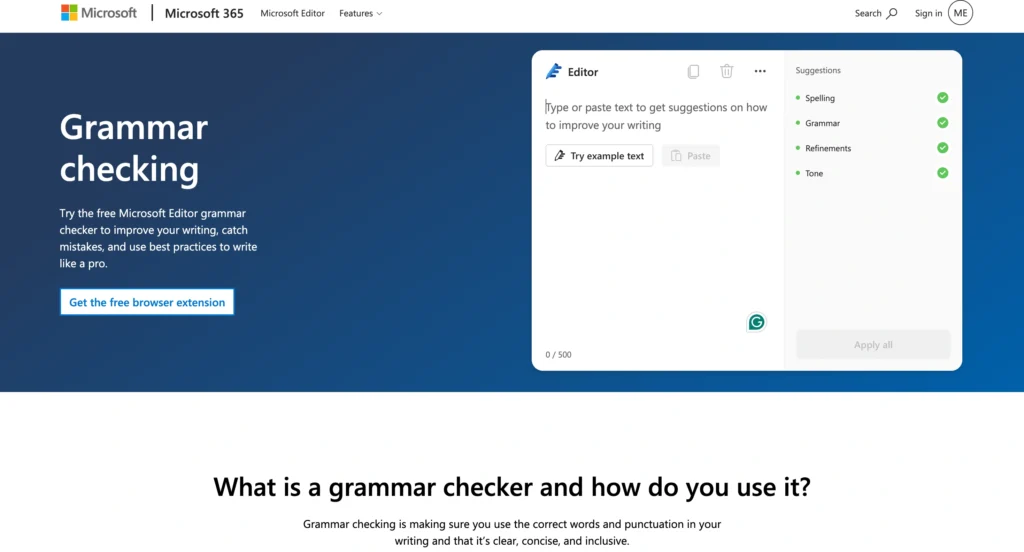
Microsoft Editor is a user-friendly grammar checker for users of Microsoft Word, Outlook, or Edge. It includes automatic grammar, spelling, punctuation, and style correction and suggestions built right into Microsoft’s set of applications. Despite being less sophisticated than specialized workplace assistant software, Microsoft Editor still guarantees a smooth working experience when dealing with everyday documents and emails.
Key features:
- Grammar and spelling correction
- Suggestions for style and clarity
- Microsoft Edge and Chrome add-ons
- Integration with Microsoft Word and Outlook
- Multilingual interface
Pricing:
- Free-of-charge versions: just grammar and spell checking
- Microsoft 365 Personal: $9.99 per month or $99.99 per year (offers some advanced features)
- Microsoft 365 Family: $12.99 per month or $129.99 per year
Pros:
- Excellent integration with Microsoft 365 products
- User-friendly
- Seems cost-effective for existing Microsoft subscribers
Cons:
- AI rewriting features of Microsoft Editor are less advanced than those of Grammarly or Wordtune
- Premium features are only available to Microsoft 365 subscribers
Microsoft Editor is an excellent choice if you already pay for Microsoft 365. However, dedicated AI grammar checkers offer more advanced writing suggestions and editing capabilities.
How we evaluated these AI grammar checkers beyond marketing claims
Every AI grammar checker is supposed to provide high-quality writing. Nevertheless, the marketing statements do not always reflect the performance of these tools. Therefore, we used real emails, blog posts, reports, and everyday documents instead of theoretical examples.
Similarly, if you’re comparing autonomous AI agents instead of writing tools, our guide on AutoGPT alternatives explores the best AI agent platforms, helping you choose the right solution based on features, performance, and real-world use cases rather than marketing claims.
The evaluation of grammar checking tools was based on the following factors:
- Grammatical precision
- Quality of AI rewriting capabilities
- Context understanding
- Effectiveness in improving the tone of the text.
- Readability
- Presence of integrations
- User-friendliness
- Pricing policy
Finally, we chose only those tools that were recognized to be effective at writing improvement.
The right AI grammar checker depends on what you write every day
Not every writer has the same needs. For example, students need affordability, while businesses need collaboration features. Likewise, bloggers often prioritize readability, whereas researchers need formal writing support.
| User Type | Best Tool |
|---|---|
| Students | Grammarly, Quillbot |
| Bloggers | ProWritingAid, Hemingway Editor |
| Researchers | Trinka AI |
| Businesses | Writer |
| Customer Support | Sapling AI |
| Budget Users | LanguageTool |
| Marketers | Wordtune |
| Microsoft Users | Microsoft Editor |
Therefore, choose the tool that matches your workflow instead of simply picking the most popular option.
When a free AI grammar checker is enough and when paying makes sense
Free versions are a good choice for use in writing activities on a regular basis. Most of them can help with grammar correction, spelling checking, punctuation suggestions, and a limited set of AI features.
Similarly, if you’re deciding whether to invest in premium AI software, check out our guide on Free and Paid AI Tools for Freelancers to compare which tools are worth paying for and which free alternatives can handle everyday tasks effectively.
Nonetheless, premium versions provide extra benefits, which include:
- Unlimited possibilities for AI rewriting
- Plagiarism detection service
- Tone analysis
- Advanced style advice
- Team collaboration
- Priority support
Hence, in the long run, professionals who need to write on a daily basis can cover their subscription costs.
The best AI grammar checker is the one you’ll actually use consistently
No AI grammar checker suits everyone. Overall, Grammarly remains the best all-round choice, while ProWritingAid is ideal for long-form writing. Meanwhile, LanguageTool offers excellent value for free users, Trinka AI serves researchers, Writer helps businesses, and Sapling AI excels in customer communication.
Ultimately, choose the tool that matches your writing goals and budget. Most importantly, use AI to strengthen your writing, but always review its suggestions before publishing.
FAQs
Grammarly is the best overall AI grammar checker because it combines excellent accuracy, AI writing assistance, and broad platform support.
LanguageTool offers one of the best free plans. Additionally, Grammarly, QuillBot, and Microsoft Editor also provide useful free versions.
Yes. Grammarly Pro offers advanced grammar checking, AI rewriting, and plagiarism detection, making it a worthwhile investment for frequent writers.
Yes. Additionally, Grammarly and several other premium tools include plagiarism detection for academic and professional writing.
Trinka AI is the best option because it specializes in academic and technical writing.
