
Meta Muse can be used to manage cross app tasks, navigate around the web, complete forms and work in the background. However, in the Meta launch announcement they mention that they will be launching in the US first so if you aren’t in the US you will need alternative options.
However, there are some considerations. A question-answering AI assistant will not be the same as one that can carry out tasks. There are tools that will help you organize your files, manage your e-mails, research a topic, create a report or automate a repetitive process. A few will need some technical set-up.
This guide outlines ten alternatives and gives a comparison of practicalities, price and set up requirements. This is using information from the official product page and pricing page, dated October 29, 2026. Features and availability will vary per region.
Want to explore tools before creating an account? See our list of free AI tools that work without login.
Key takeaways
- The most suitable for general work: ChatGPT Work is perfect for working on research, analysis, and finished deliverables.
- The best for desktop assignments: Use Claude Cowork for the files you work on and multi-step tasks.
- The best for research: You will love Perplexity Computer for all your research, paperwork, and connected app processes.
- The best for messaging: Poke is perfect for email, calendars, and reminders via chat.
- The best free place to start: Try Siri on any compatible Apple device, or try the free version of Poke.
- The best with automation of your own design: Look into OpenClaw and Hermes Agent if you don’t mind working on it yourself.
Quick comparison of the 10 alternatives
| Tool | Best for | Starting price | Main limitation |
|---|---|---|---|
| ChatGPT Work | Research and deliverables | Plus: $20/month | Plan and usage limits |
| Claude Cowork | Desktop files and multi-step work | $20/month | Usage limits |
| Perplexity Computer | Research and connected apps | Free plan; Pro $20/month | Computer usage limits |
| Gemini | Google Workspace tasks | Google AI Pro: ₹1,950/month in India | Plan and feature availability |
| Siri and Apple Intelligence | Everyday device tasks | No separate subscription for core features | Compatible hardware required |
| Poke | Email and calendar through messaging | Free; Pro $19/month | Permissions and plan limits |
| Manus | Research and project deliverables | Free; Pro from $20/month | Credit-based usage |
| Zapier Agents | Repetitive business workflows | Free; Pro $400/year | Activity limits |
| OpenClaw | Self-hosted personal automation | Free software; model and hosting costs vary | Technical setup and security |
| Hermes Agent | Persistent, custom AI workflows | Free software; optional paid services | Setup and model costs |
Prices are in US dollars unless stated otherwise. Indian pricing, taxes, billing periods and feature access may differ. Check the linked official pages before subscribing.
How we chose these Meta Muse alternatives
This is a documentation-based analysis rather than a practical performance comparison. We evaluated the tools with respect to five criteria:
- Task completion: Does the tool accomplish the task and not just provide an answer?
- Everyday usefulness: Does it perform useful tasks like research, scheduling, email or file management?
- Access: Does the individual require too much effort to start working with the tool?
- Pricing: Is there a way to use the tool for free?
- Control: Can a user define the level of permissions, track the activities made and understand the costs?
This issue is important. The tool that produces a correct answer can still leave you with all the work to be done.
1. ChatGPT Work: best for research and finished deliverables
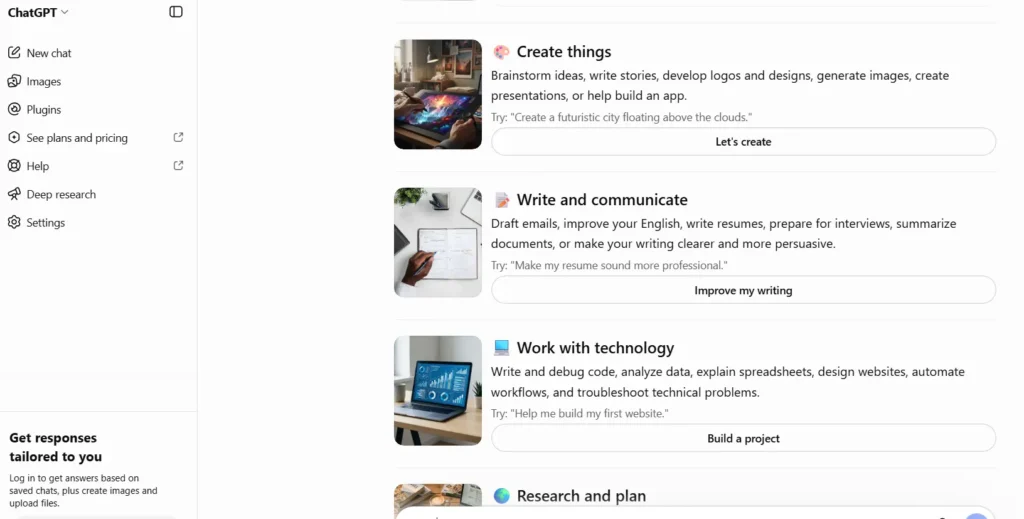
What it is. ChatGPT Work is a tool for multi-step, extensive tasks related to information research, document creation, and file examination. Depending on the available options, it may create documents, reports, spreadsheets, and presentations.
Key features. It includes research, file analysis, document creation, and cloud routines, where supported. Work is available as a paid service under certain plans and may be used without any coding.
Best for. Founders, consultants, agency owners, and specialists who wish to transform a general instruction into an actionable output.
Pricing. ChatGPT Plus costs $20/month on the official ChatGPT pricing page. Plus includes access to ChatGPT Work, subject to the features and limits available on the account. API usage is billed separately.
Limitations. The work is not unlimited and totally independent. Certain duties necessitate extra explanations, confirmations or validations. Restrictions are in effect as well.
Aadhunik take. Use it in the beginning if your key objective is to delegate some research or administrative activities and get the end product from your assistant.
2. Claude Cowork: best for desktop files and multi-step tasks
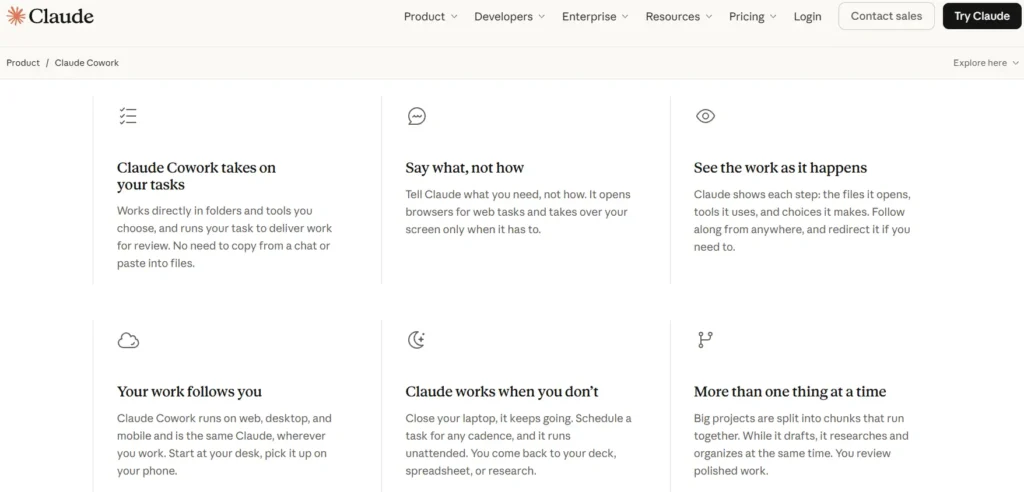
What it is. Claude Cowork employs Claude’s capacities in its field of knowledge management that are not limited to programming. It can perform some actions with specific files and tools, which includes functions of information organization or report writing.
Key features. Support for desktop workflows, multi-level task performance, and integration with various solutions. It is also available on web and mobile devices in beta version depending on the package.
Best for. People who spend their day working with documents, research material and project files.
Pricing. Claude Pro costs $20/month when billed monthly, or $200/year when billed annually. Cowork is included in eligible paid plans. See the official Claude Cowork page.
Limitations. Cowork relies on Claude’s limits as determining factors and may use those limits faster than ordinary conversations due to intricate tasks involved. Additionally, it cannot replace thorough assessment of significant document revisions.
Aadhunik take. Go for Claude Cowork as long as the job consists of about two files or involves knowledge work that is more complex than a simple block of code.
3. Perplexity Computer: best for research-heavy work
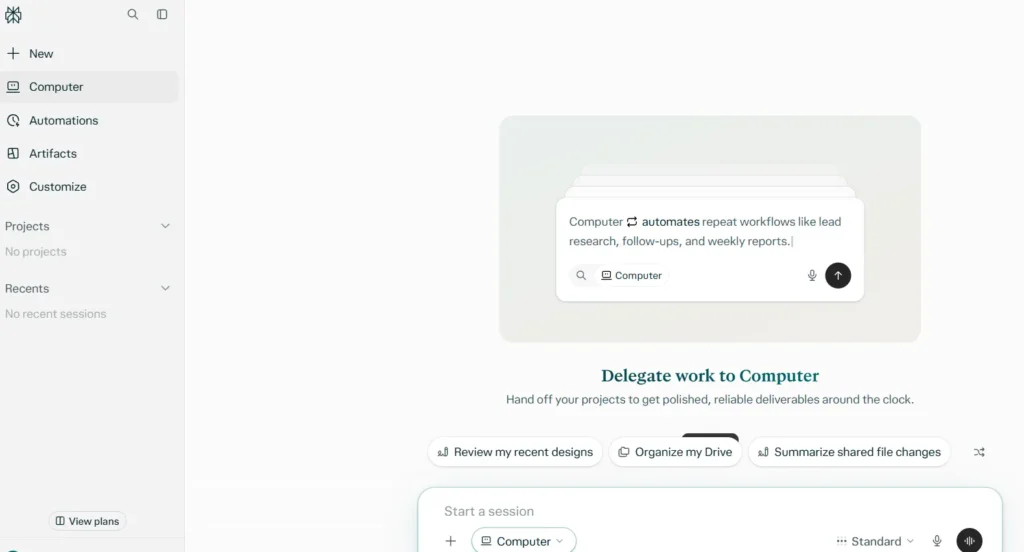
What it is. Perplexity Computer takes the Perplexity concept to the next level by introducing multi-step operations. This is a system that needs more than simple question-answering activities, but rather requires the ability to search for information, apply the information tools to elaborate a project based on the research results.
Key features. Researching through the web, using different AI models, writing documents and connectivity options are only available under the right subscription.
Best for. This tool will be useful for consultants, researchers and entrepreneurs who need to collect the information from various sources and prepare some type of report based on that.
Pricing. Perplexity has a free plan. Pro costs $20/month and includes expanded Computer access. Check the official Perplexity pricing page for current limits.
Limitations. There are certain restrictions regarding the use of computers. The outcomes of the research have to be verified, and being subscribed does not mean that all connections and pathways can be accessed.
Aadhunik take. If you handle several research tabs at the beginning of your day and finish it off with a good report, Perplexity Computer can be appropriate. If the only thing you want is to facilitate the process of communication and arrangements, then an assistant based on messaging is more appropriate.
4. Gemini: best for people who work in Google apps
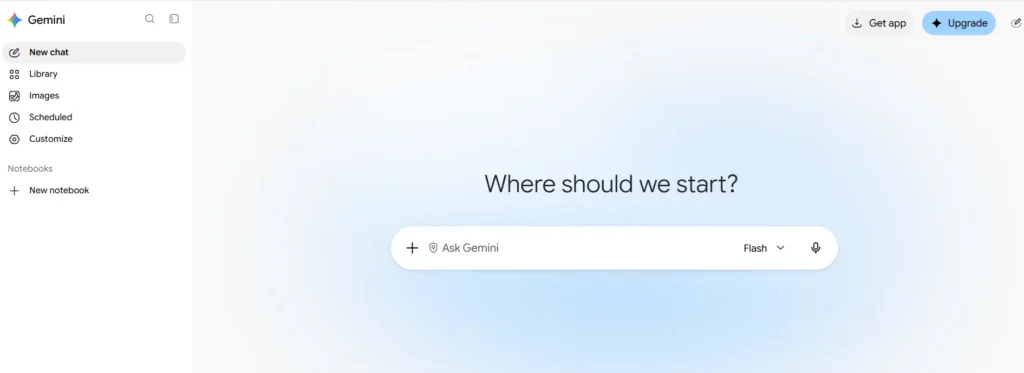
What it is. The Gemini ecosystem launched by Google is an AI-powered assistant that is aligned with several Google services. Depending on the plan and the game’s status, this helper can be used in Gmail, Google Docs, Drive and other Workspace tools.
Key features. Writing assistant, research capabilities, summarizing documents and integrating with the supported Google applications. Agentic features depend on the product and account used.
Best for. For those people whose work is already done in Google’s ecosystem.
Pricing. Google’s official AI plans page for India lists Google AI Pro at ₹1,950/month. The plan includes higher usage access and additional features. Check the current plan details before subscribing.
Limitations. There is no guarantee that every feature of Gemini is supported in India or included in every subscription. Access limits, usage limits and supported integrations vary from one account to another.
Aadhunik take. Gemini is the obvious way if your work has already been run under Google. Before paying, make sure the specific automation task you want is supported under your account, rather than simply reading a generic feature announcement.
5. Siri and Apple Intelligence: best for everyday device tasks
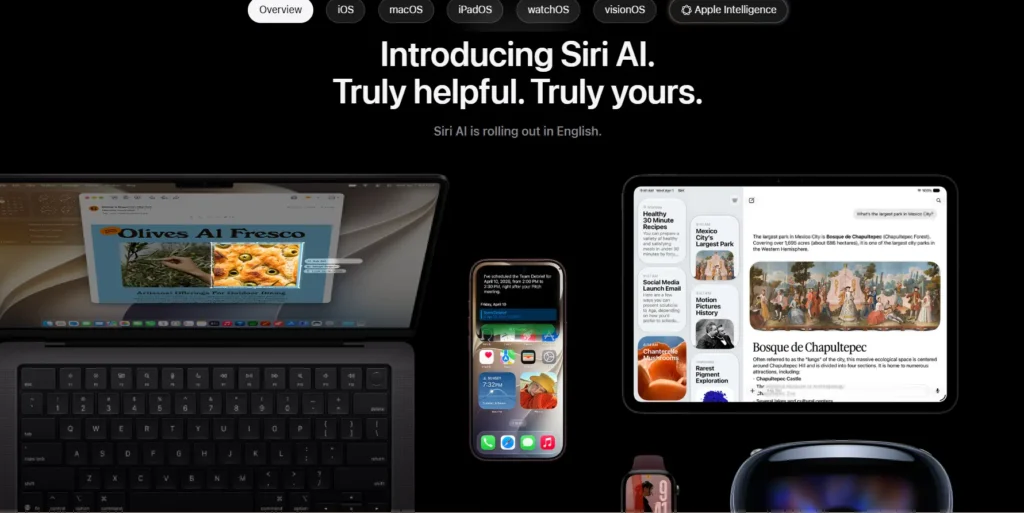
What it is. Siri and Apple Intelligence incorporate AI technologies and features to compatible Apple devices, helping with various tasks in everyday life, writing, and communication about Apple’s software scope of applications.
Key features. Voice assistant, writing capabilities, and Apple Intelligence features available on compatible devices. Availability depends on hardware, device model, software version, language, and region.
Best for. iPhone, iPad and Mac owners who want to benefit from the ready-made functionality of their devices.
Pricing. No separate subscription necessary for Apple Intelligence key features available on compatible devices.
See Apple Intelligence and Siri for current compatibility details.
Limitations. Siri cannot be directly used as a substitute for a cloud agent that can work on the same project simultaneously on several sites. Some advanced features might also be unavailable on older equipment or if the language is not supported.
Aadhunik take. This option is perhaps the most effortless one if you already own the compatible Apple hardware. The only thing left to do is to distinguish the cases where assistance will do and where more complicated actions will require a separate agent.
6. Poke: best for managing tasks through messages
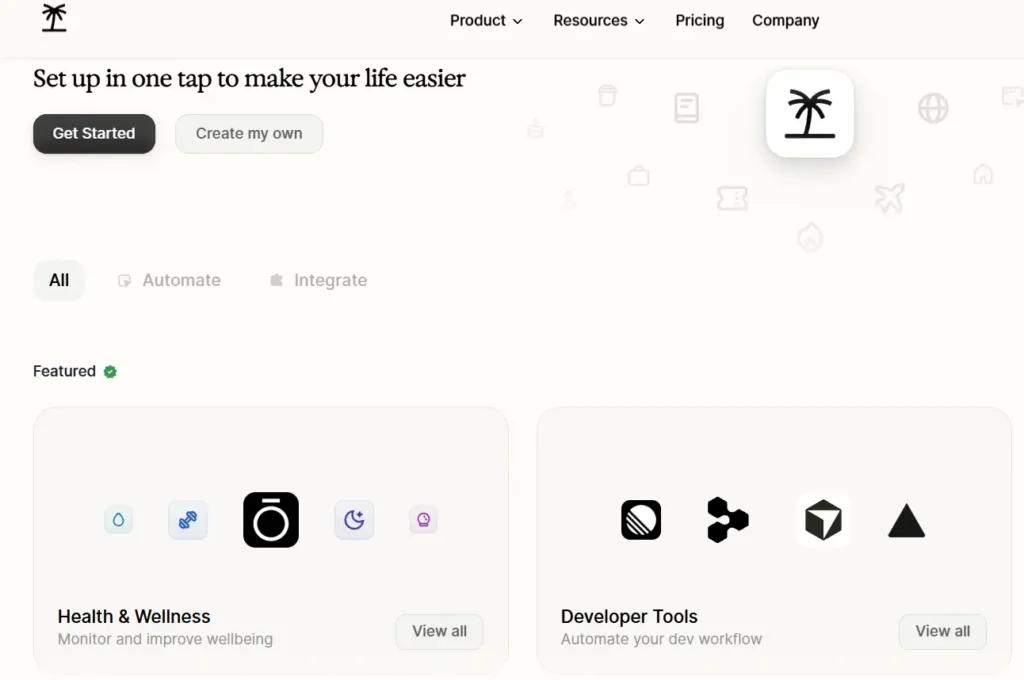
What it is. Poke is an AI that operates through messaging platforms such as Apple Messages, Telegram, WhatsApp, and RCS. It allows users to perform a variety of supported tasks using plain language without leaving the messaging application.
Key features. Email management, calendar appointments scheduling, reminders, internet search, and connection to multiple supported applications.
Best for. Anyone who prefers sending a message such as “Find out what’s on my calendar for Friday” instead of launching different applications.
Pricing. Poke offers a free plan. Pro costs $19/month, while Ultra costs $199/month. The higher tiers provide additional model capabilities and automation capacity. See Poke’s official pricing page.
Limitations. Free access comes with limitations, but premium functionality is available for additional fees. A link between an email and calendar account also means that the permissions granted to the assistant need to be checked.
Aadhunik take. Poke is as close to a conversation personal assistant as the other options in the category. The main advantage is its interface; you simply start with sending a message without going through complicated setup.
7. Manus: best for research and project deliverables
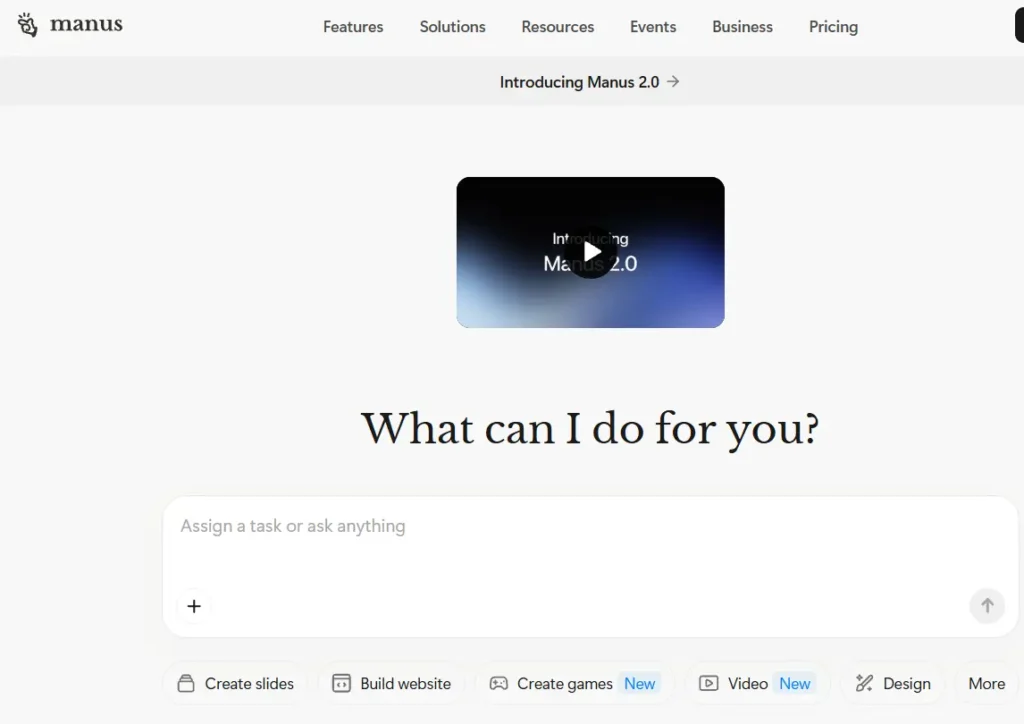
What it is. Manus is an AI agent which can deal with a wide spectrum of tasks, such as research, producing documents and creating websites.
Key features. Functions as agent, provides research, document creating and website publishing capabilities depending on the activity settings.
Best for. Any user who wants to pass an assigned task to an agent instead of do it on own, thus saving effort and time.
Pricing. Manus offers a free plan. Its official help centre lists Pro plans starting at $20/month, with higher tiers available. Pricing and credit allowances can vary by plan. See the Manus pricing information.
Limitations. Agent tasks utilize up some credits; thus, the title subscription fee does not indicate how many projects you can execute. Bigger or more complicated tasks may take more credits.
Aadhunik take. Use Manus when the task has a definite result like performing market research or writing the first draft of a website. Track credits during several first projects before introducing it into a continuous workflow.
8. Zapier Agents: best for repetitive business workflows
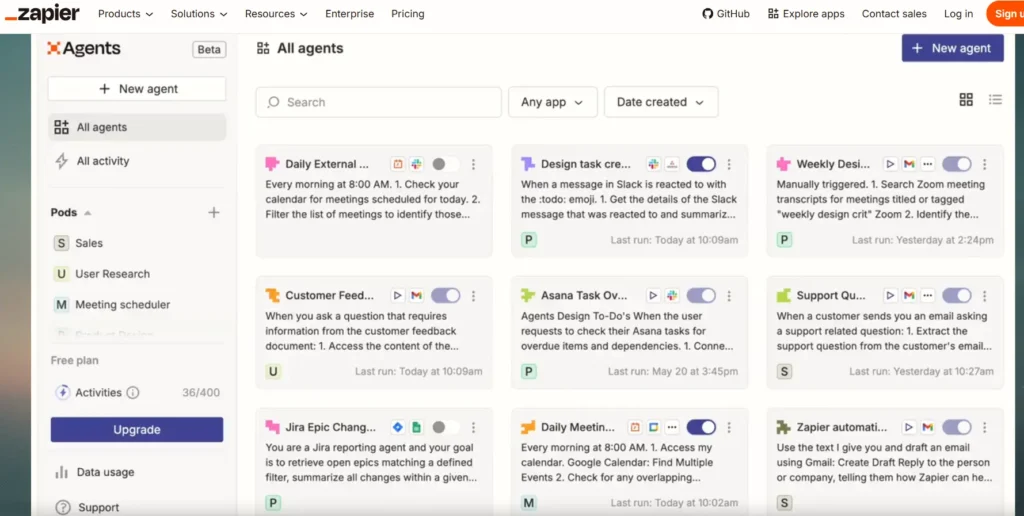
What it is. Zapier Agents blend AI mechanisms with business apps and workflows. It works best with repeatable tasks rather than functioning as a versatile assistant.
Key features. Agents that connect to data sources, surf the web and work with the supported applications. You can use it for different processes in your business.
Best for. Small companies and operations teams willing to minimize manual transfers between applications.
Pricing. Zapier lists a free Agents plan with up to 400 activities per month. Agents Pro costs $400/year, billed annually, for up to 1,500 activities per month. See Zapier’s official pricing page.
Limitations. Activity limits are important. A frequent-flow process may burn through its activity limit rapidly and is not optimized for vague personal tasks.
Aadhunik take. If a job can be performed as a repeatable process, Zapier Agents are likely to be a wiser alternative than a generalized assistant. As an illustration, you may automate processes that categorize the incoming queries, forwarding them to the appropriate team.
9. OpenClaw: best for people who want control over their agent
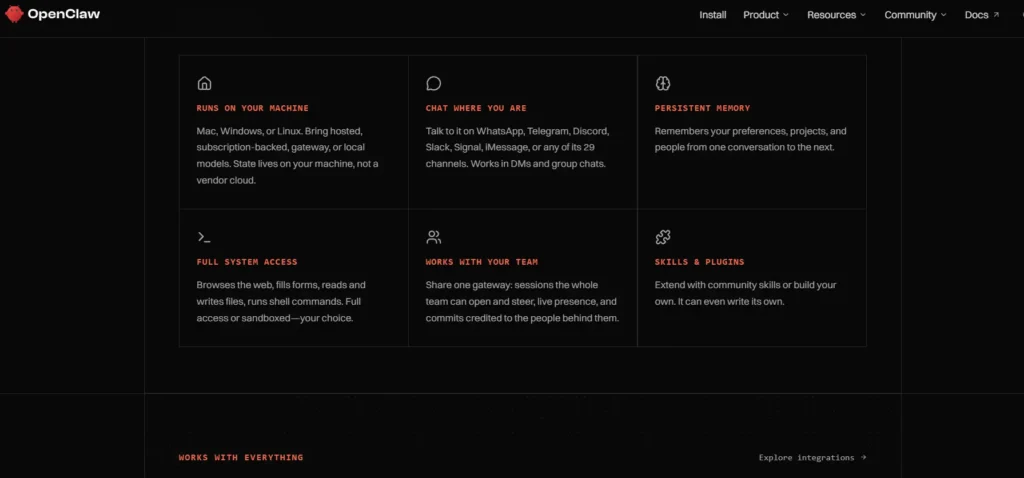
What it is. OpenClaw is an open source AI assistant that can be self-hosted. It can be configured to integrate with popular messaging services like WhatsApp, Telegram and Slack.
Key features. Chat based interface; Configurable tools; Permission based system; Expandable. Can integrate with supported model providers.
Best for. Tech-savvy users who want to customise and control where their assistant is hosted.
Pricing. The software is available as an open-source project. Your total cost depends on the model provider, hosting and any additional services you use. Start with the official OpenClaw documentation.
Limitations. It is not completely free. There are some initial steps that should be done to ensure it works properly. For example setting up any required configurations, managing identities and knowing what happens to your security if you allow them access to accounts/files.
Aadhunik take. OpenClaw is best suited for those that want control over their system. It is best to start with a user with low permissions doing something with a low risk. Then once you know it is working you can connect important accounts.
10. Hermes Agent: best for persistent, custom AI workflows
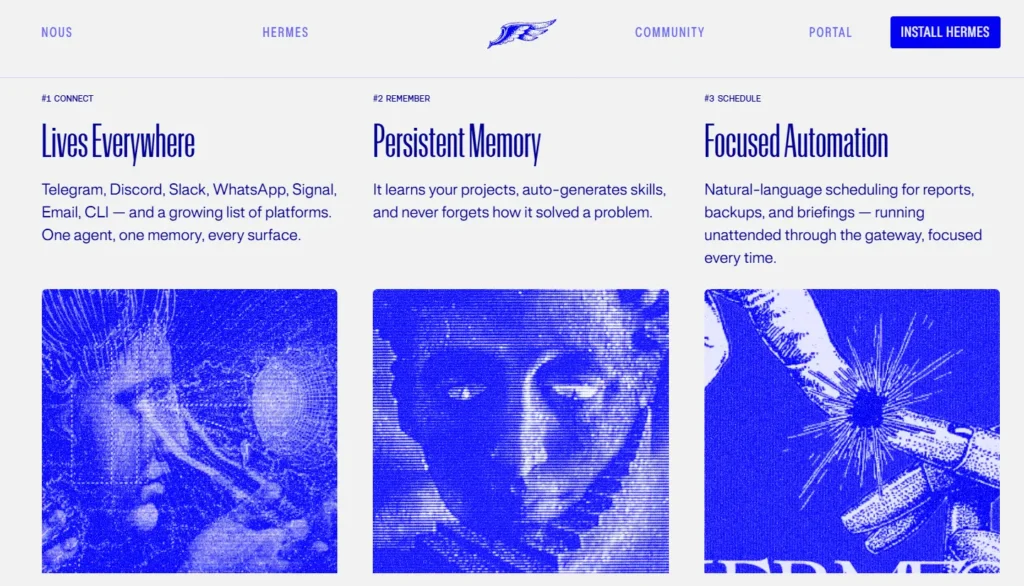
What it is. Hermes Agent is an open source agent from Nous Research with advanced features such as long-term memory, scheduling and messaging integrations. The agent can be run either locally or using a hosted solution.
Key features. Reusable skills Long-term memory Web tools Scheduling Delegation to specialised agents
Best for. Technical users looking for an agent that can store context about a project and provide you with tailored workflows.
Pricing. The software is free and open source under the MIT licence. Model usage and hosting can cost extra. Nous Portal also offers paid plans for model and tool usage. Check the official Hermes Agent site for setup and current pricing.
Limitations. There is more involvement needed to setup and maintain compared with a basic consumer assistant. It is important to know what information is being stored by the agent.
Aadhunik take. If you want to build an assistant which works with your processes then Hermes is a good tool to look into. For those who just want help with their diary and email summaries it may be too much of a system.
Which Meta Muse alternative should you choose?
Your choice relies on the kind of job you wish to pass on rather than how many functions any given product has.
- If you want to do research or prepare reports, start using ChatGPT Work or Perplexity Explorer.
- If your task involves working with documents on a computer, try Claude Cowork.
- If working in Google is your preferred approach, look at the features supported by Gemini from your own account.
- If you are looking for messaging and administration tools, check Poke or the built-in features of Siri.
- If you are after processes that occur on a repeatable basis, consider using Zapier Agents.
- For customized automation that you manage yourself, compare OpenClaw to Hermes Agent.
- When it comes to large research projects, use Manus and keep an eye on your credit limit.
For more detail on xAI’s approach, read our guide to what xAI’s agents actually do.
If you live in India and are considering making a payment, be sure to check if the product you are looking for is available in your country of residence. A product can have its global website but still have some restrictions in terms of features, plans or integration.
You can also compare free AI offers available in India before choosing a paid alternative.
For more options, see our guide to the best AI agents. If you are considering a self-hosted setup, read our guide to AI agent security risks before granting access to your accounts.
Before you let an AI agent act on your behalf
Commence with a basic task. Have it write a summary of a paper, create folders or draft up something before it gets to send messages, buy things, or delete data.
Check this list before you link up your accounts.
- Pay attention to permissions for integrations.
- Leave enabled the approval rule for actions that are of great importance to you.
- Verify whether the provider saves this data or uses it to train the model.
- Impose limits on spending and usage when possible.
Follow the agent before making it part of routine processes.
FAQs
No. It will depend on what provider you’re using, how it’s hosted, any integrations, and how you’ve set it up. Be sure to review how your data is being managed.
ChatGPT Work or Claude Cowork are a good option if you’re using it for research and document creation. However, if you need repeatable processes across different business applications then Zapier Agents is the best choice.
Some can. Ensure that you keep approvals enabled for payments, sending and destructive actions.
A chatbot can answer questions and create content. An agent can do more by using tools to complete several steps to achieve a goal.
The real test is what you can safely delegate
Whilst Meta Muse is part of a wider trend towards action driven AI, more autonomy does not necessarily mean greater value.
The best alternative to Meta Muse will be one that can consistently perform a particular function. It should integrate well into current workflows and provide enough control so that you can identify any errors. Start with minimal permissions and measure results. Gradually increase permissions based on how much you trust the solution.
